 Made in Switzerland
Overview 01 / 06
The bigger picture
App for Tesla drivers · iPhone & Android
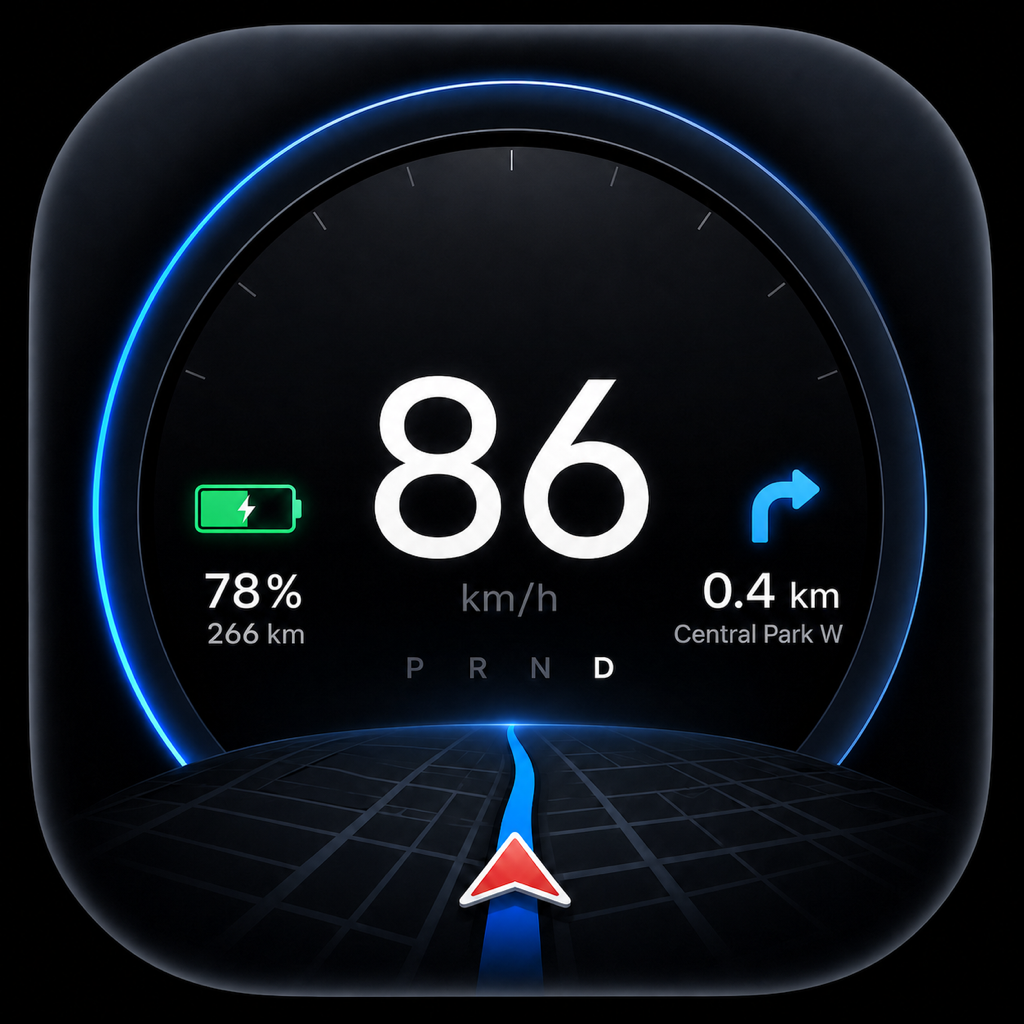
Tespit connects locally to your Tesla over Bluetooth and shows speed, battery, range, navigation and media in an elegant, customizable cockpit.


Made in Switzerland
Instead of expensive retrofit solutions, Tespit uses the device you already carry with you.
No installation, no cables, no changes to the vehicle – just install the app.
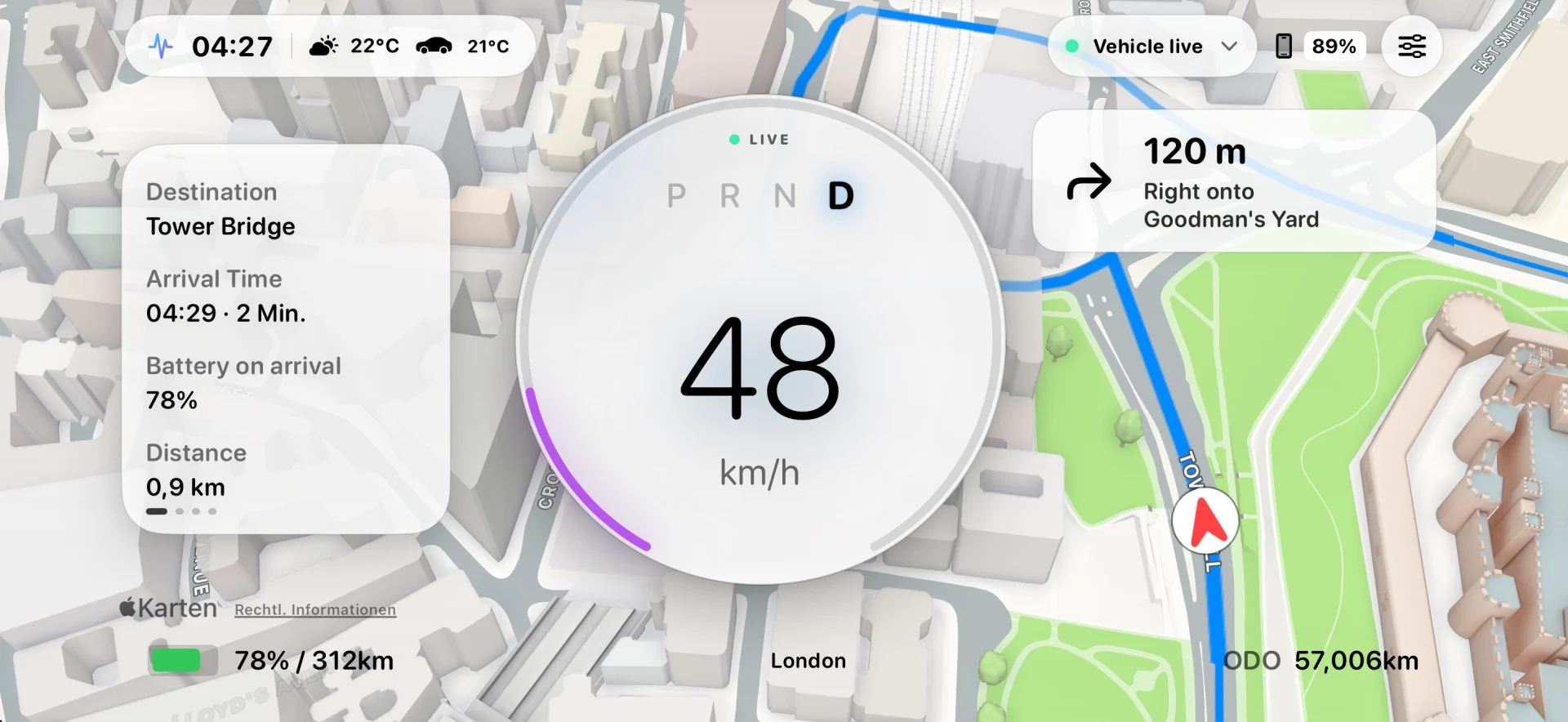
Your iPhone becomes a driver cockpit – in portrait or landscape, with HUD mode.
Directly to the vehicle via Bluetooth Low Energy. No detour through third-party servers.
Next maneuver, distance and street name – right in view.
Speed, gear, battery, range and odometer.
Interior temperature and active climate control at a glance.
Current track and artist in calm typography.
Reflect the most important values onto your windshield.
Lock screen and Dynamic Island always stay up to date.
Per-wheel values, clearly presented.
Units, colors and themes are all up to you.
Cockpits
A clear view of speed, battery and navigation.
LIVE WHILE DRIVING
Map, navigation and vehicle data update in real time inside the cockpit while you drive.
Carefully picked capabilities for your daily drive.
Speed, battery, range, gear and odometer – clean, high-contrast, never crowded.
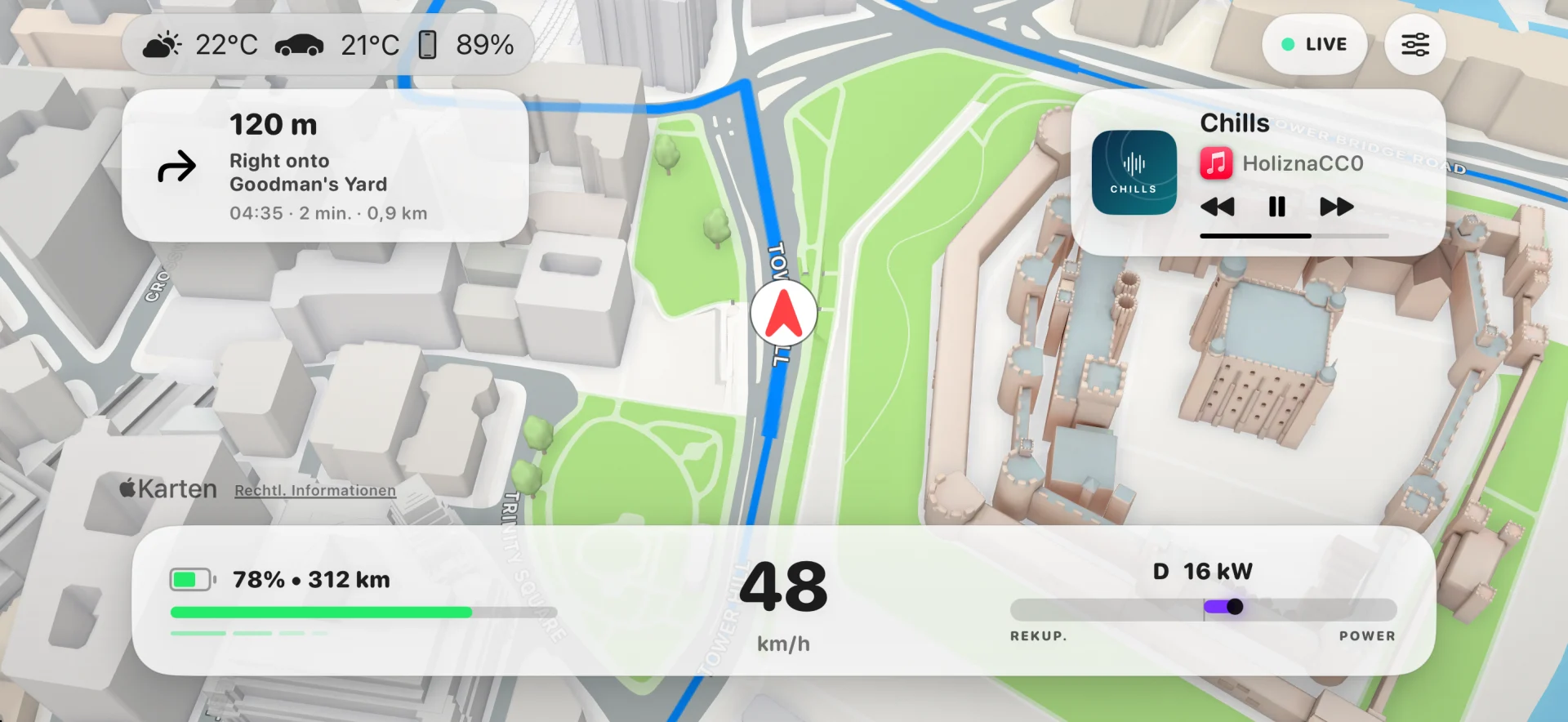
Map view, next maneuver, current track – without taking your eyes off the road.
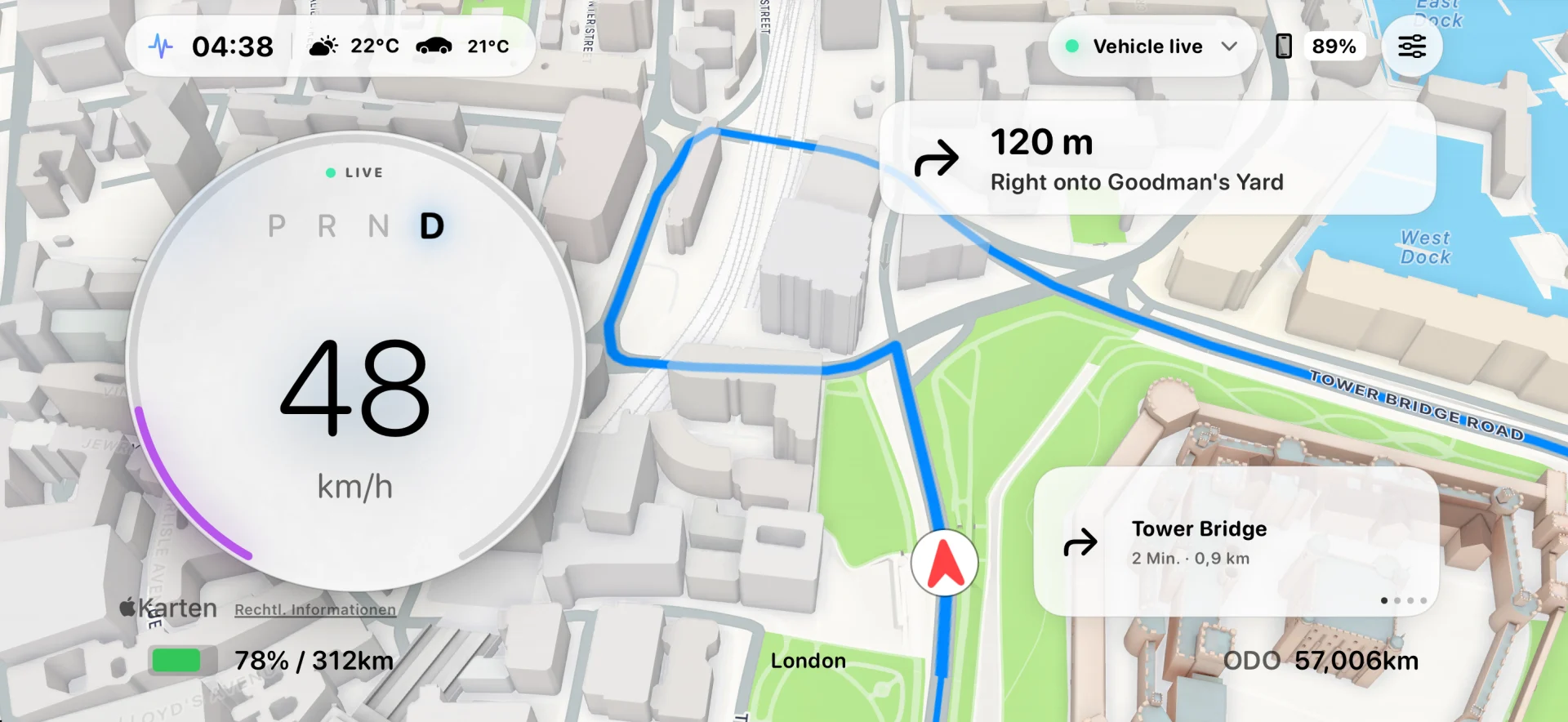
Colors, modules, instruments and the head-up display – finely tunable, never in the way.
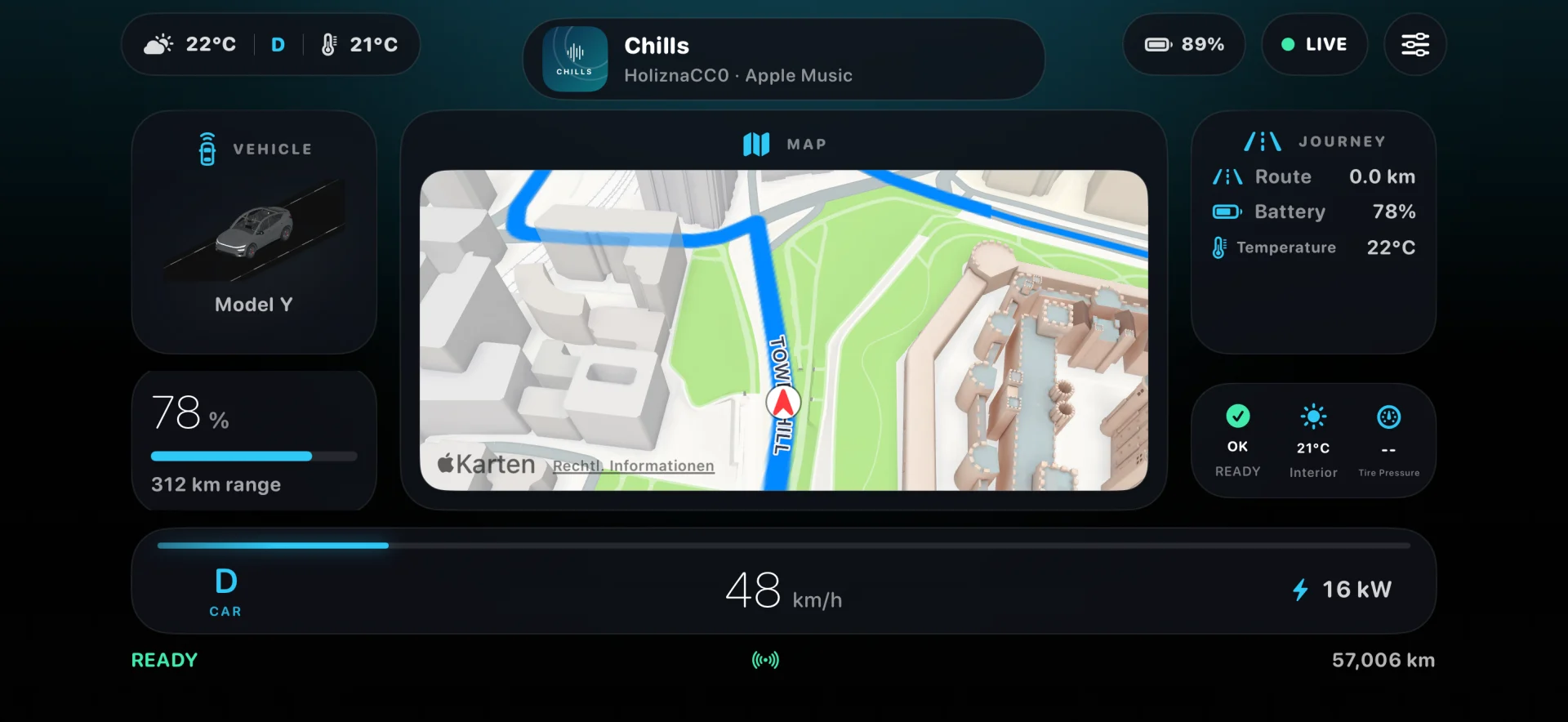
Switch layouts with a single tap. The right cockpit for every drive and every car.
A clear view of speed, battery and navigation.
Tespit pairs directly with your vehicle – no Tesla login and no account.
Setup on iOS.
Put the car in Park (P) and sit inside with your iPhone.
Open the official Tesla app, copy the 17-digit VIN and paste it into Tespit.
Confirm the new vehicle key inside the car using the physical key card.
No Tesla login required in Tespit.
Pairing happens locally over Bluetooth Low Energy and only has to be done once per vehicle. Tespit uses neither your Tesla account nor a cloud server of its own for this.
Model S and Model X built before 2021 don't have the required Bluetooth interface and are not supported.
The NFC reader sits in a different spot depending on model and model year. Choose your vehicle and see the correct position.
Hold the card against the spot shown in the video until the vehicle responds.
Hold the card steady against the spot shown in the video until the vehicle confirms pairing.
New since 1.1.13 · iOS & Android
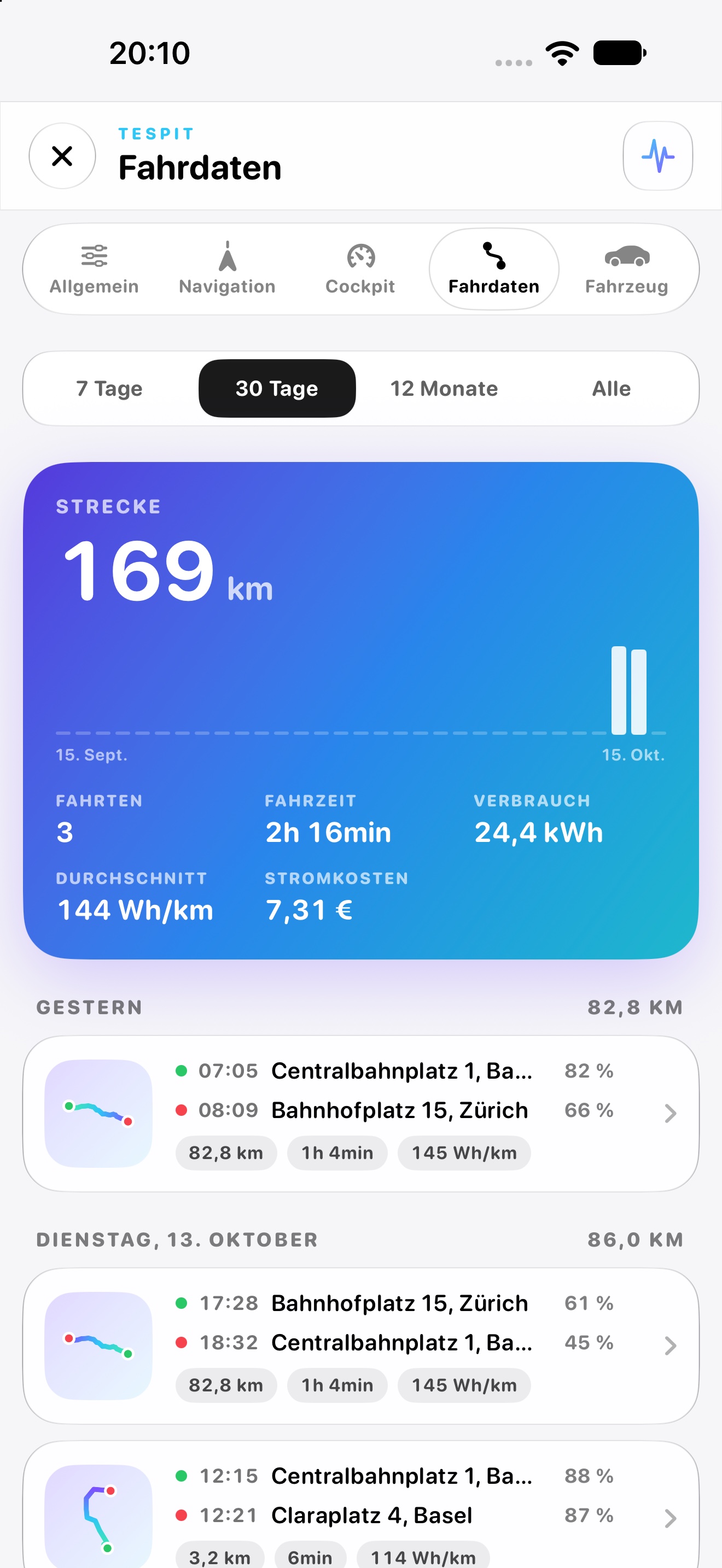
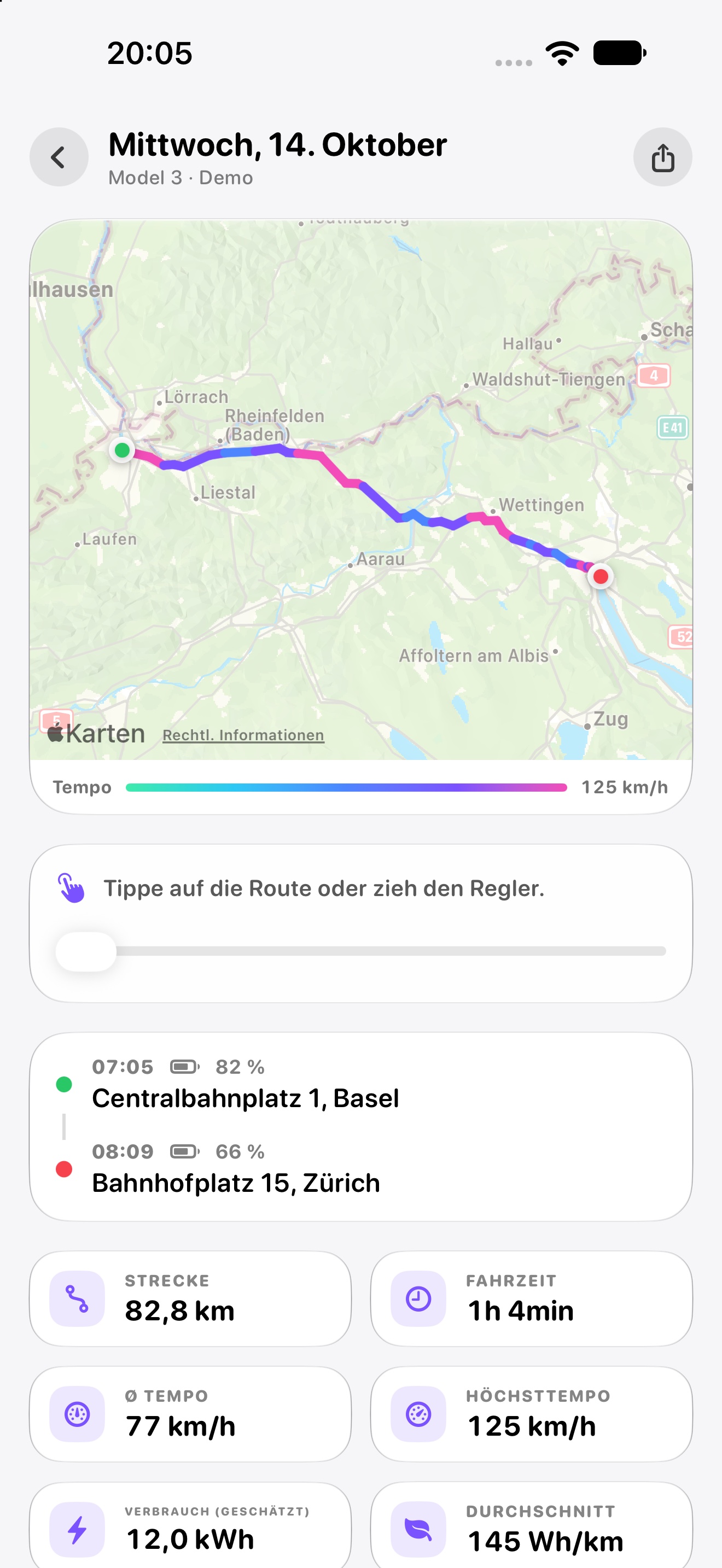
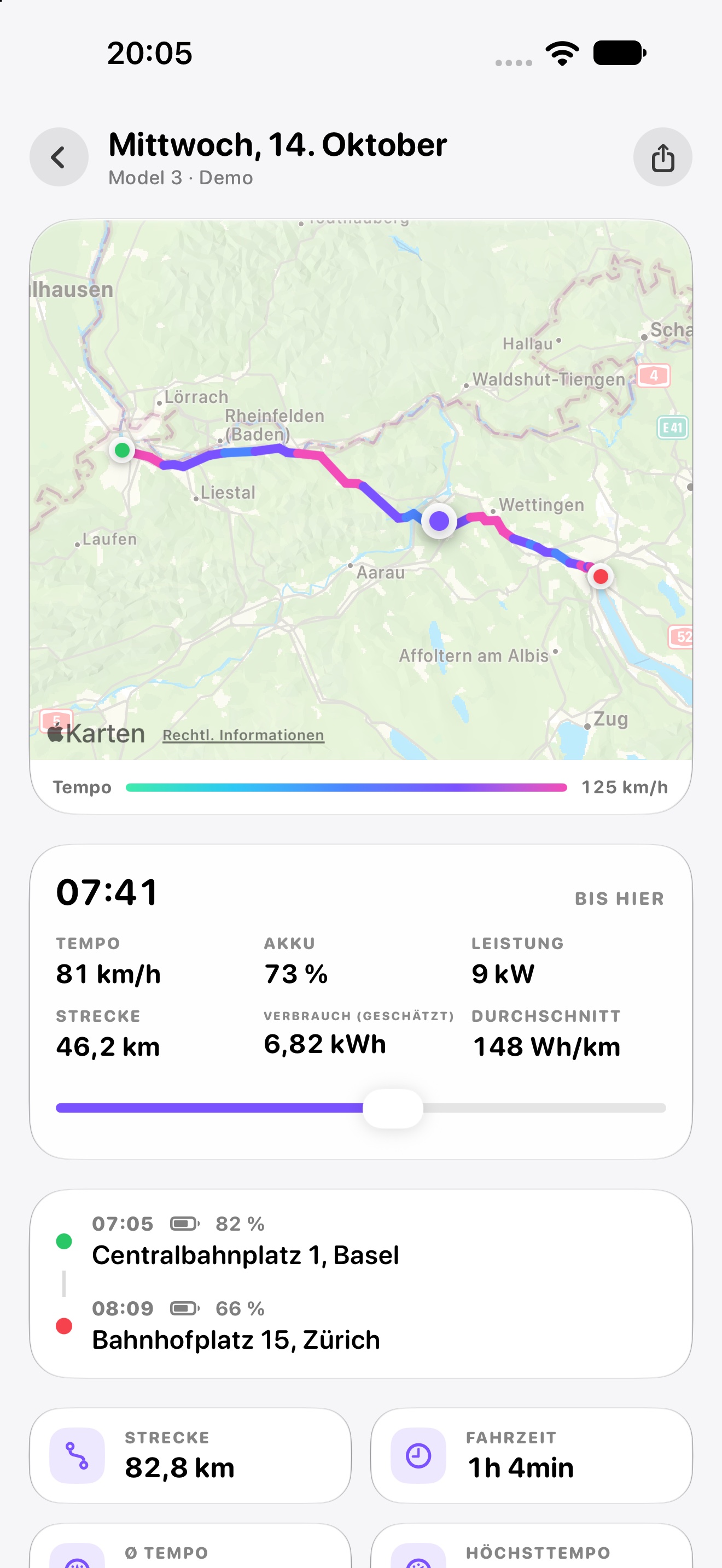
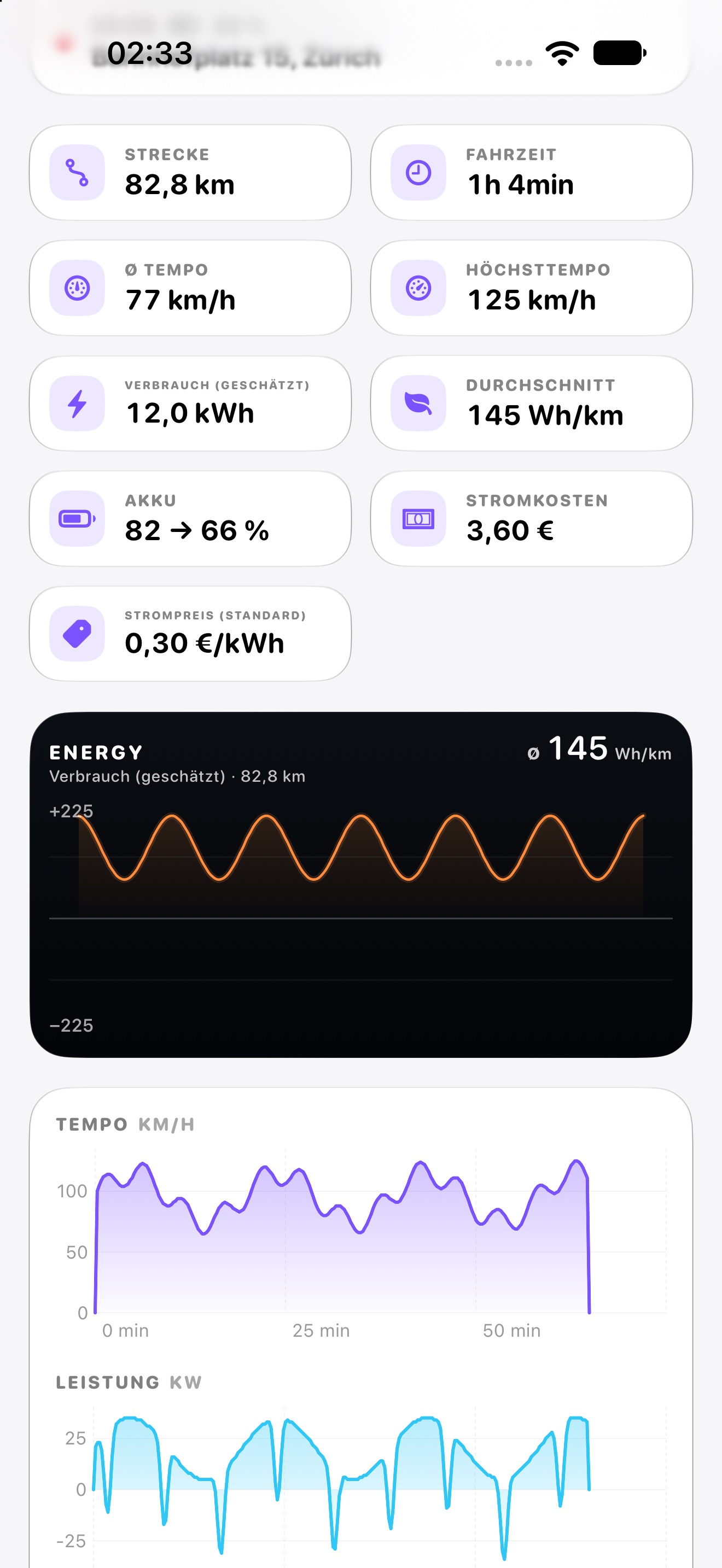
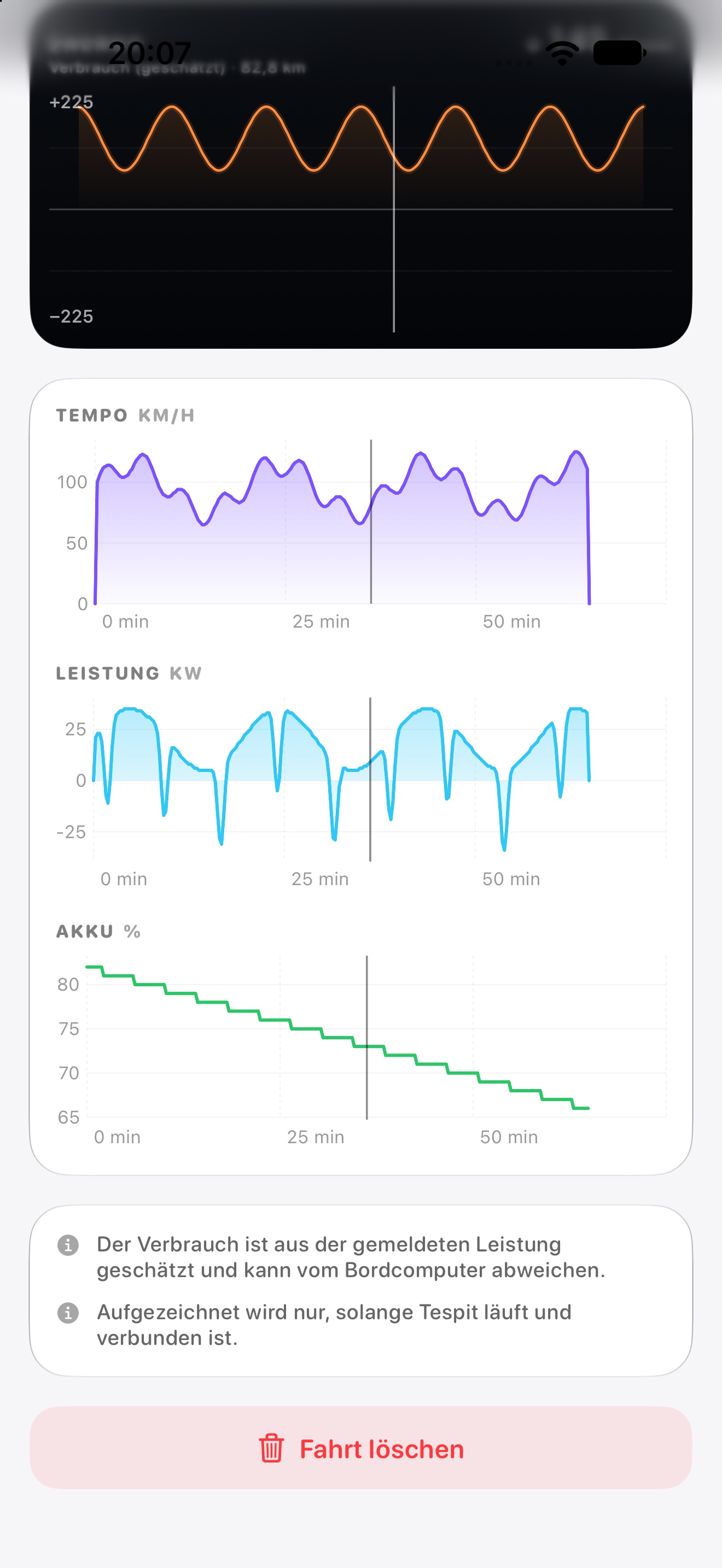
The dedicated Trip data tab turns your journeys into useful insights: routes, energy and costs, with reports you can keep and share.
Everything new in 1.1.13Overview 01 / 06
Route 02 / 06
Recorded point 03 / 06
Figures 04 / 06
Analysis 05 / 06
Share 06 / 06
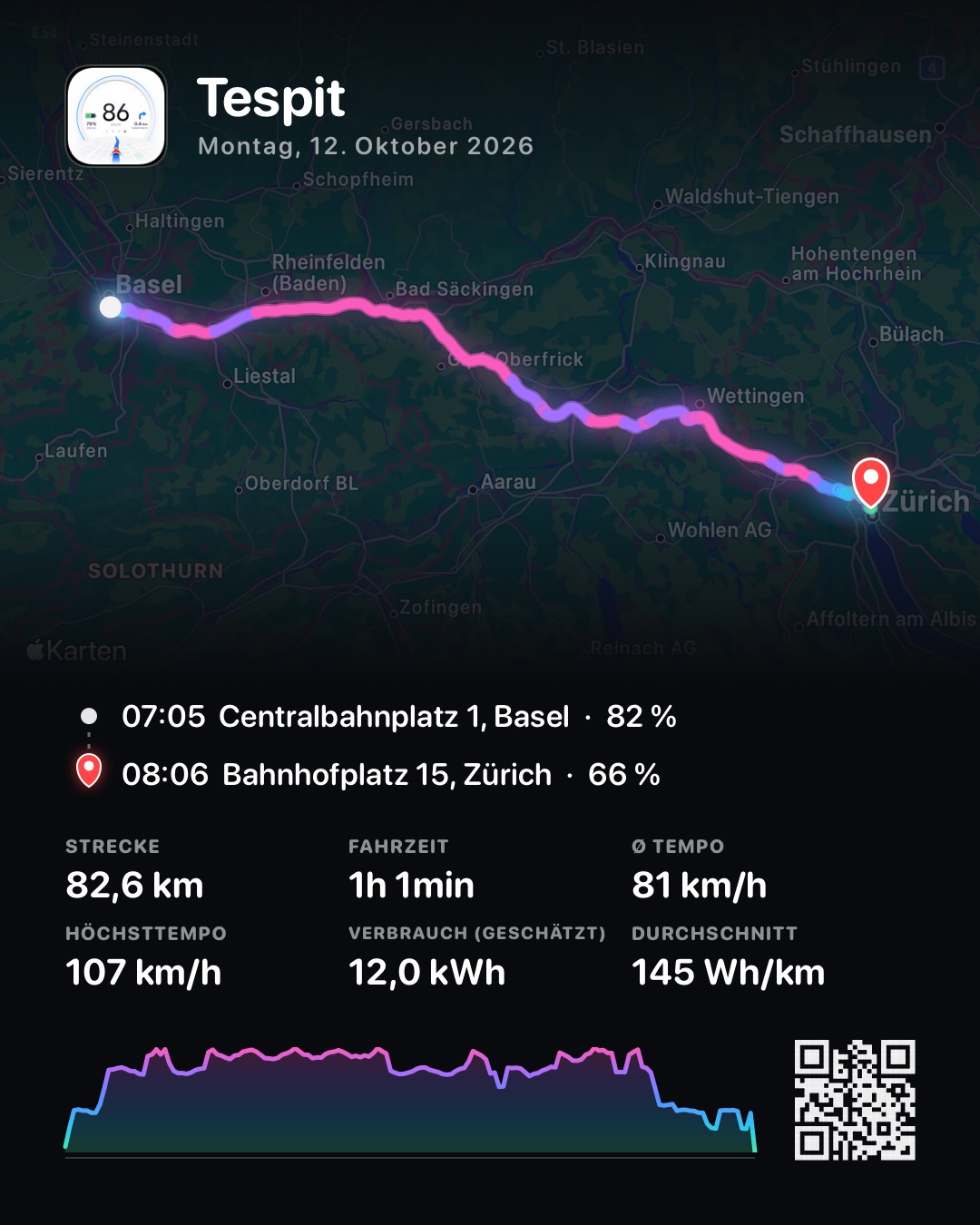
Swipe through the views or choose a topic. Tap the plus for more.
German iOS example with simulated trips. Appearance varies by platform.
© OpenStreetMap · OSRM
Gallery of real app captures with sample data, not a running iOS simulator. Sliders and maps within images are not interactive.
1 / 6: OverviewThe app must be running and connected to the car. Routes may be incomplete in the background or with the screen locked. Consumption and calculated costs are estimates, not a complete or tax-certified mileage log.
No Tespit account or cloud sync for trips. Positions are sent to the map provider for maps and addresses. Daily exchange rates are fetched externally only with consent, without sending trip data. Enter Supercharger prices yourself.
Make Tespit fit your day. Cockpit-specific details live above under each layout.
System, light or dark.
Pick the app language freely.
Left or right.
Disconnect and close the app when leaving the car.
iPhone display stays on while driving.
Mirror the display onto your windshield.
Tespit connects locally via Bluetooth Low Energy to your Tesla. You do not need a Tespit account for the vehicle connection, and we do not market your personal driving data.
Tespit supports current Tesla models. Feature coverage may vary by vehicle and vehicle software.
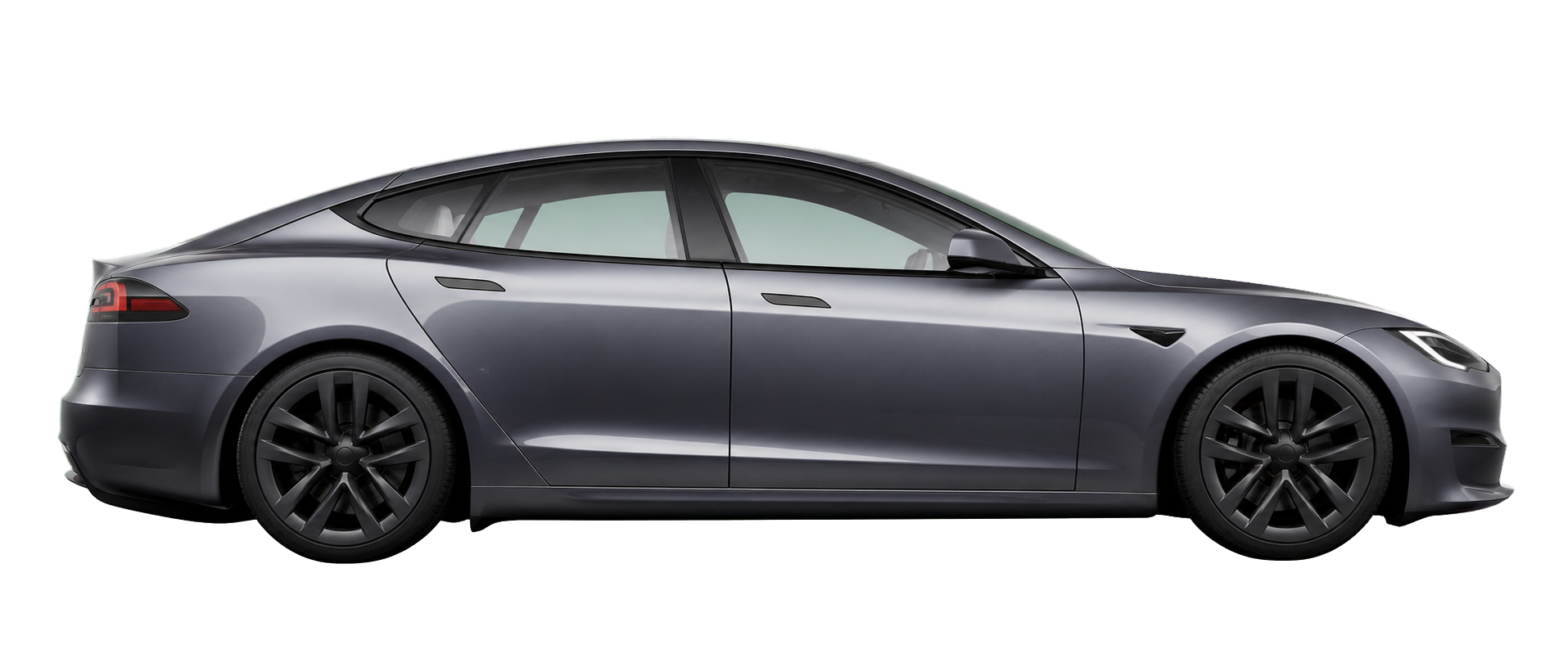
Model S built before 2021 is not supported.
Tespit is an independent project and is not affiliated with Tesla, Inc.
Tespit connects your Android phone locally to your Tesla via Bluetooth. Speed, battery, range, navigation and media in your customizable cockpit.
For a clean iPhone placement behind the steering wheel, I recommend a suitable MagSafe mount for the Model Y Juniper.
Handy for using Tespit right in your field of view.
Affiliate link: if you buy through this link, I may receive a commission. The price stays the same for you.
The current version brings new features and polish – here are the highlights.
Tespit 1.1.16 brings wraps for the 3D car, 22 new languages, the odometer in km or mi, and more.
Short and honest answers.
Tespit is a private project by an independent developer and has no connection to Tesla, Inc.
Download Tespit from the App Store and set up your cockpit in minutes.
Companion app to Tespit · free
Tespit Social. Share trips with friends.
Tespit Social is a separate app next to Tespit. It shows all your trips from Tespit, analyses them and lets you compare with friends – only what you allow is shared. Tespit itself stays as it is: no account and no server.
Now free in the App Store for iPhone and iPad and on Google Play for Android.