
Turn signals in the cockpit
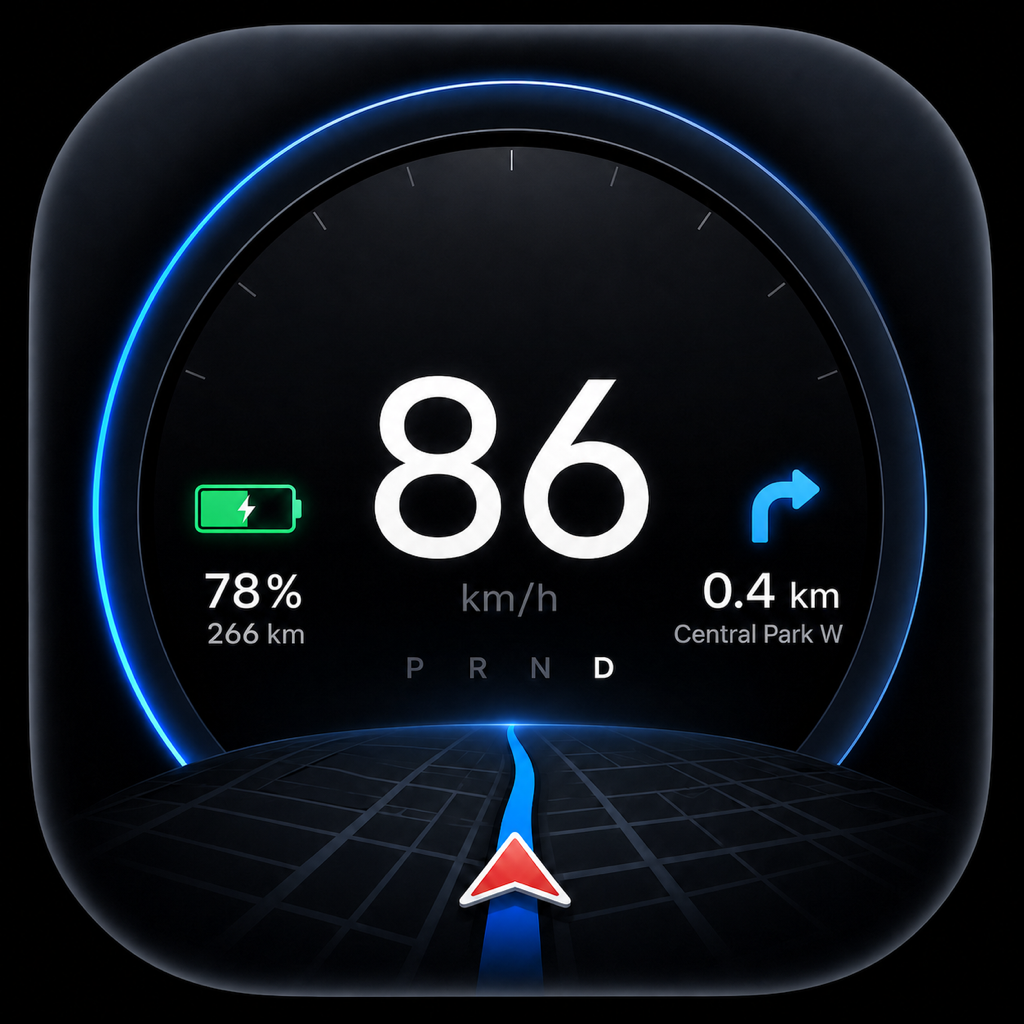
Left and right blink in the cockpit exactly as in the car – read directly from the vehicle.
- Follows your car's actual turn signal lamps
- Visible in every cockpit
- Can be switched on separately in the OBD menu
OBD · In cooperation with Vgate
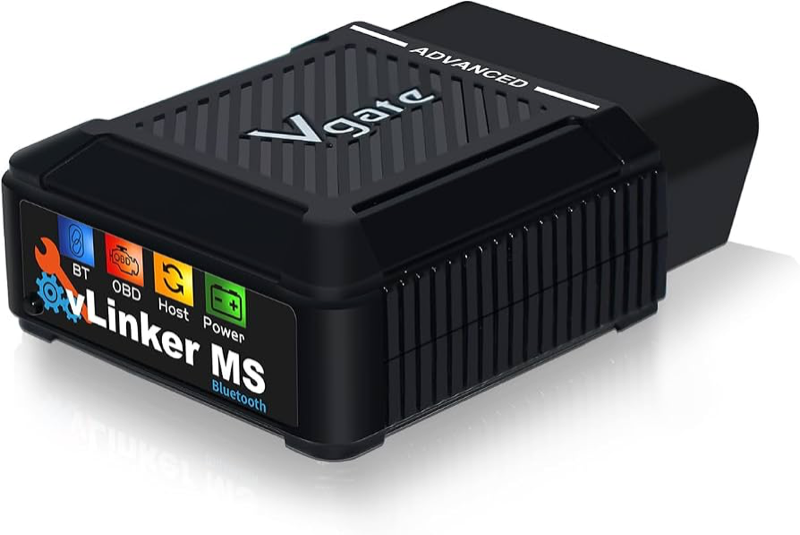
With a Vgate vLinker MS, Tespit reads additional vehicle data via OBD: turn signals, the speed limit, the blind spot and the speed – right in the cockpit and read-only.

Vgate × Tespit
Vgate is my cooperation partner for OBD development. Together we are checking how additional Tesla vehicle data can be used safely and read-only in Tespit.
Thank you to Vgate for providing the vLinker MS as my test device.
The clips show the Tespit app on a demo drive through Munich. In the car, the values come from the OBD adapter.
Left and right blink in the cockpit exactly as in the car – read directly from the vehicle.
Tespit shows the speed limit recognised by the car and detects when the speed warning is due. Tespit only reads along and never changes anything in the car.
When a vehicle is in your blind spot, that side of the cockpit glows red.
Connecting, data sources and help at a glance. This is also where you choose whether the speed comes via Tesla Bluetooth or directly via OBD.
Battery, charging and power come straight from the car. When parked, Tespit automatically cycles through all energy values.
After an interruption the adapter reconnects on its own. If its data buffer fills up, Tespit cleans up automatically, and the OBD screens stay smooth.
When OBD delivers the speed, Tespit polls the car over Bluetooth less often. Brief radio dropouts no longer end the connection.
When OBD is selected and no fresh readings arrive, speed is shown as unavailable. You can switch back to Tesla Bluetooth at any time.
OBD is part of Premium. You can look around the OBD menu without Premium too.
The adapter goes into your Tesla's diagnostic port, usually via a matching OBD adapter cable. On iPhone it connects via Apple MFi, on Android via Bluetooth.
Settings → OBD adapter: connect and choose what Tespit should show via OBD.
Tespit only reads along and never sends commands to your car. Your usual Bluetooth connection to the Tesla stays in place.
The OBD features are tested on the Model Y (Juniper). More models and model years are being checked. Which values are available depends on the vehicle, software, adapter and cable.
For Tespit 1.1.12 I recommend the vLinker MS. Support for the other Vgate devices is being prepared. The links go to Amazon; prices and availability may change.
Recommended for 1.1.12Supports every OBD feature of Tespit 1.1.12 – on iPhone via Apple MFi, on Android via Bluetooth.
View on Amazon
In preparation
In preparation
In preparation
In preparation
In preparationNote: The Amazon links are affiliate / PartnerNet links. If you buy through a link, I may receive a small commission at no extra cost to you.
OBD support keeps growing. These features are in progress or planned – without a fixed date and only after tests in the car.
Hazard lights as well as dipped and main beam in the cockpit.
P, R, N and D straight from the vehicle.
Battery power, battery temperature and power limits while driving and charging.
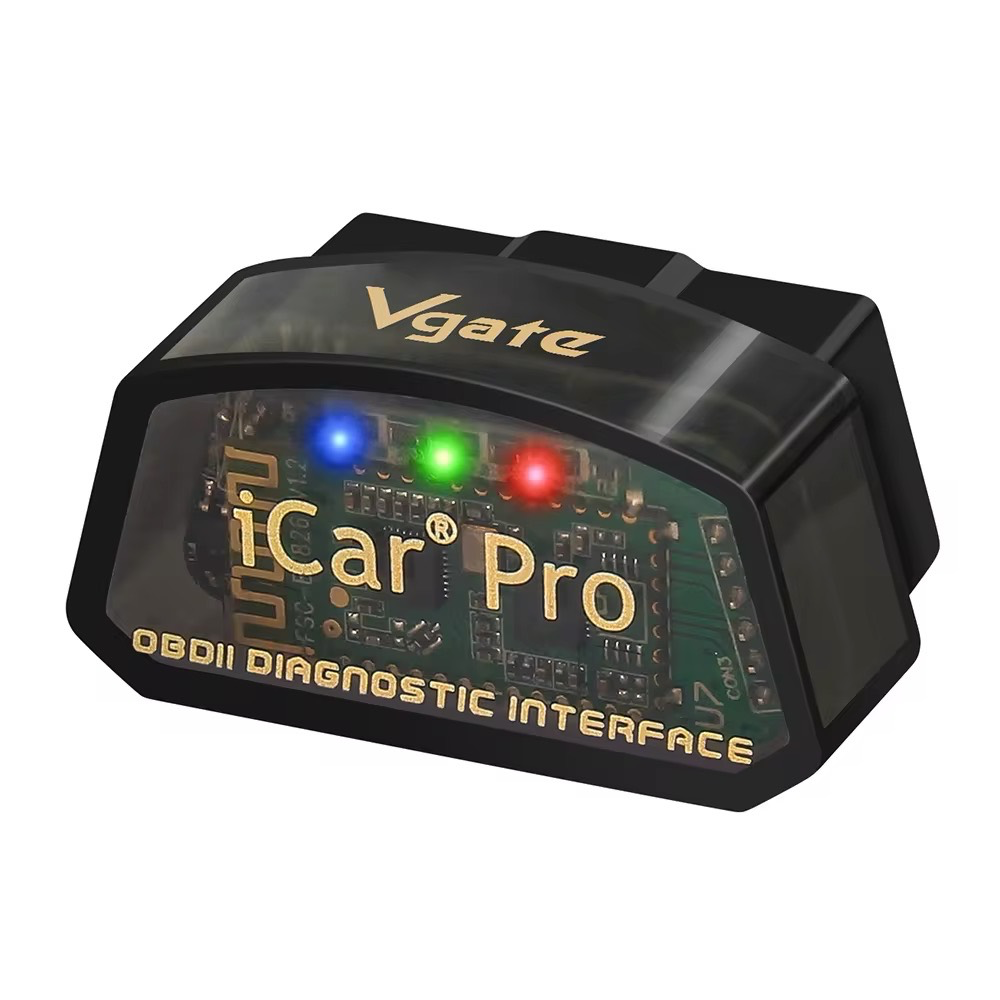
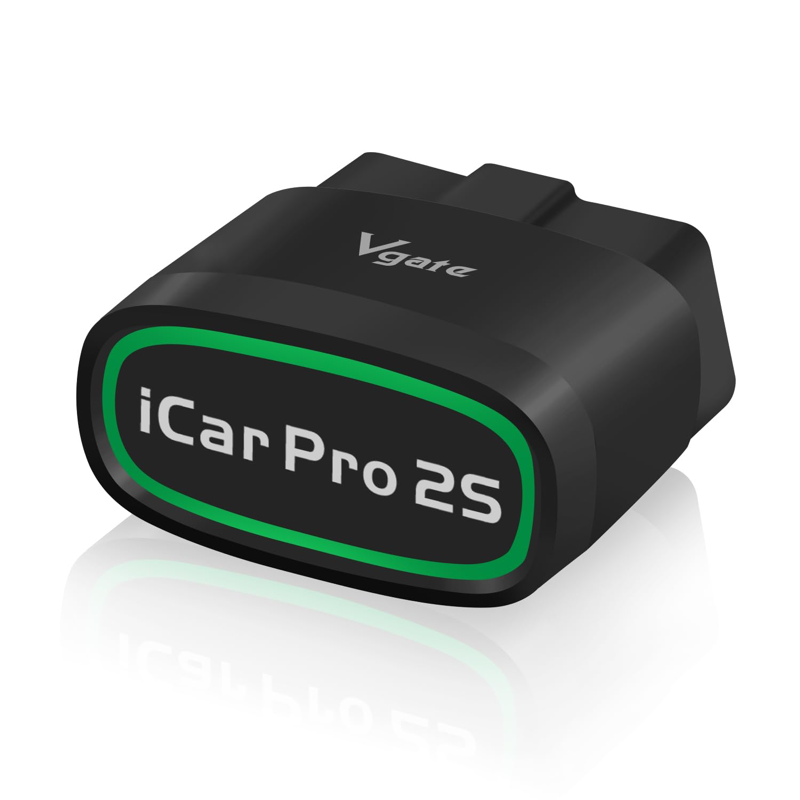
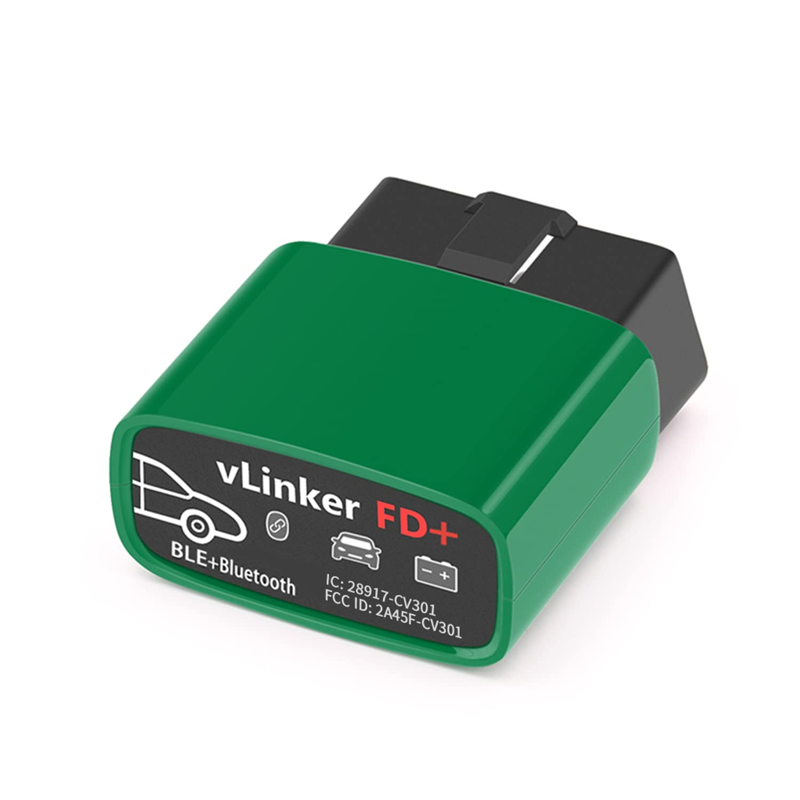
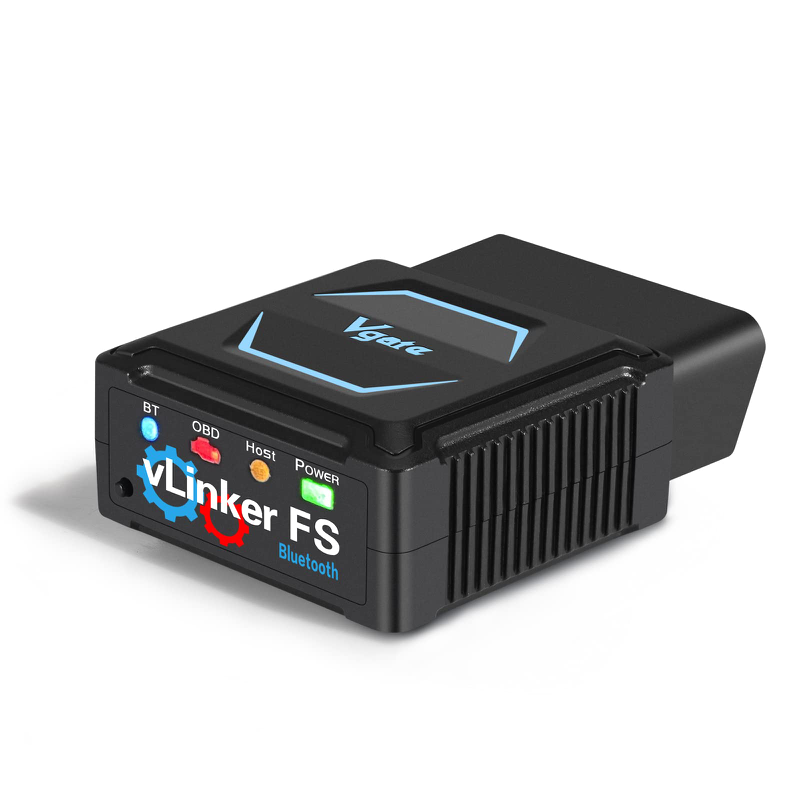
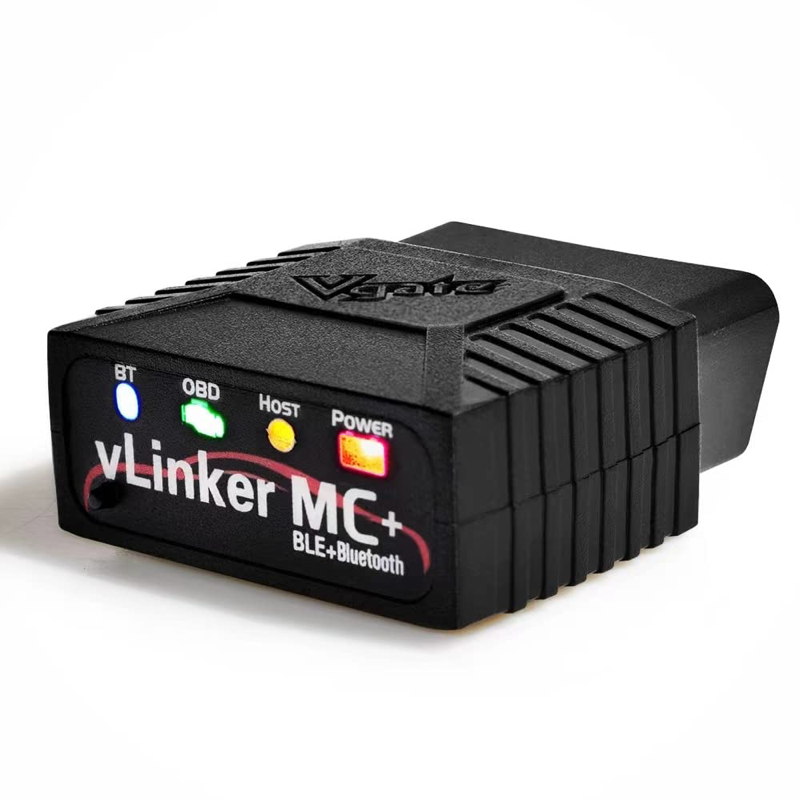
vLinker MC+, FS and FD+ as well as iCar Pro and iCar Pro 2S.
Model 3 and older Model Y are being checked.
Which values are possible depends on the vehicle, software, adapter and cable.
All updates and the next steps are on the Tespit roadmap.
Go to the Tespit roadmap