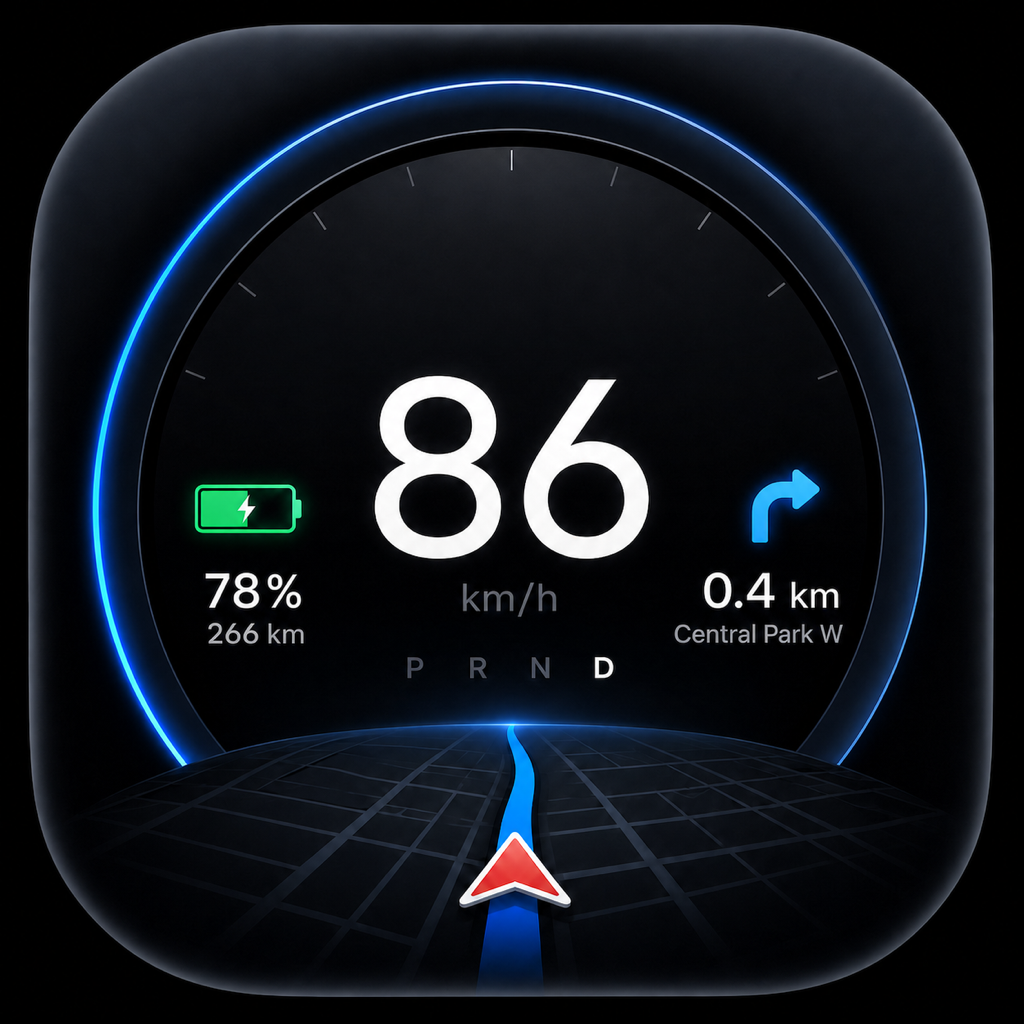
Gallery
Own cockpits that others built with Tespit's toolbox and shared here. Open one and add it to your own cockpits with a tap.
How to share a cockpit
- 1
Build an own cockpit in Tespit with the toolbox.
- 2
At the cockpit, tap “Share” and then “Publish on tespitapp.com”.
- 3
Enter a name and, if you like, a text, and confirm. The cockpit appears here right away.
This works from Tespit 1.1.20 on iPhone, iPad and Android – or here on the website with your cockpit's file.
Every entry is public. Whoever shares a cockpit gets a secret edit code to change or delete the entry at any time. Privacy