With 1.1.18, every cockpit, charging view and menu turns festive. You also get Christmas vehicles, an Advent wreath, fireworks on New Year's Eve, many new pieces for your own cockpits and 17 new languages. Here you can see everything in detail.
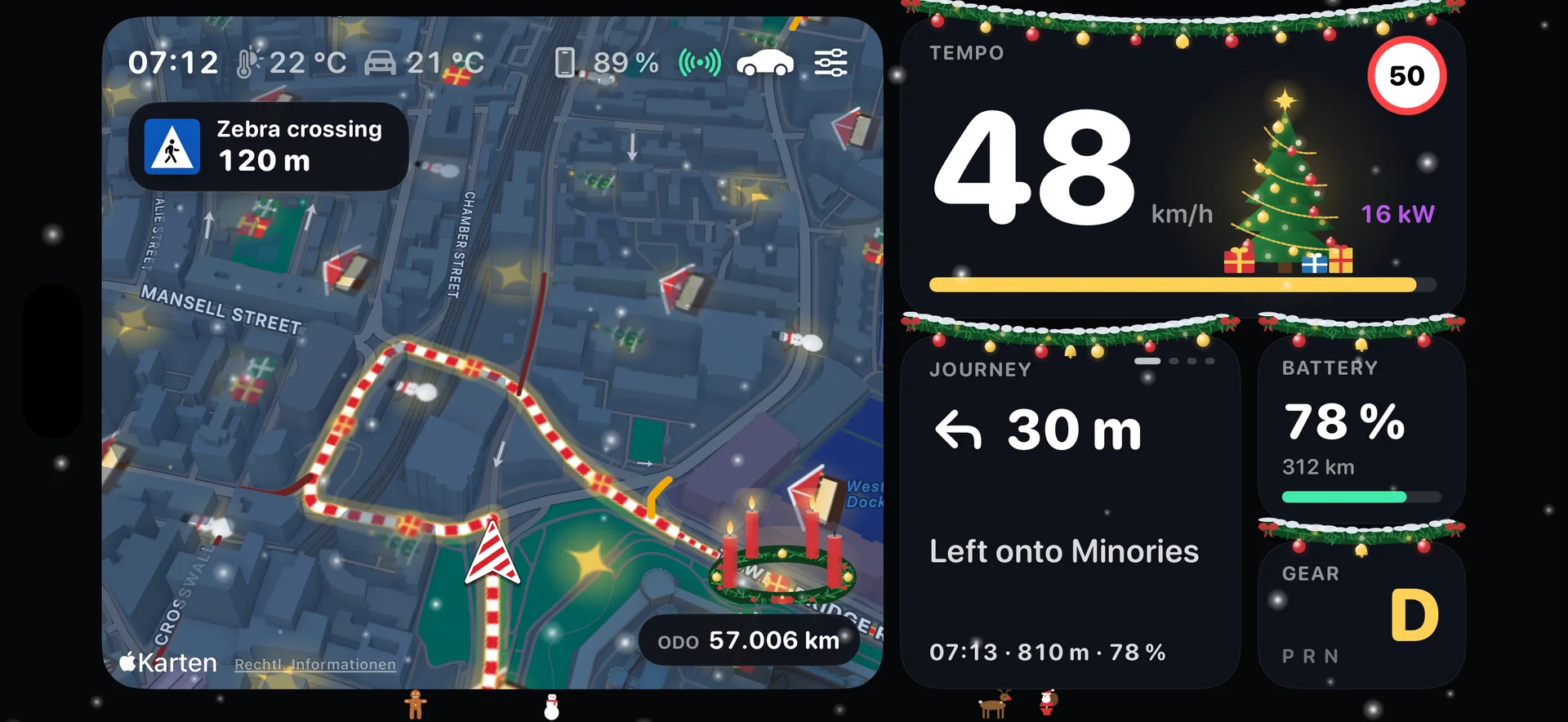
With 1.1.18, every cockpit, charging view and menu turns festive. You also get Christmas vehicles, an Advent wreath, fireworks on New Year's Eve, many new pieces for your own cockpits and 17 new languages. Here you can see everything in detail.
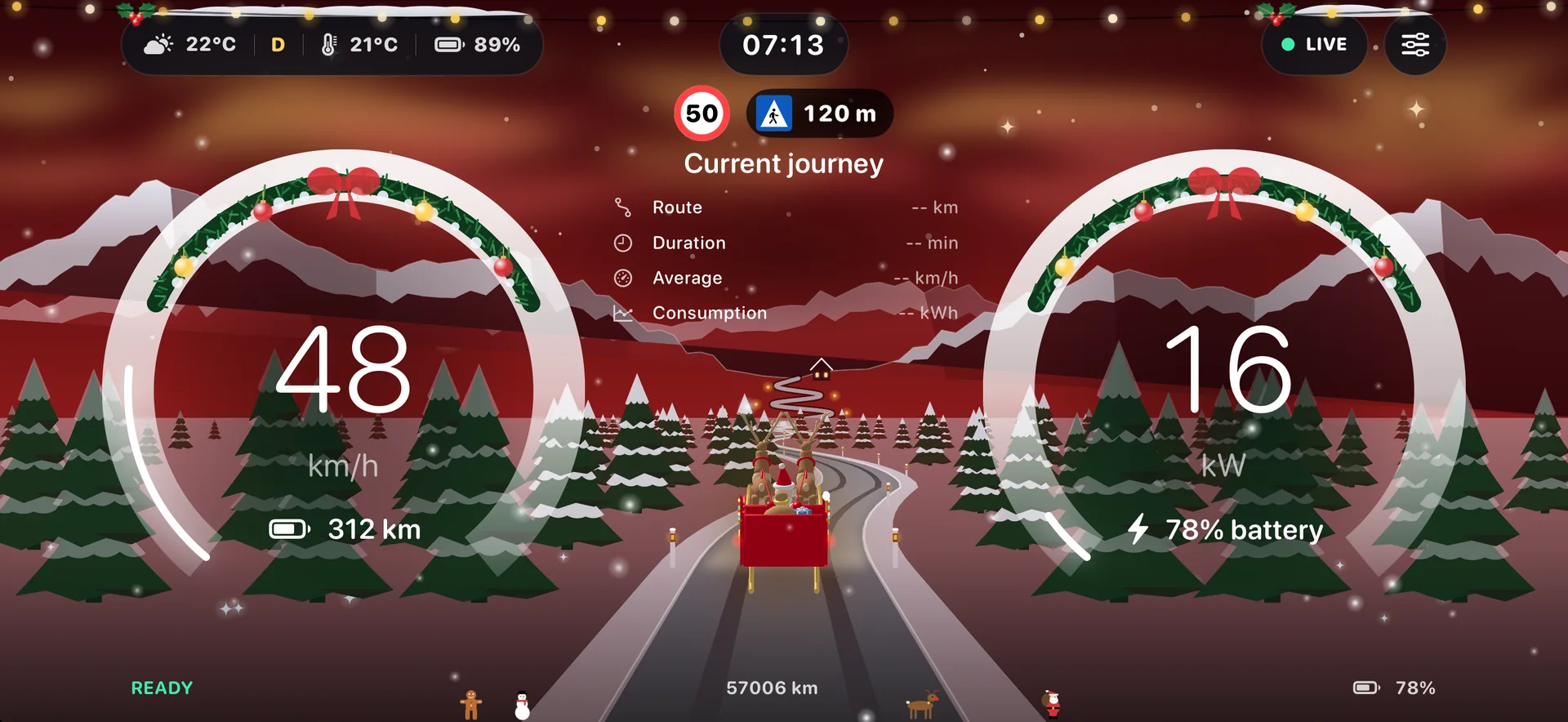
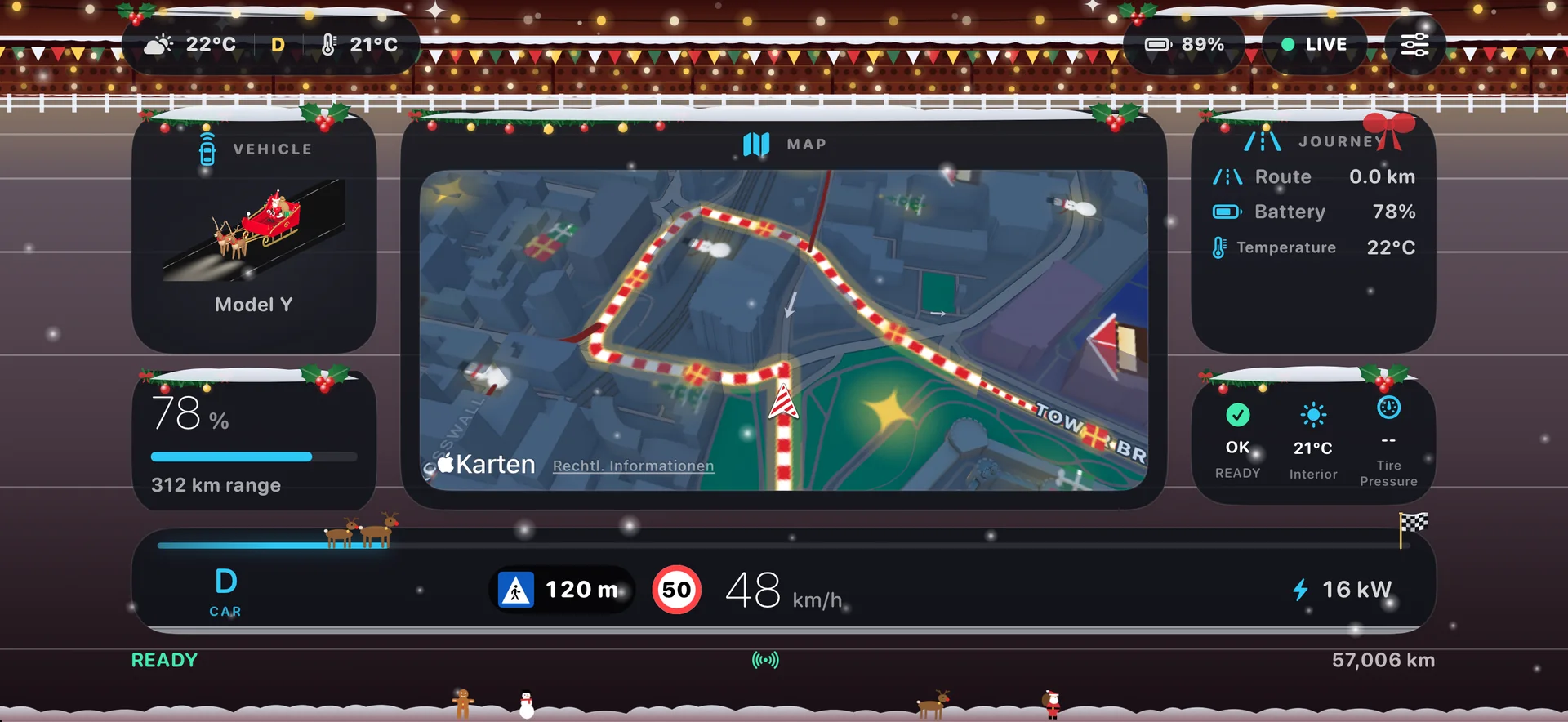
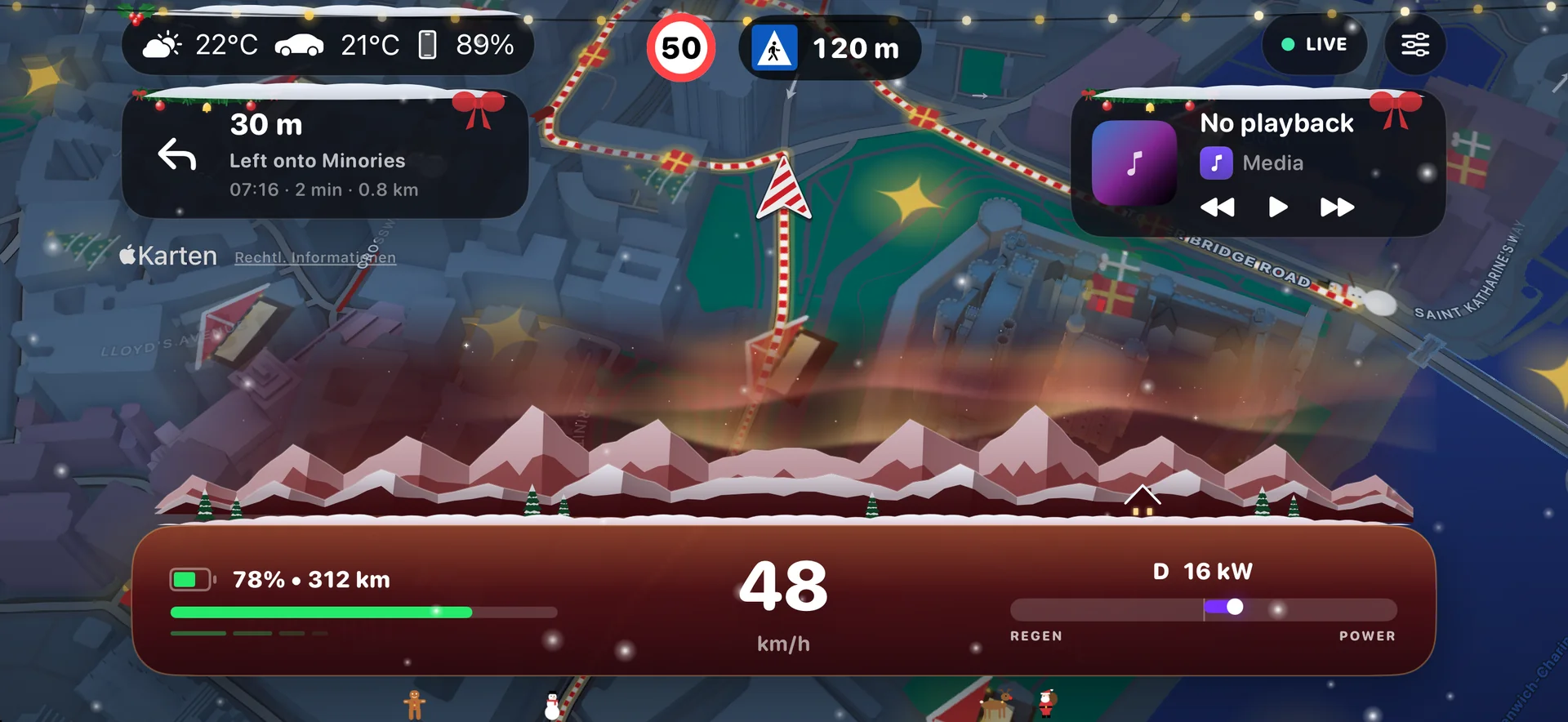
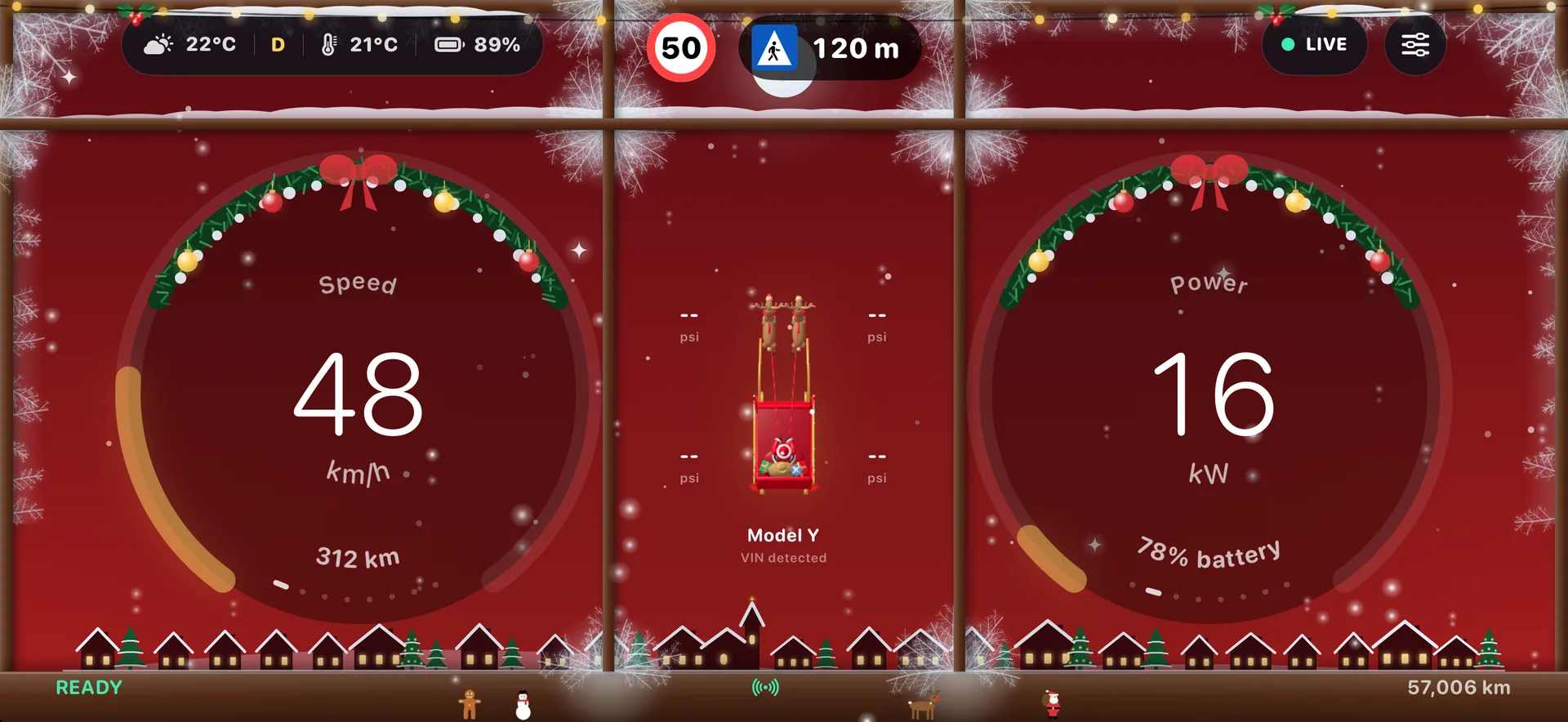
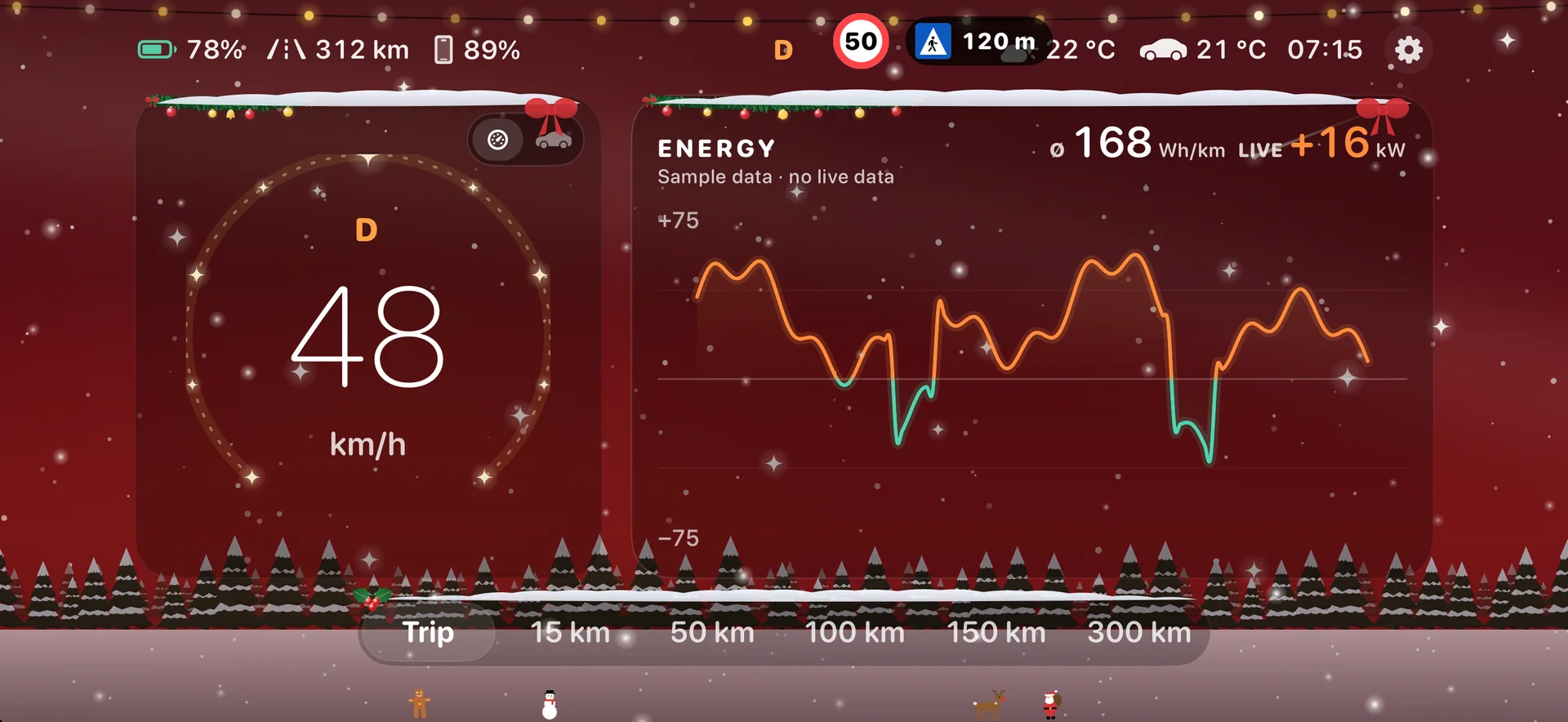
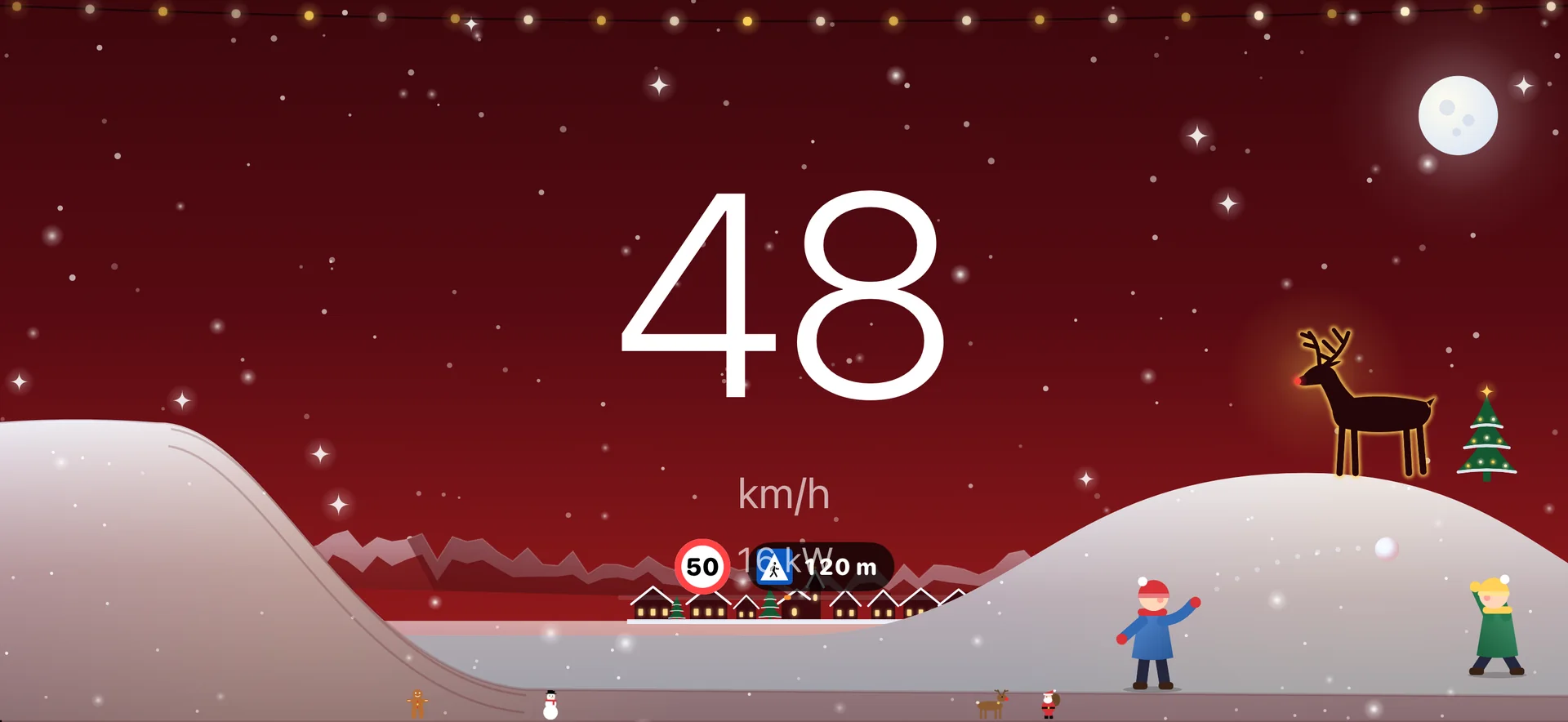
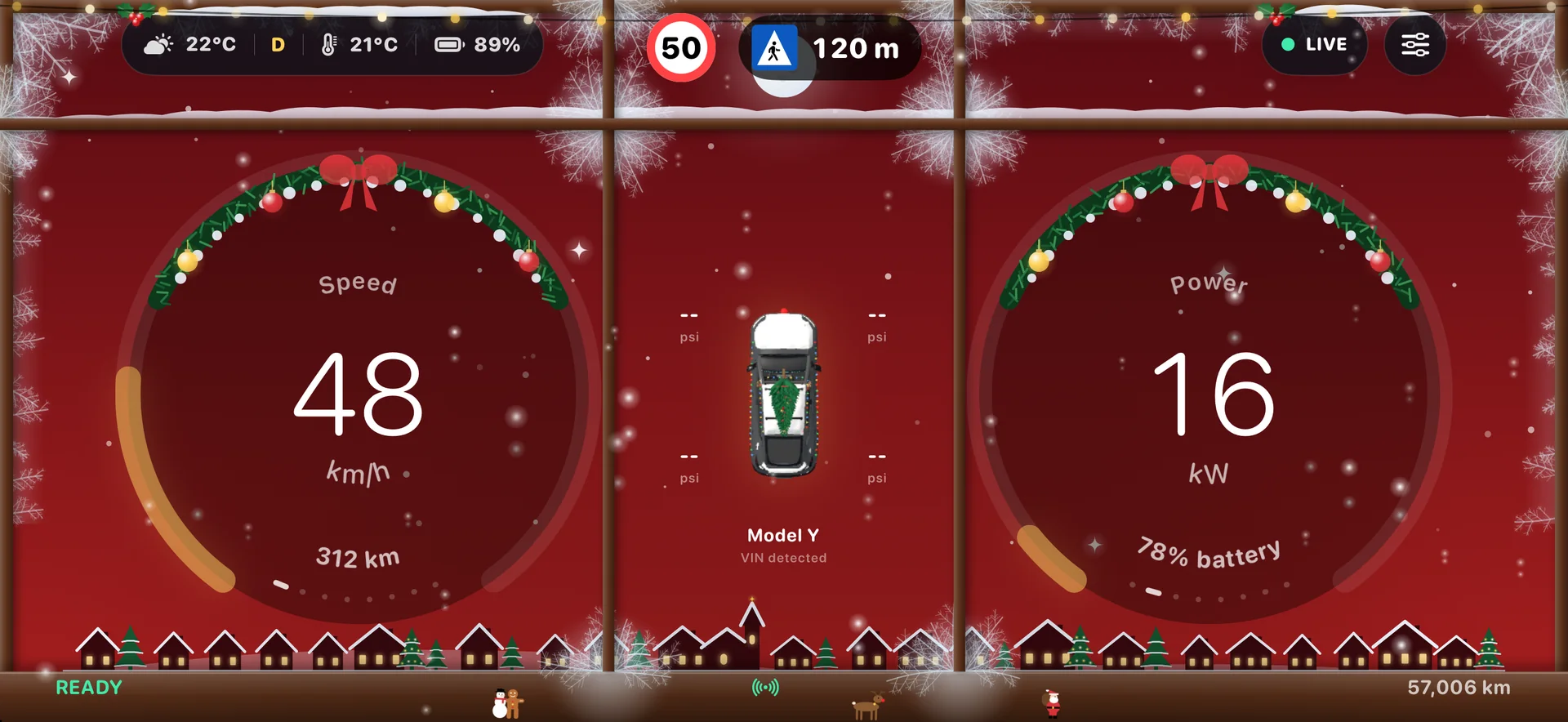
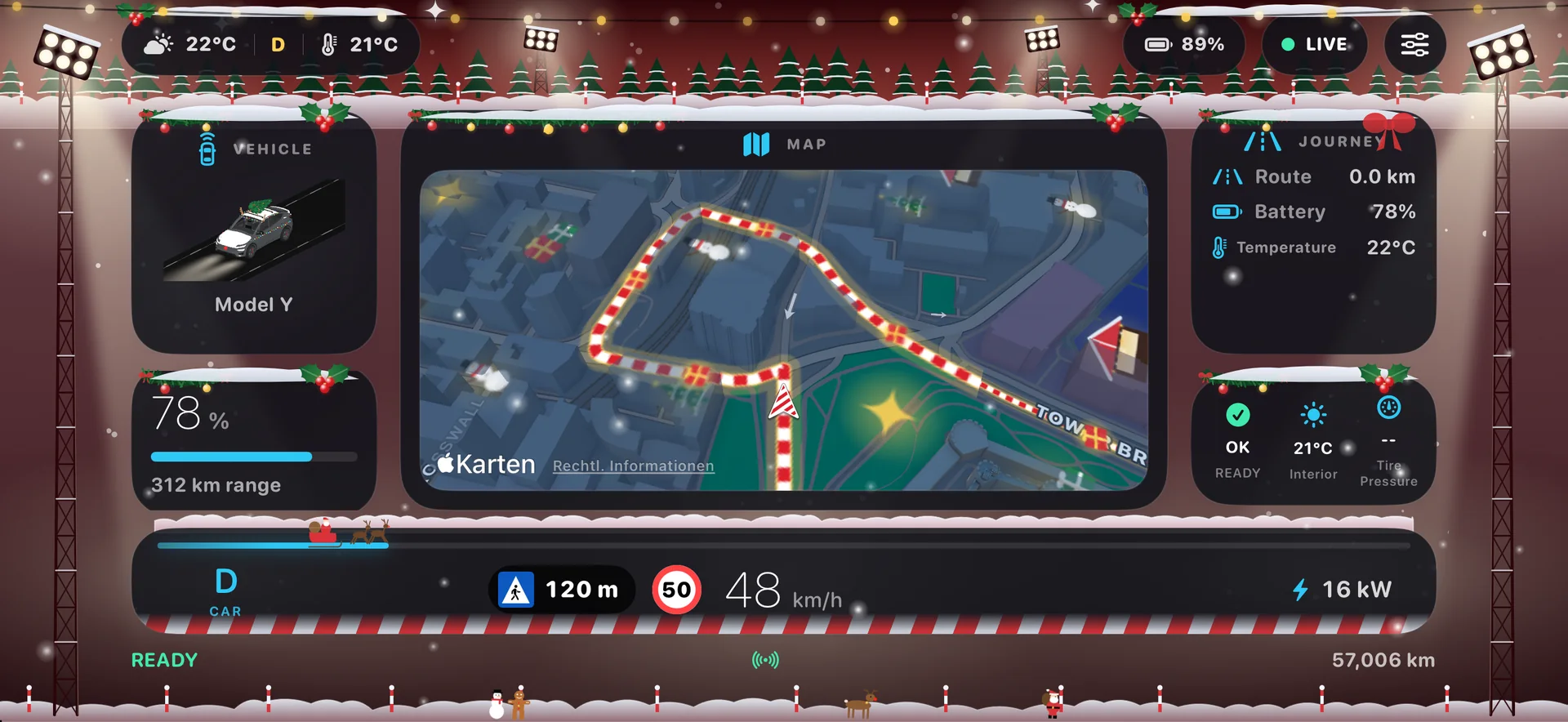
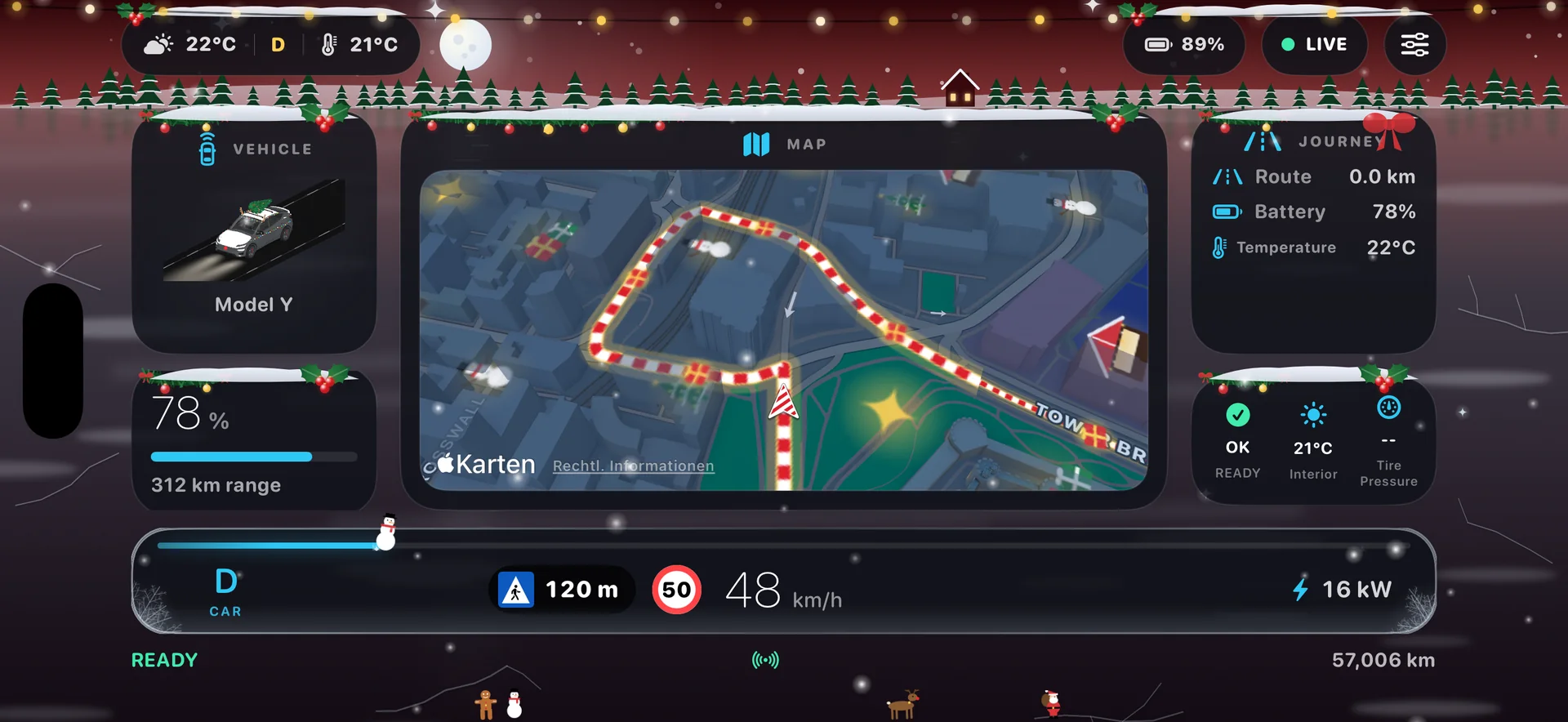
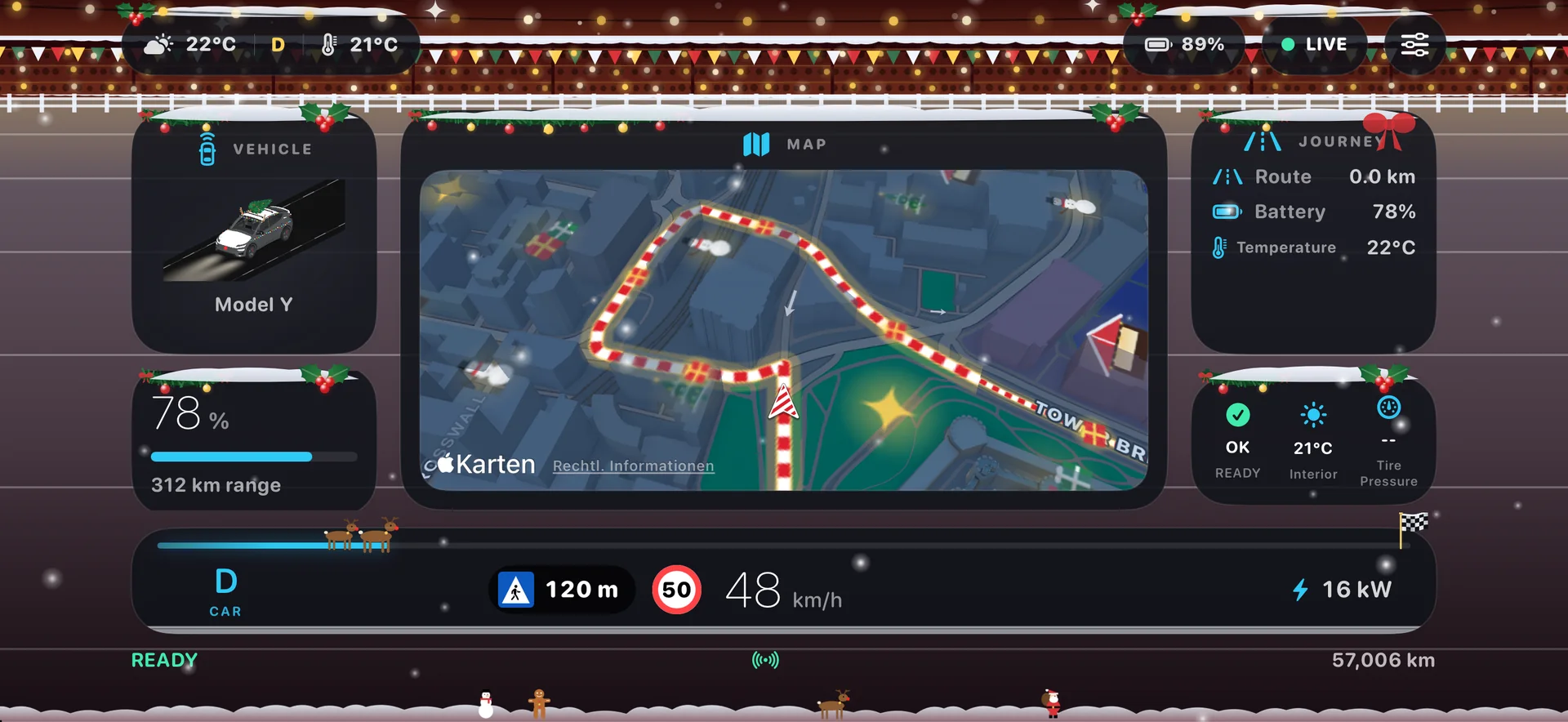
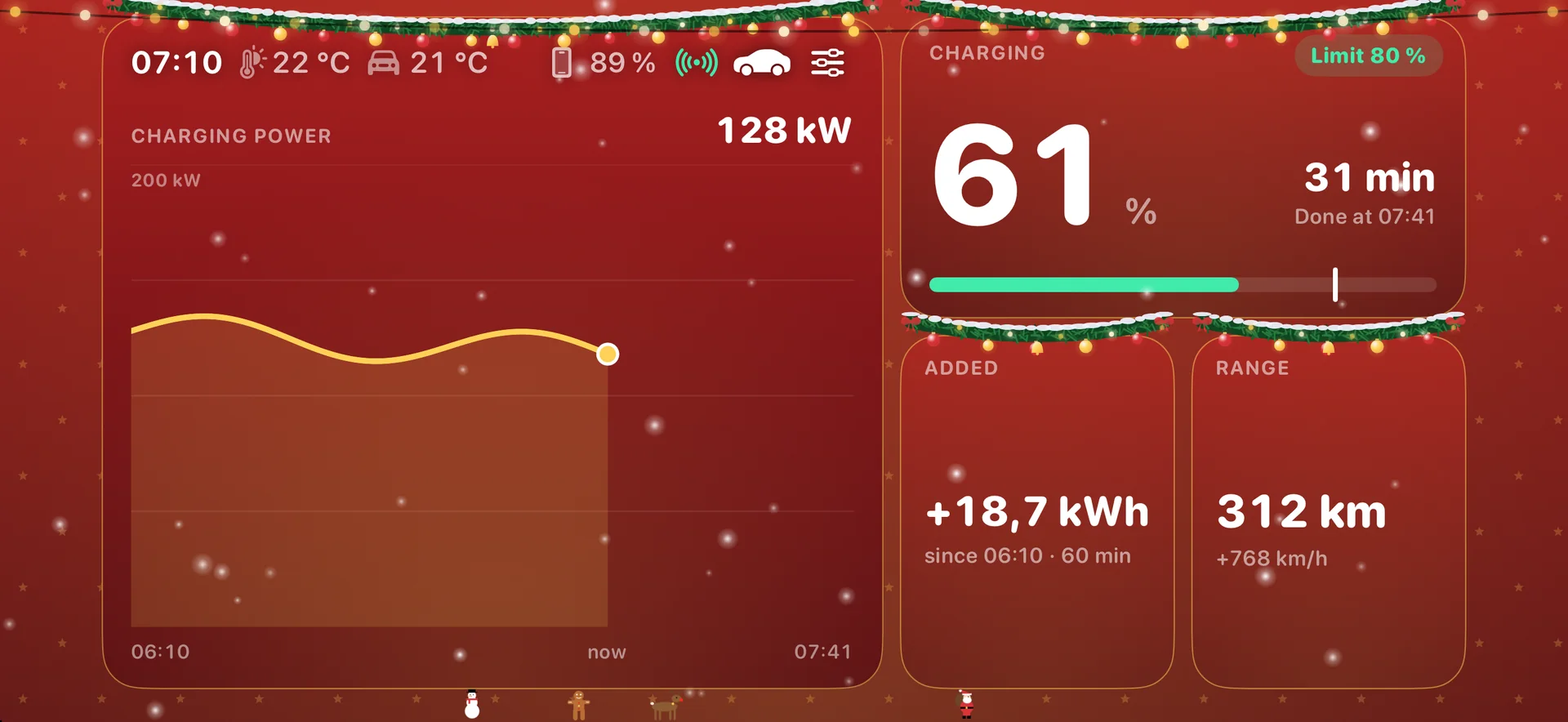
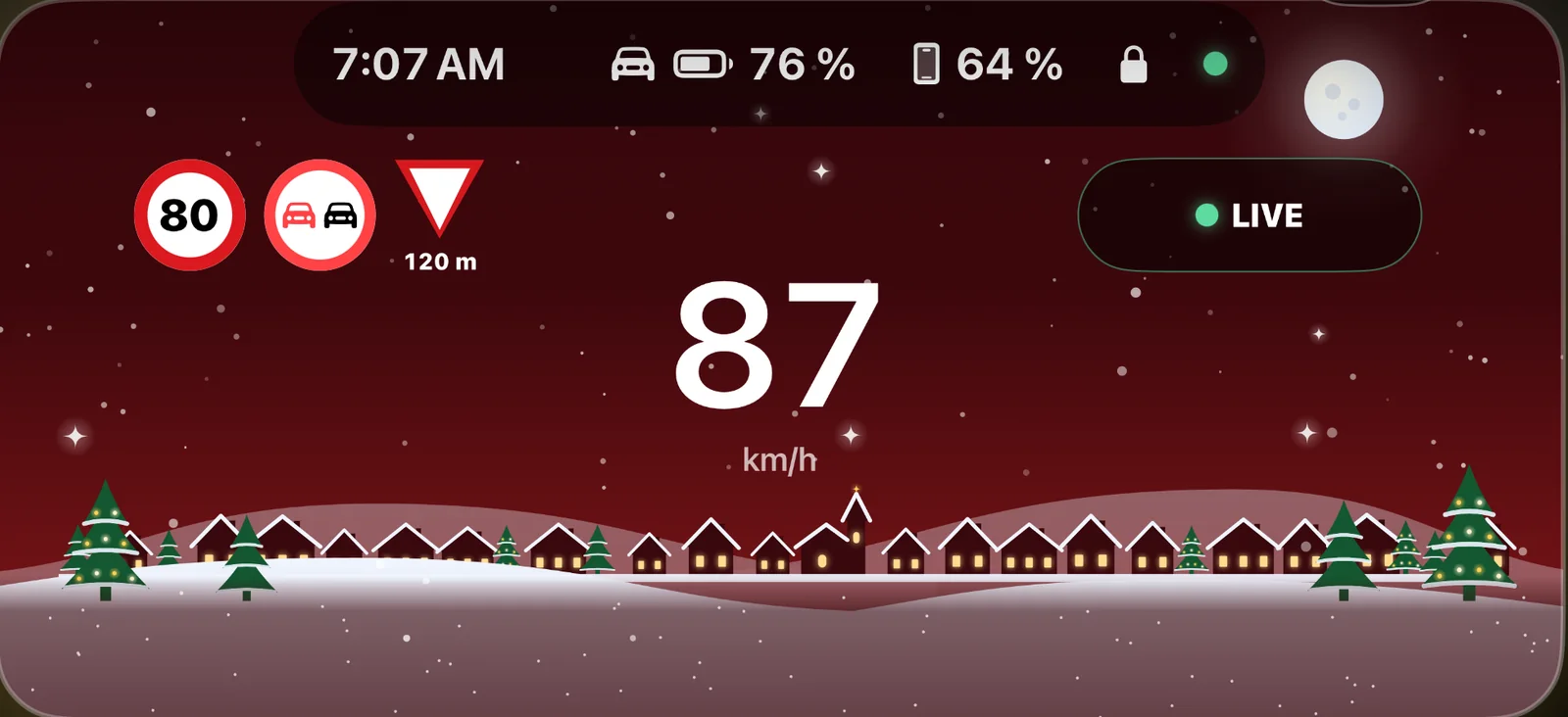
Every cockpit gets its own winter scene with fir garlands, fairy lights, falling snow and figures. The values stay easy to read. The look is on right after the update and ends on 1 January at 5 a.m.
Christmas look
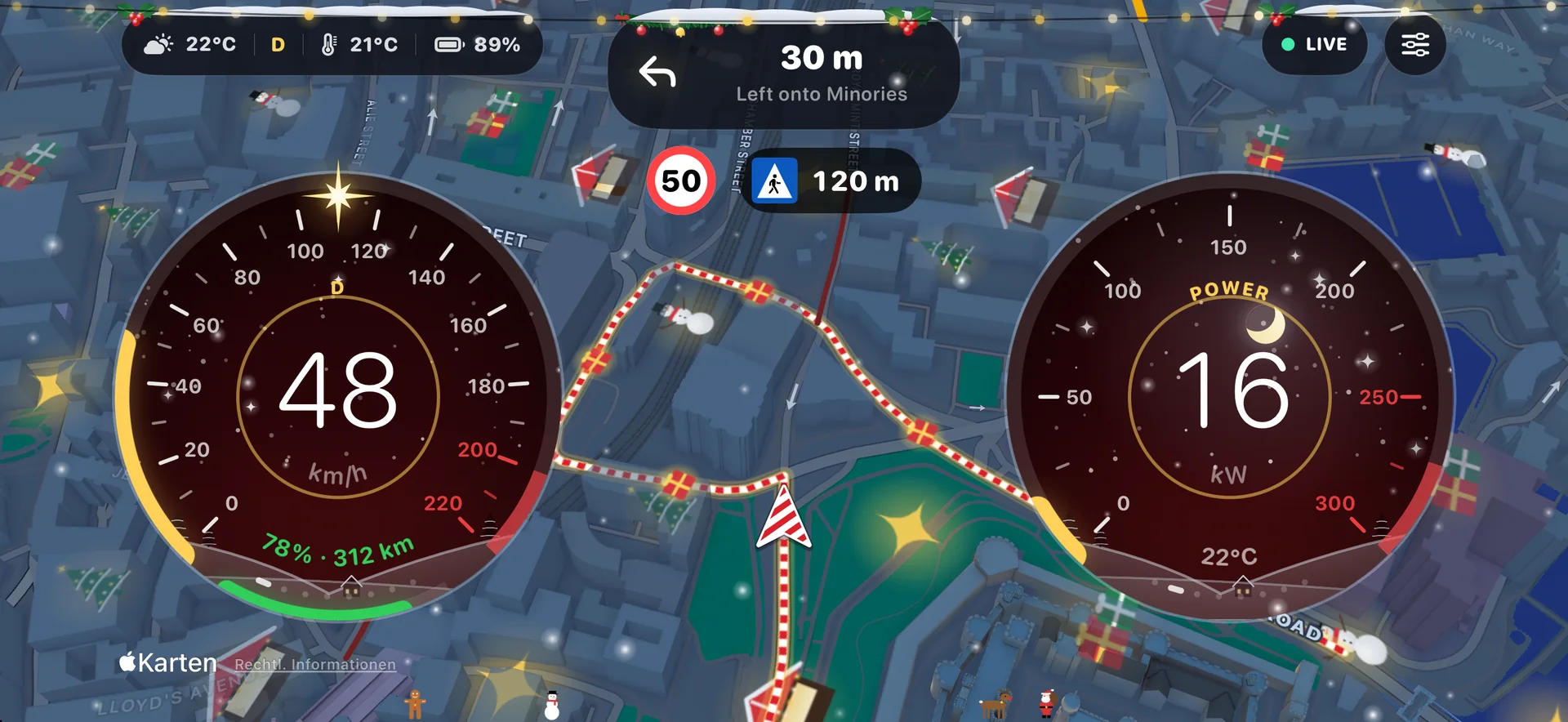
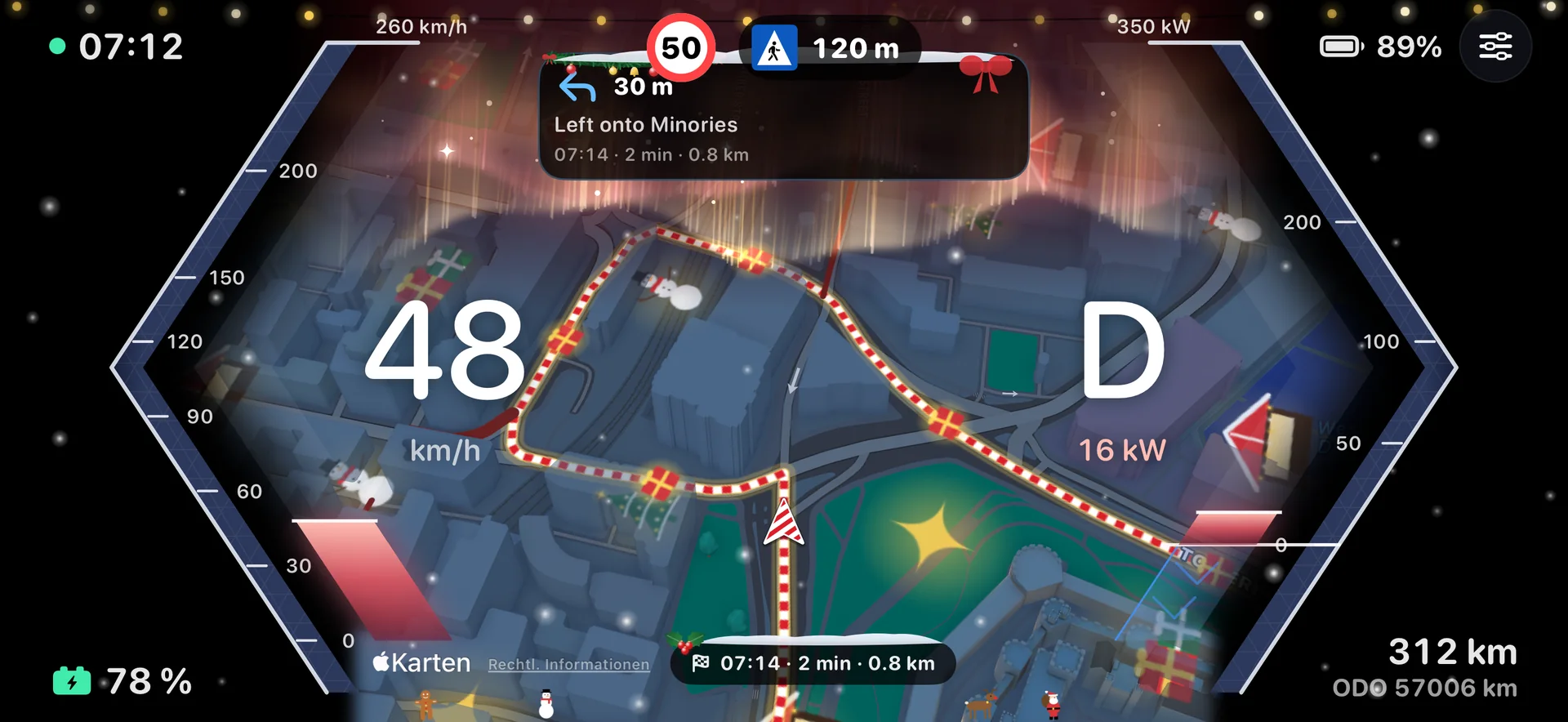
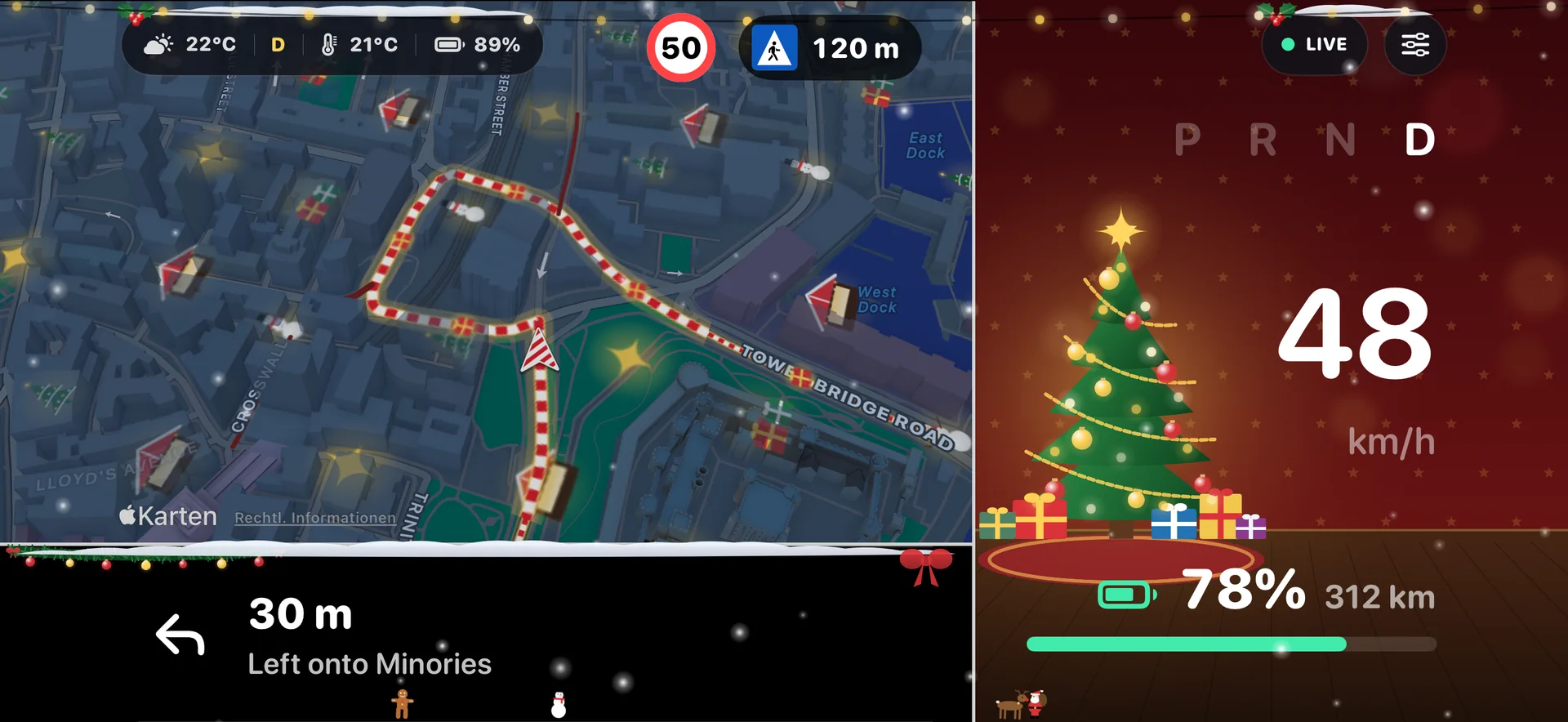
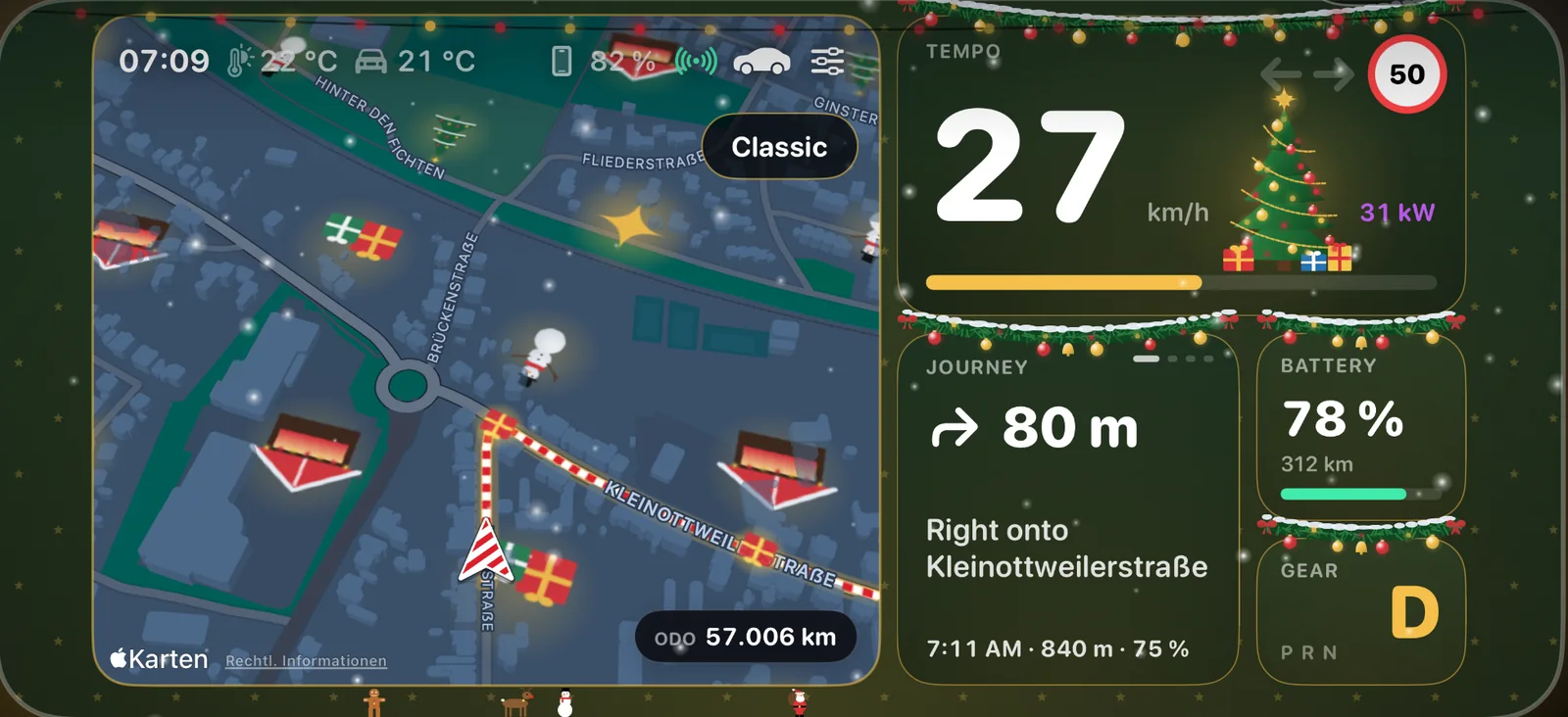
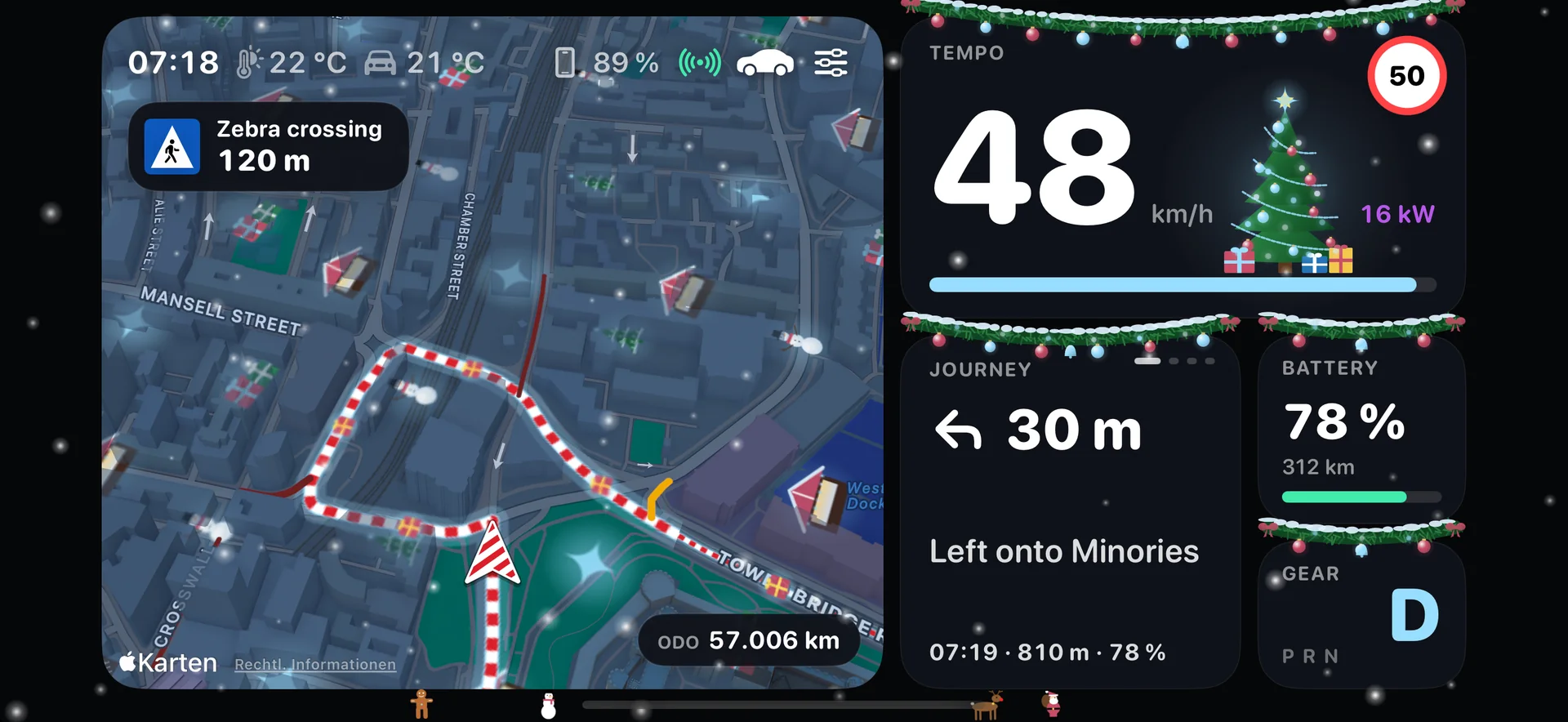
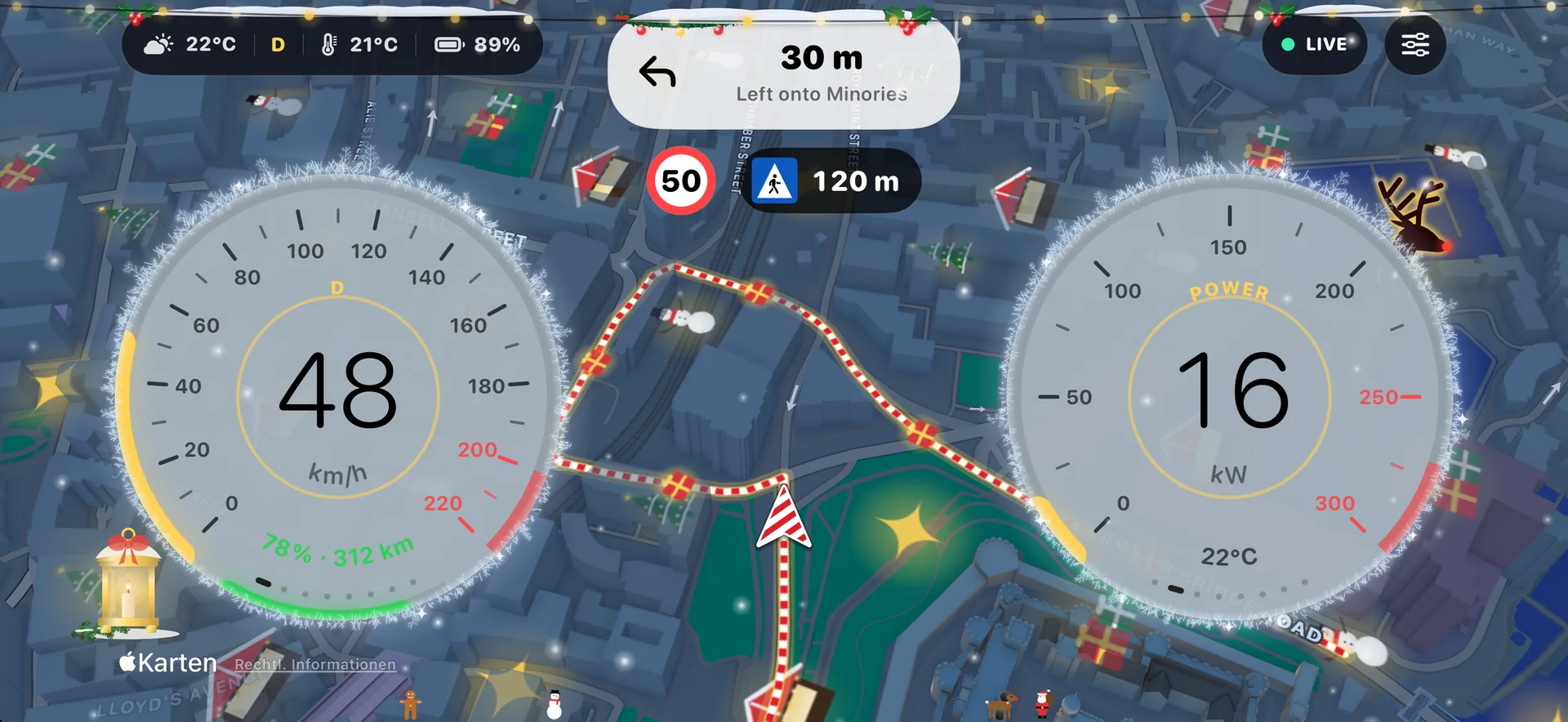
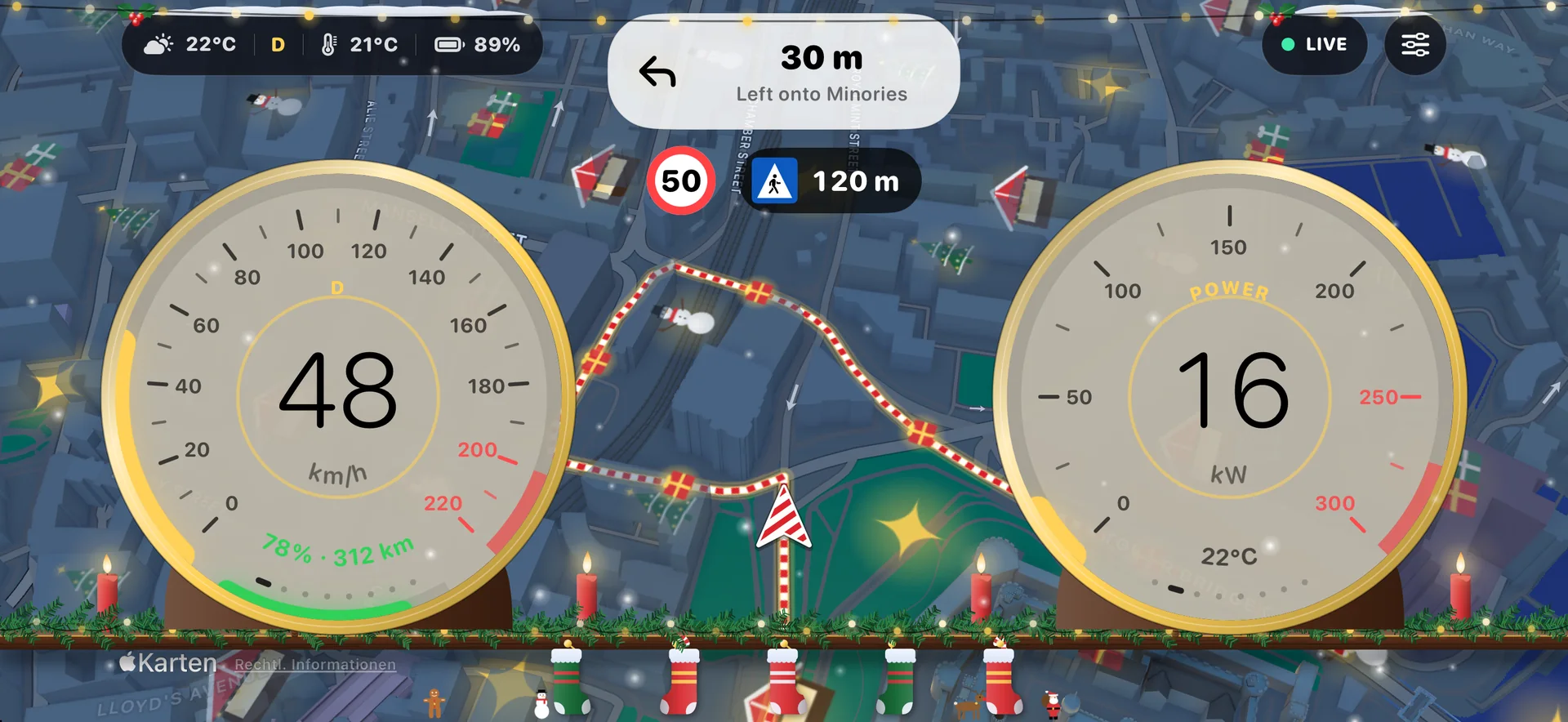
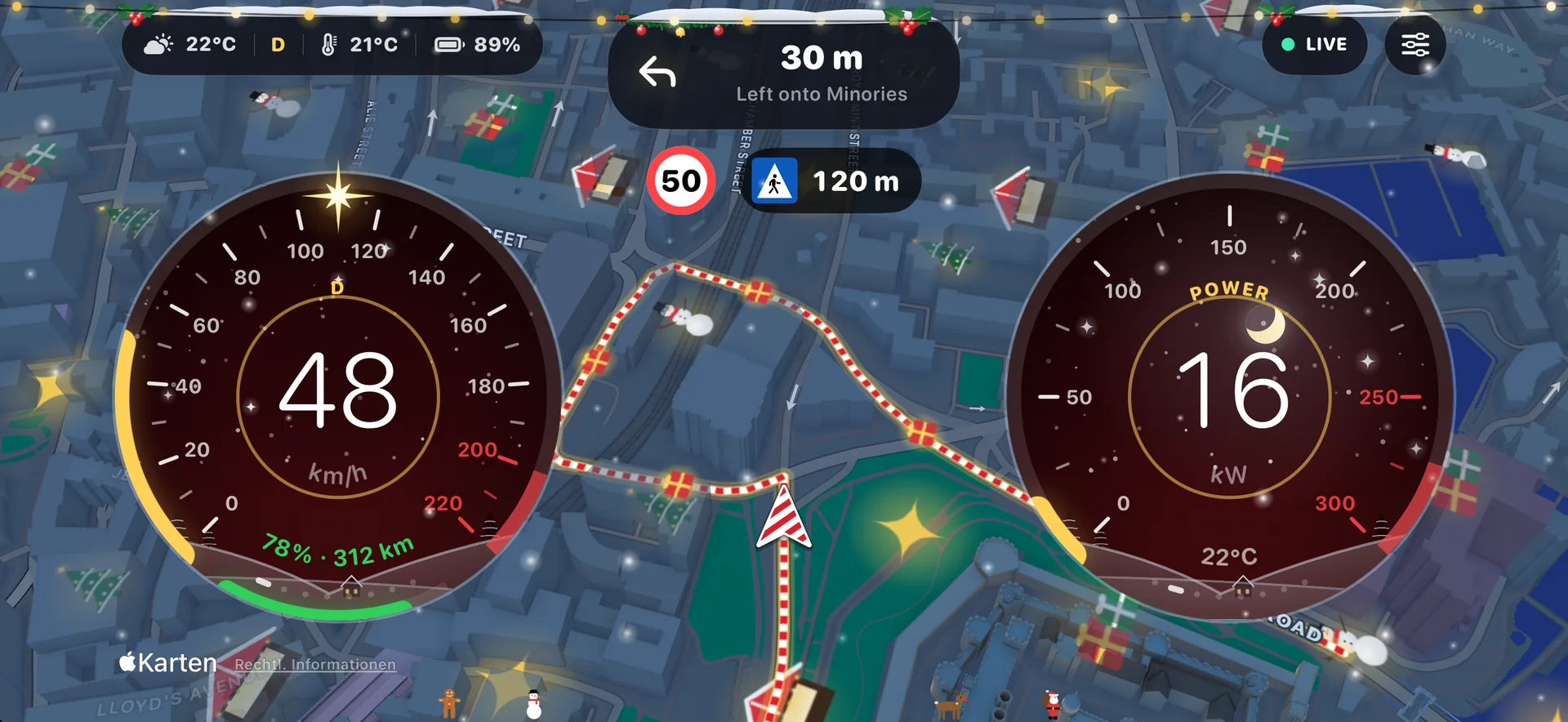
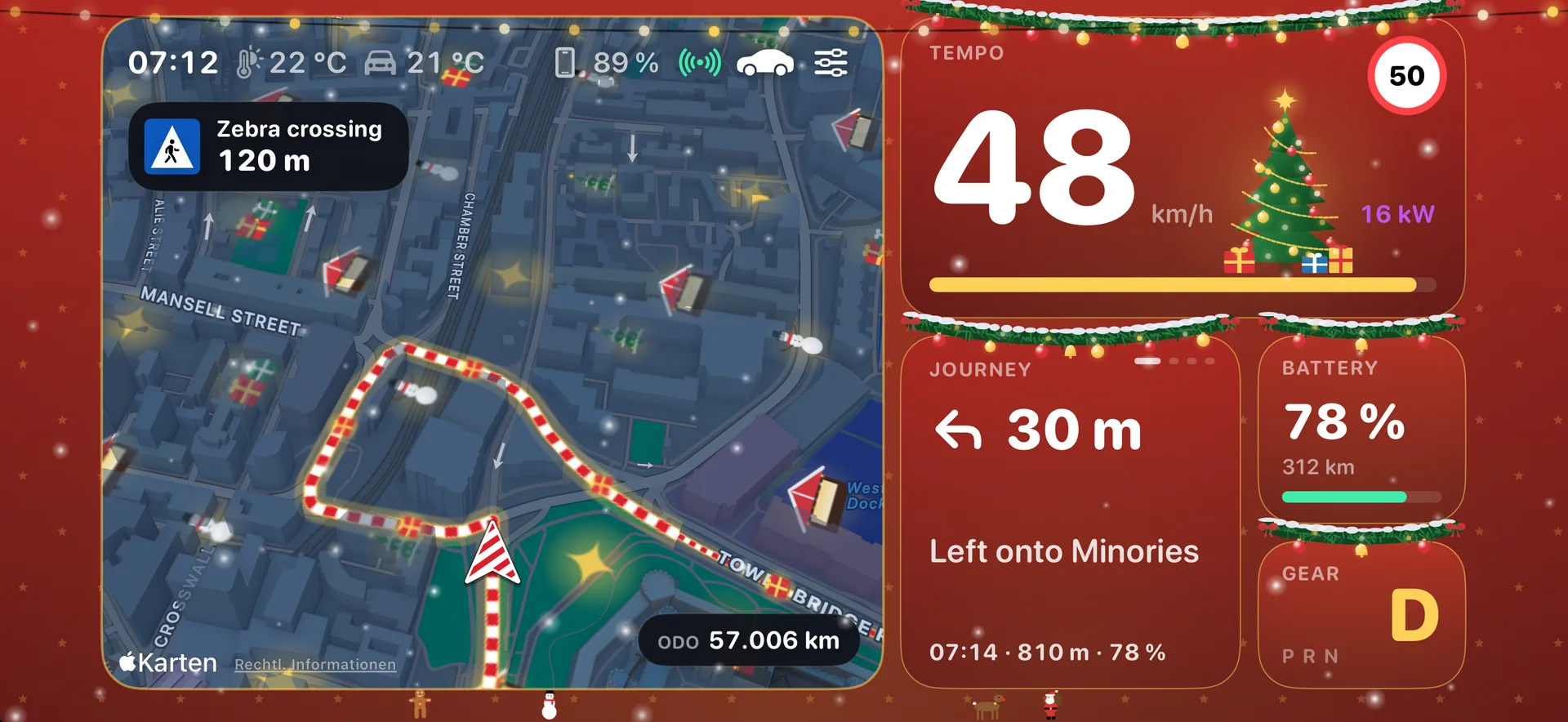
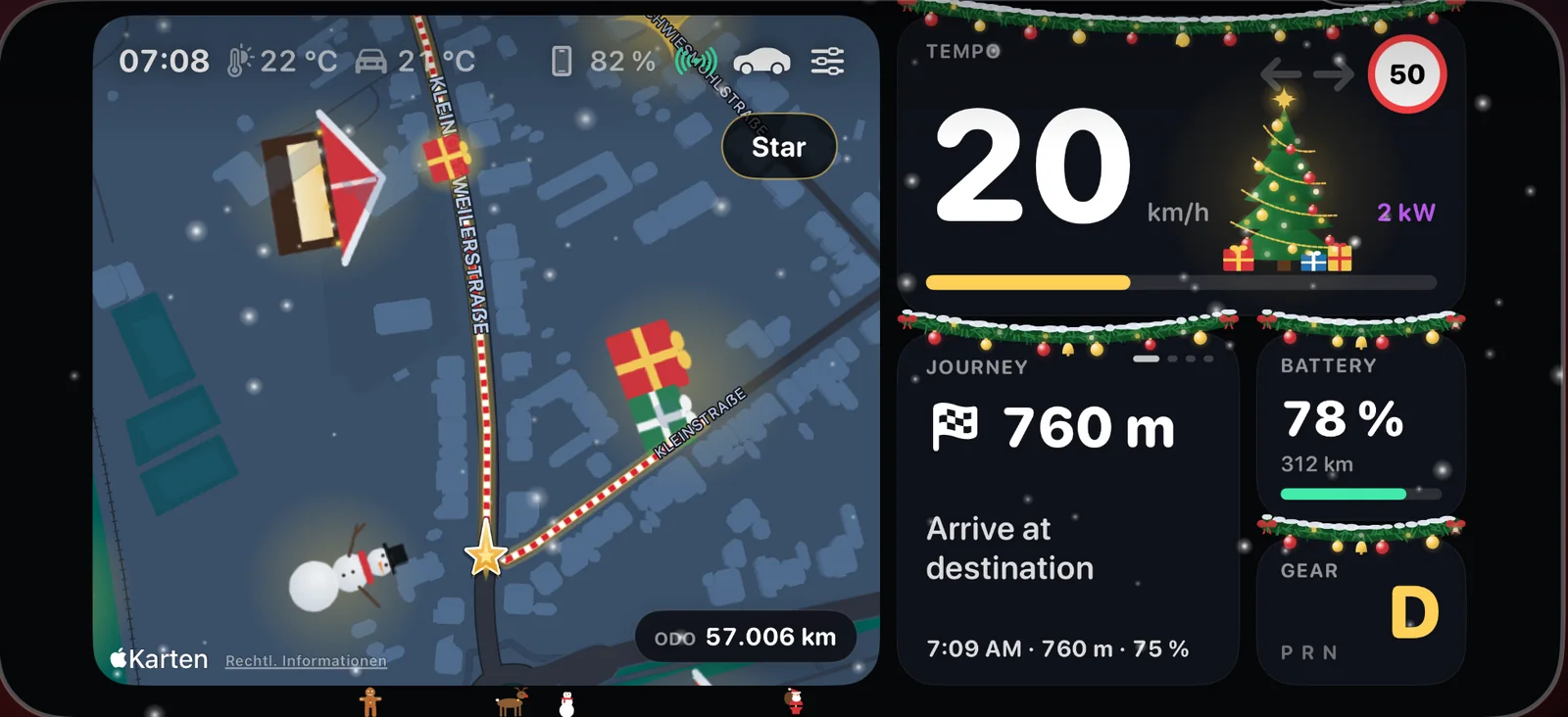
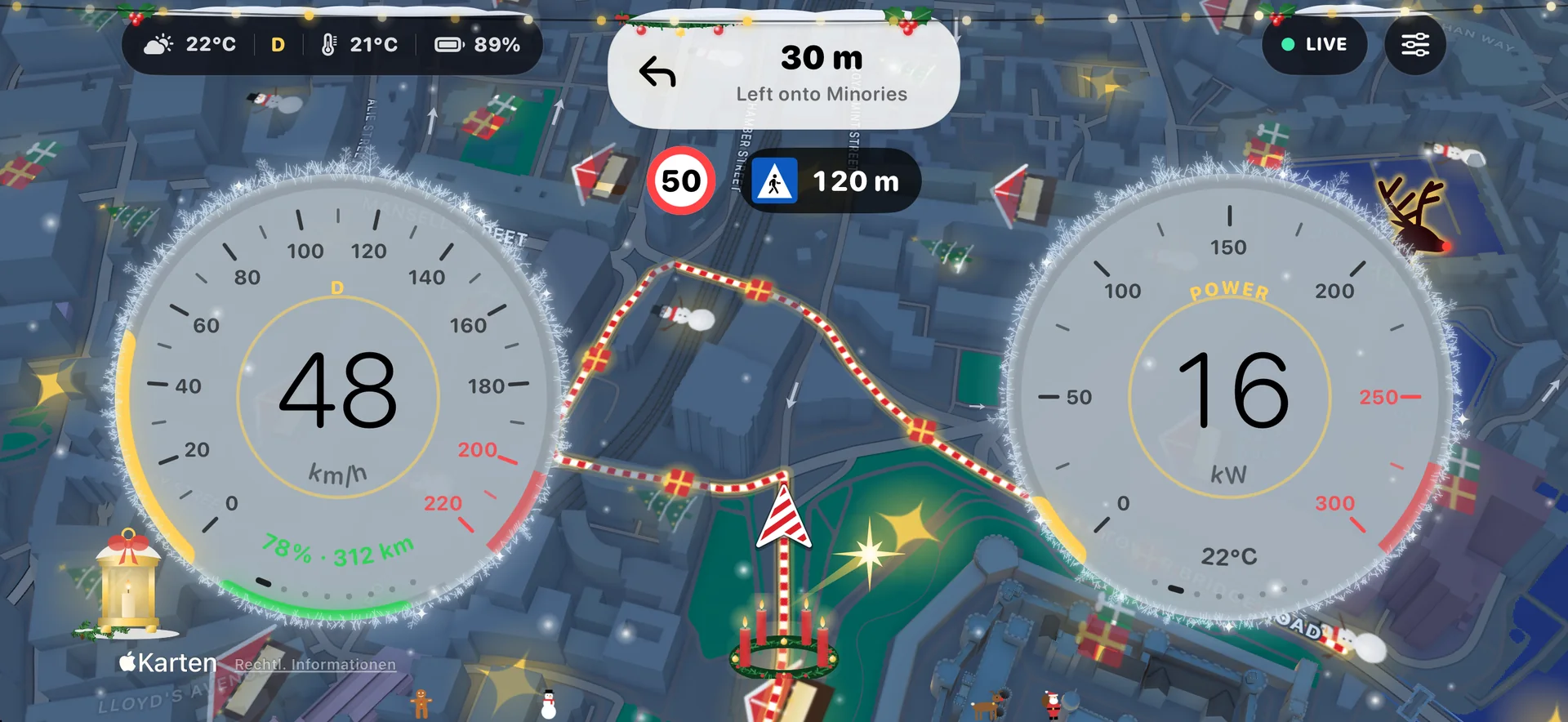
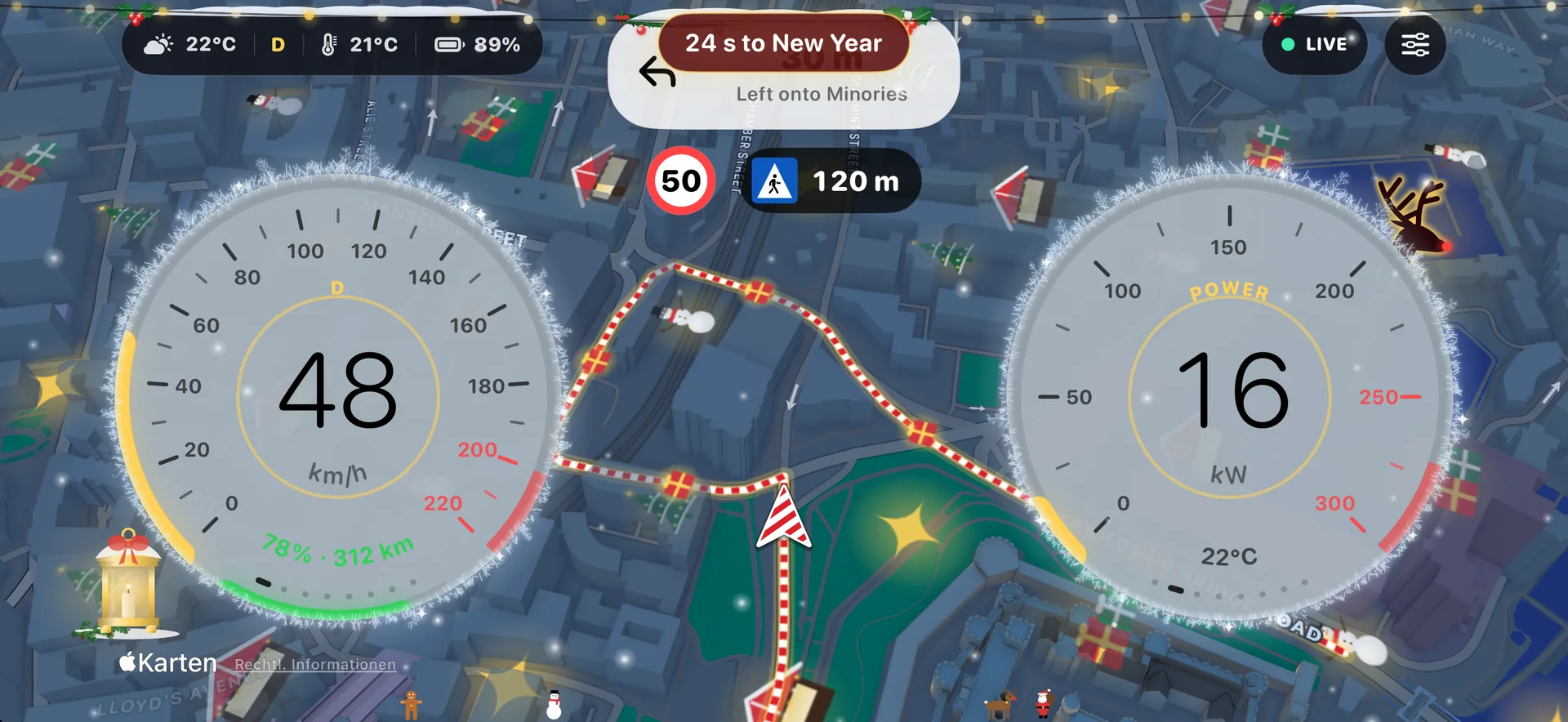
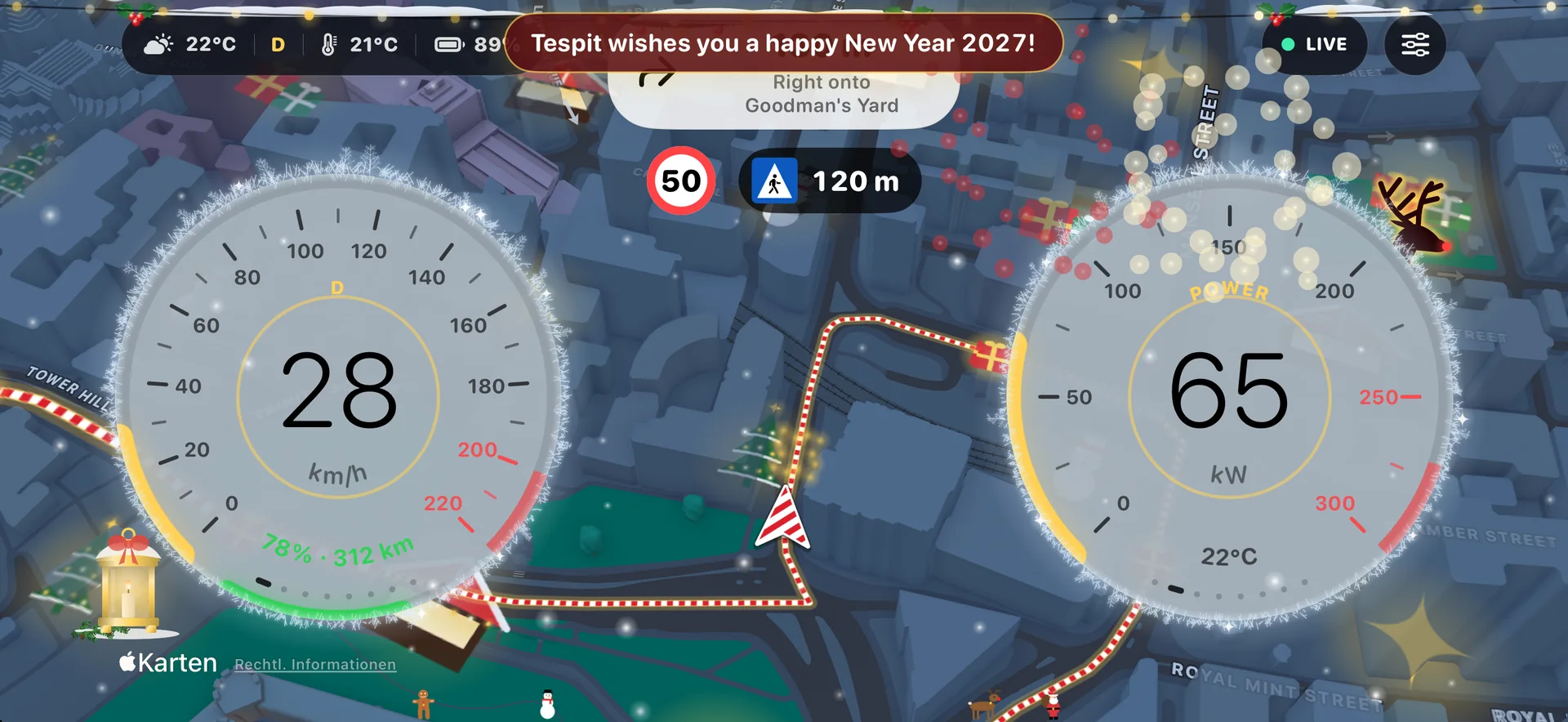
All eleven cockpits, their charging views, the menus and your own cockpits turn festive. Gauges and maps wear snow, fir green and holly, fairy lights hang above the displays, and little figures walk along the edge of the screen.
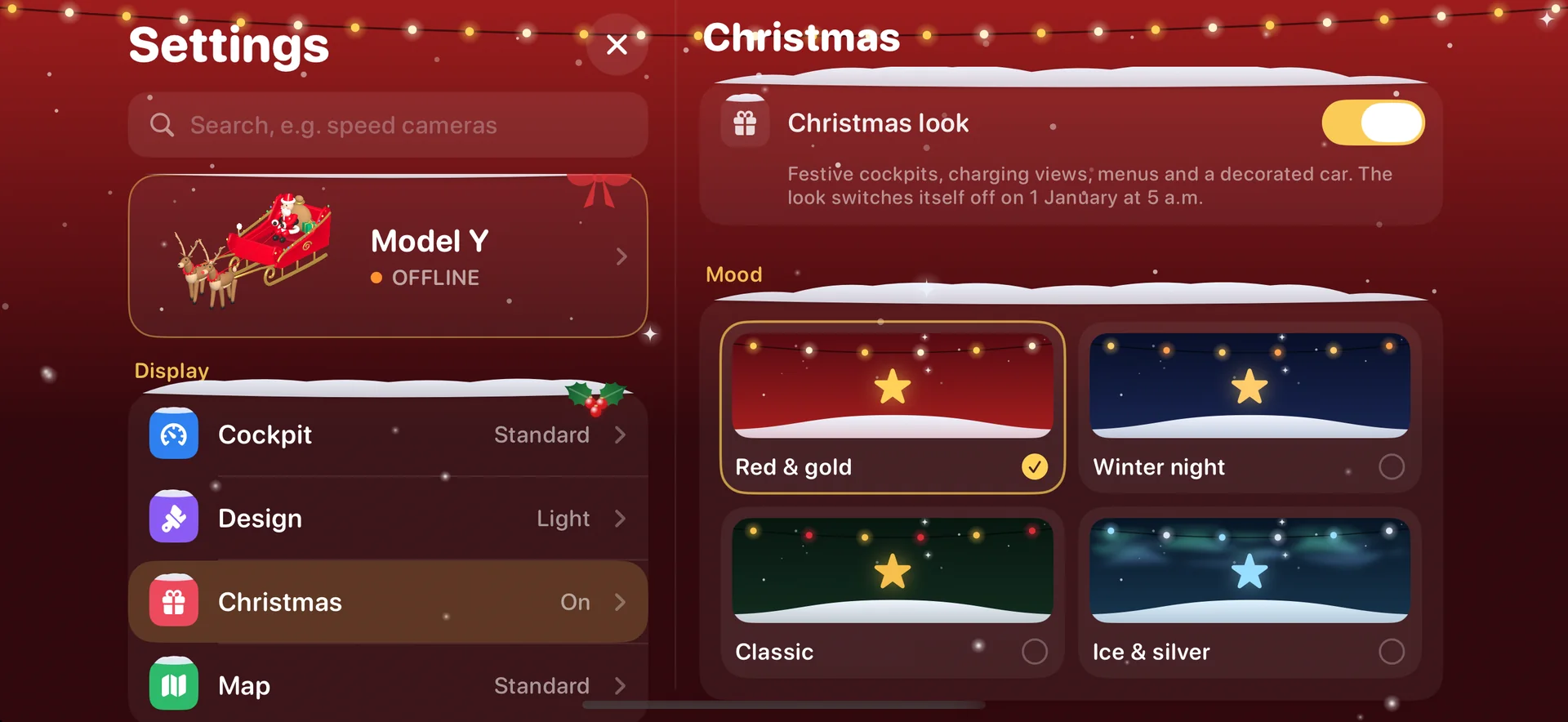
The Christmas look is on right after the update. It ends by itself on 1 January at 5 a.m. If you don't want it, switch it off under Settings › Christmas.
Four moods
The mood sets the colours and light in all cockpits at once. Red & gold is warm and festive, Winter night is dark with a starry sky, Classic is light with fir green, and Ice & silver is cool and sparkling.
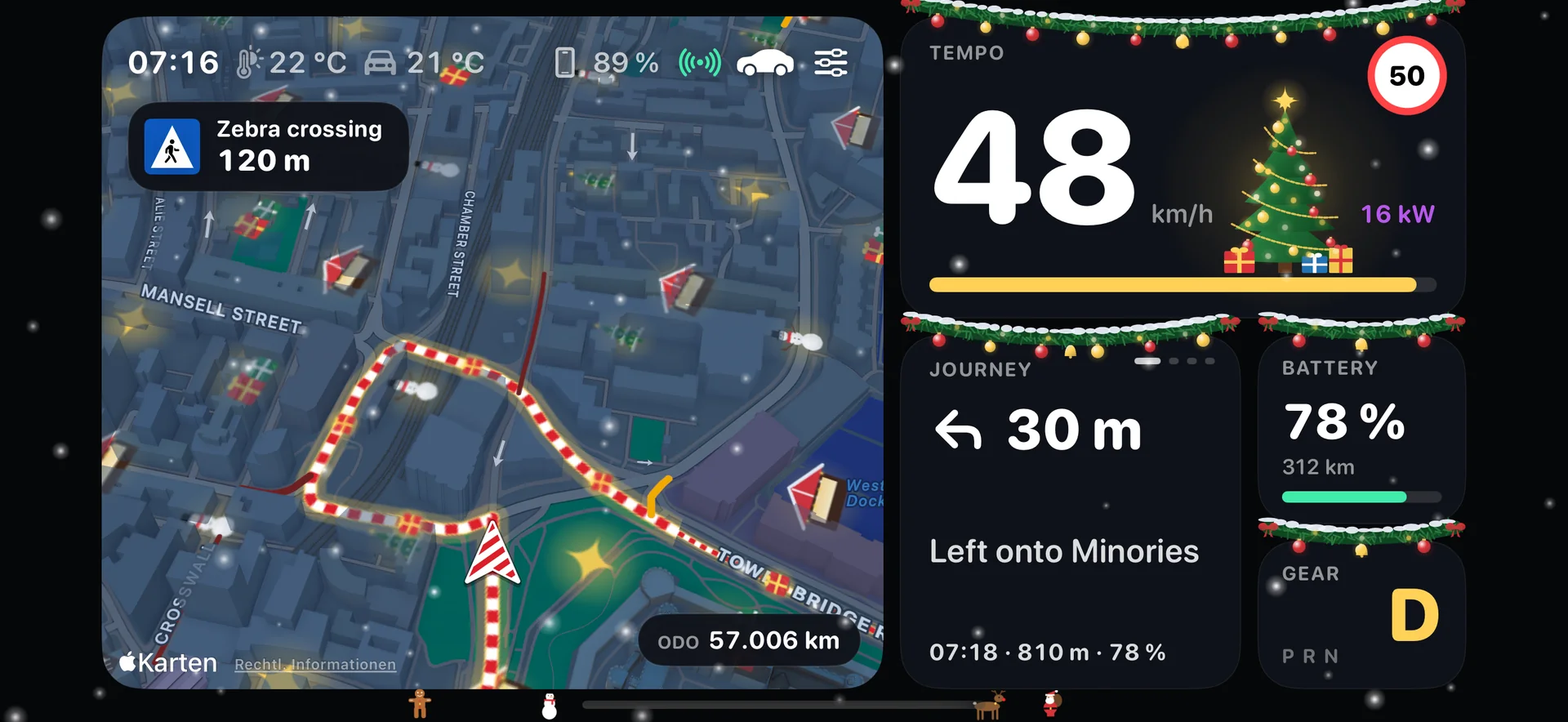
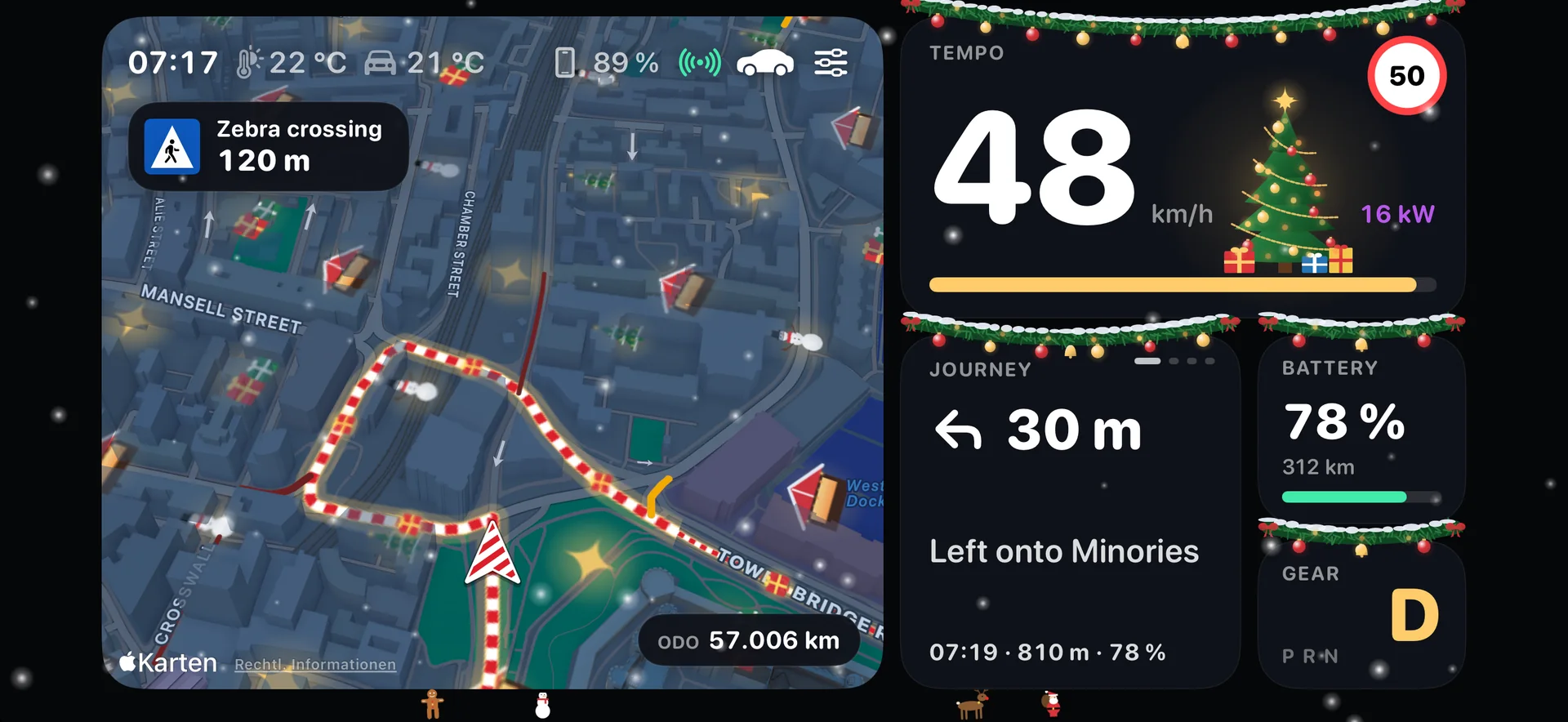
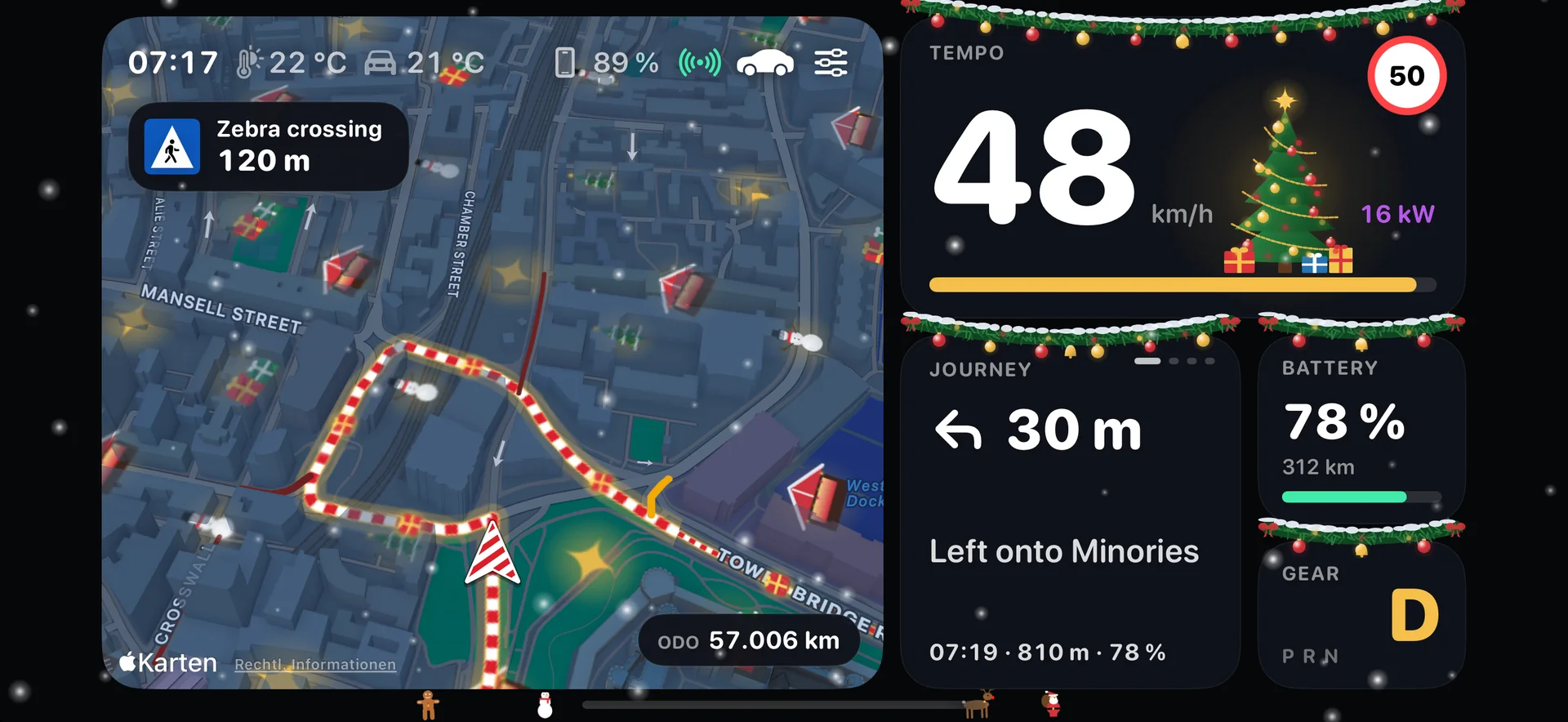
Three scenes per cockpit
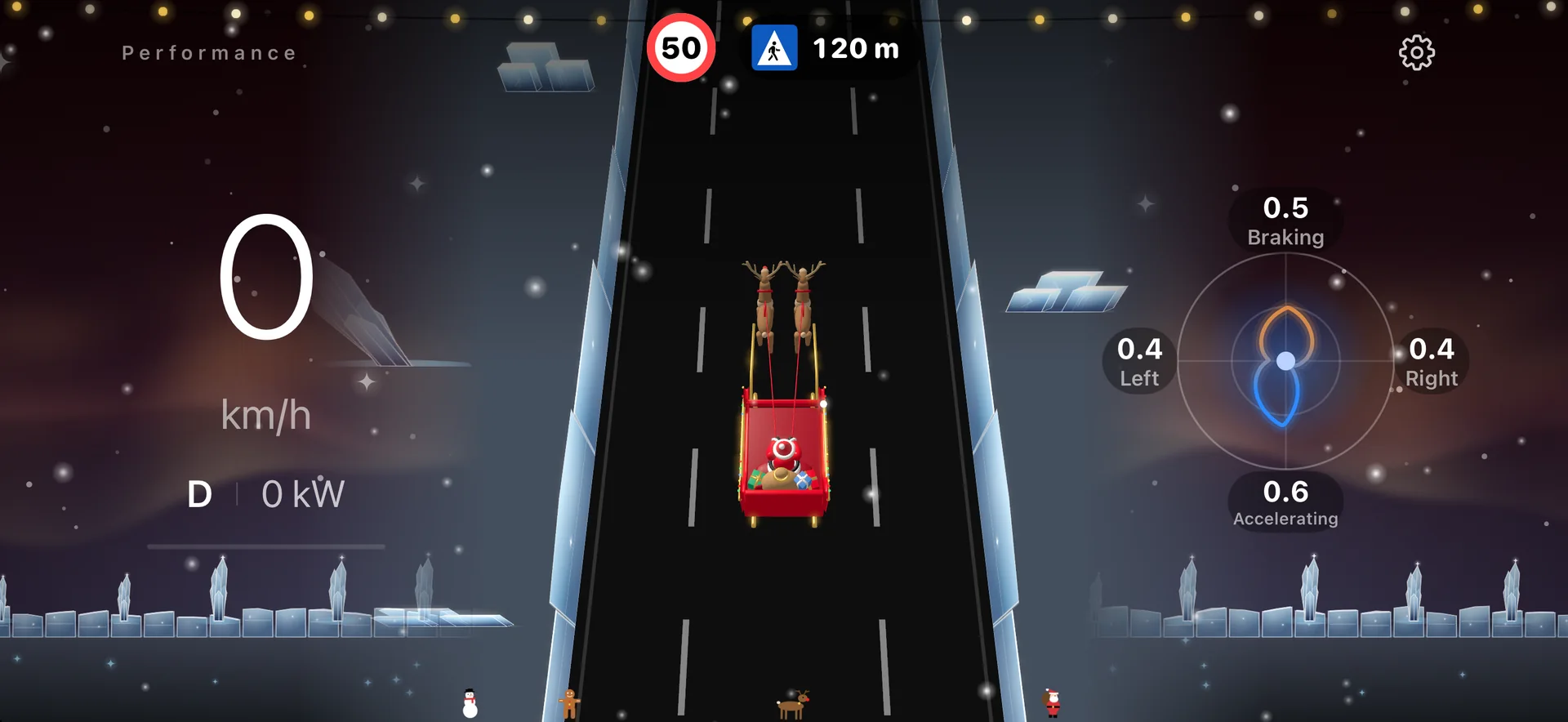
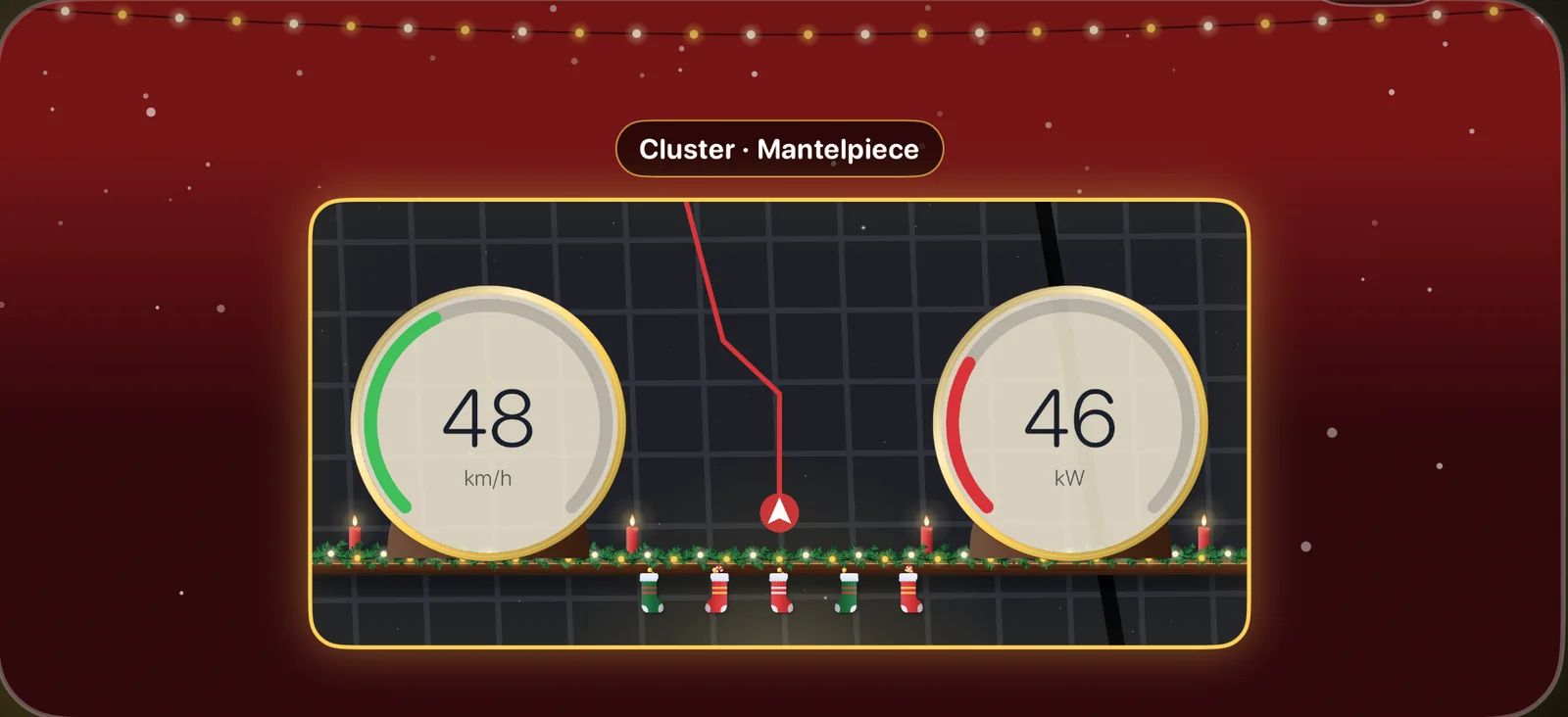
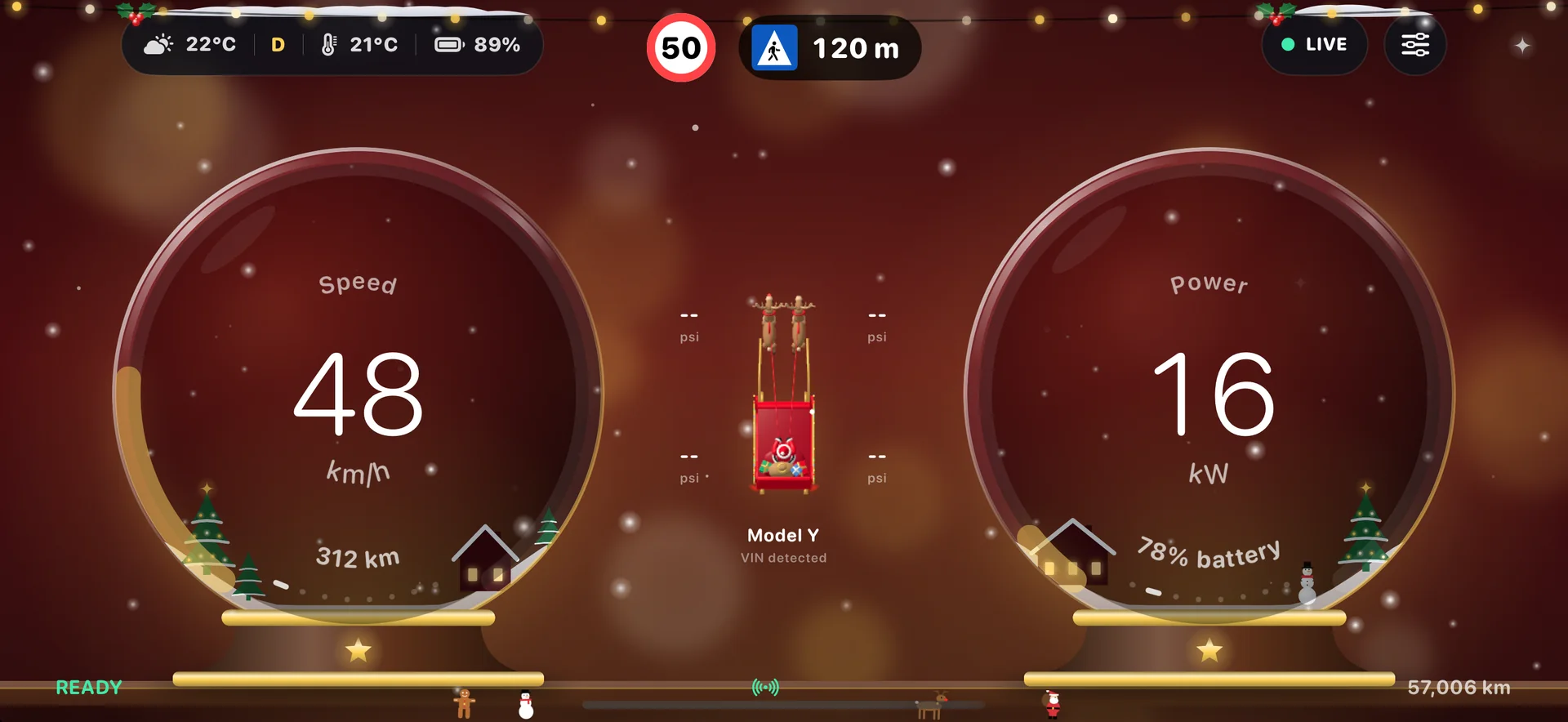
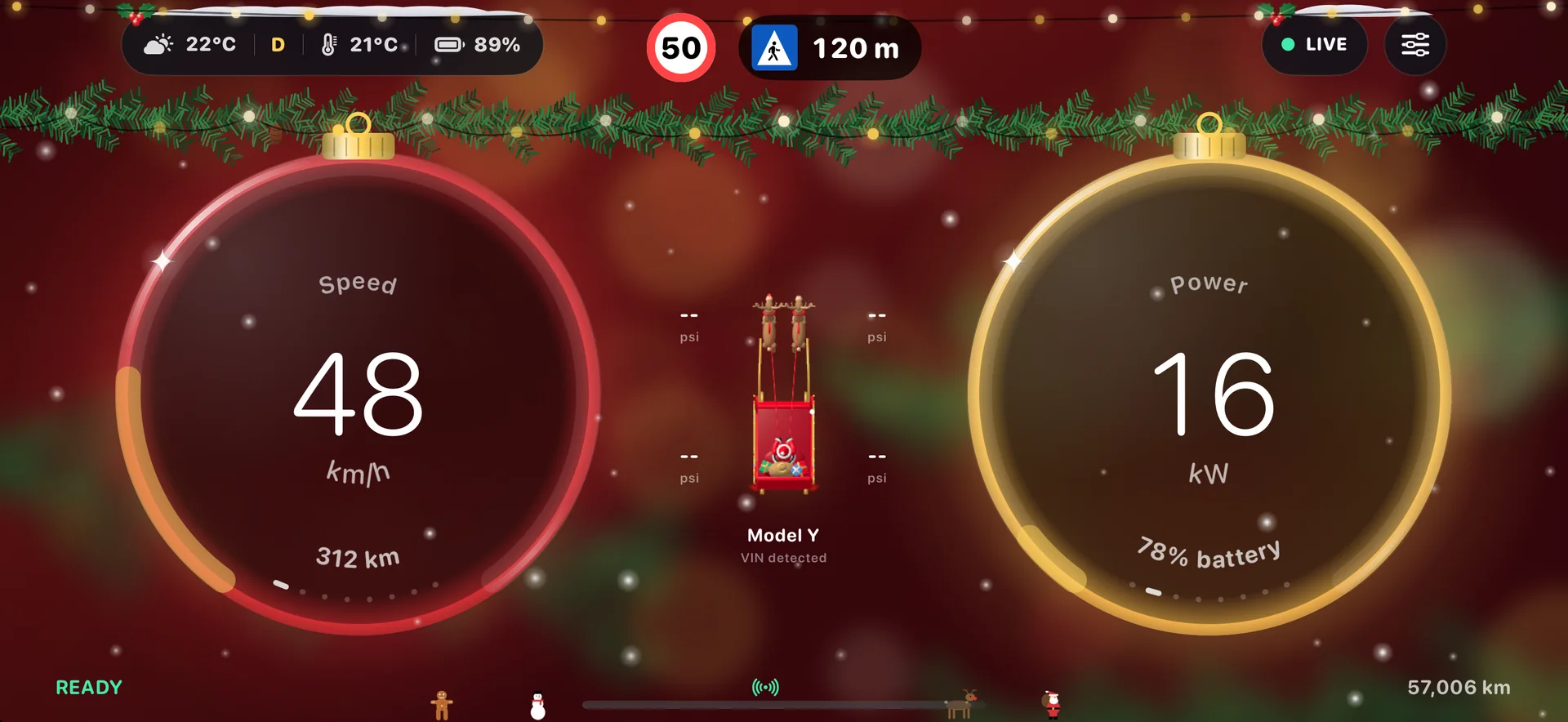
Every cockpit has three scenes of its own. Ultra shows snow globes, baubles or frosted windows, for example, Cluster shows frost with a lantern, a mantelpiece or a moonlit night, and in Speedway reindeer race each other.
Under Settings › Christmas you choose the scene for each cockpit. Every cockpit remembers its own choice.
Christmas vehicles
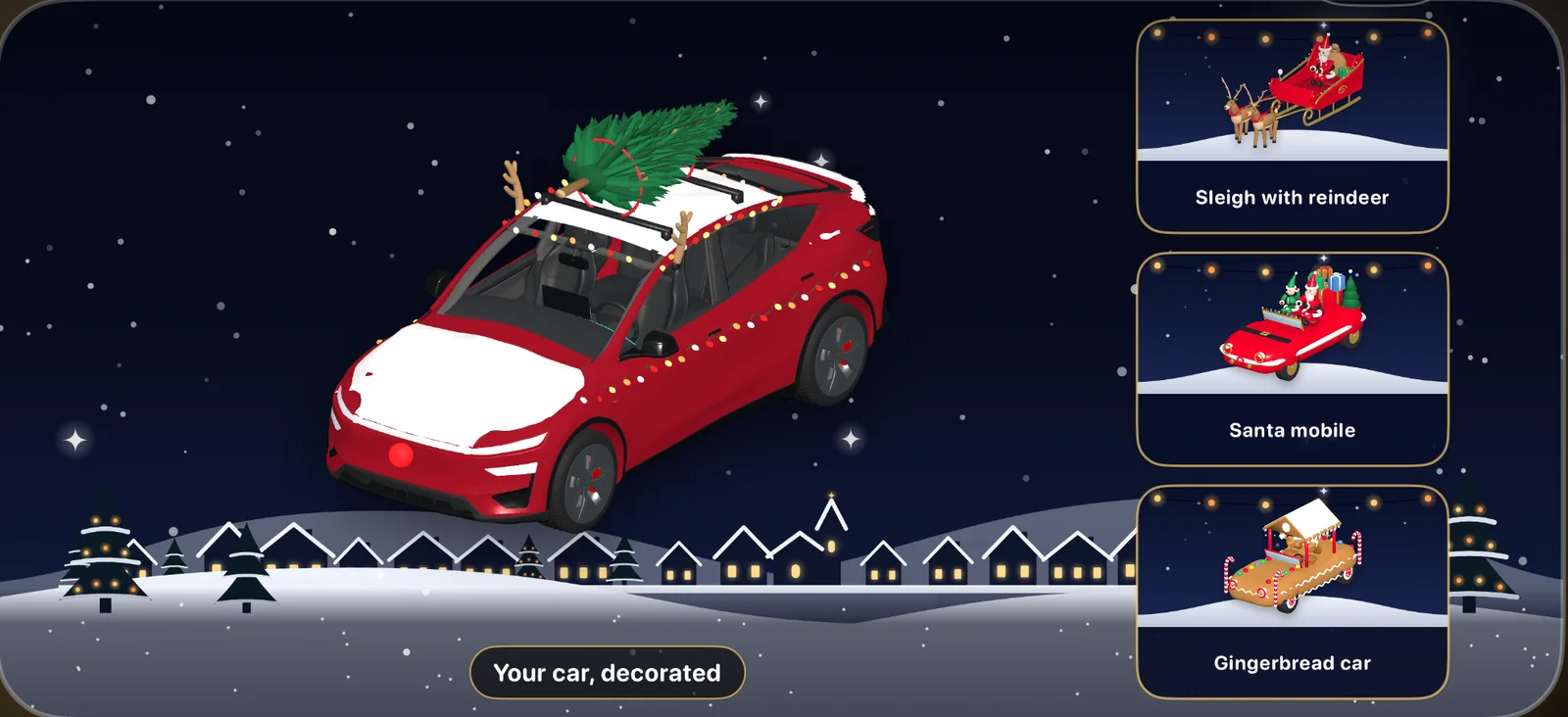
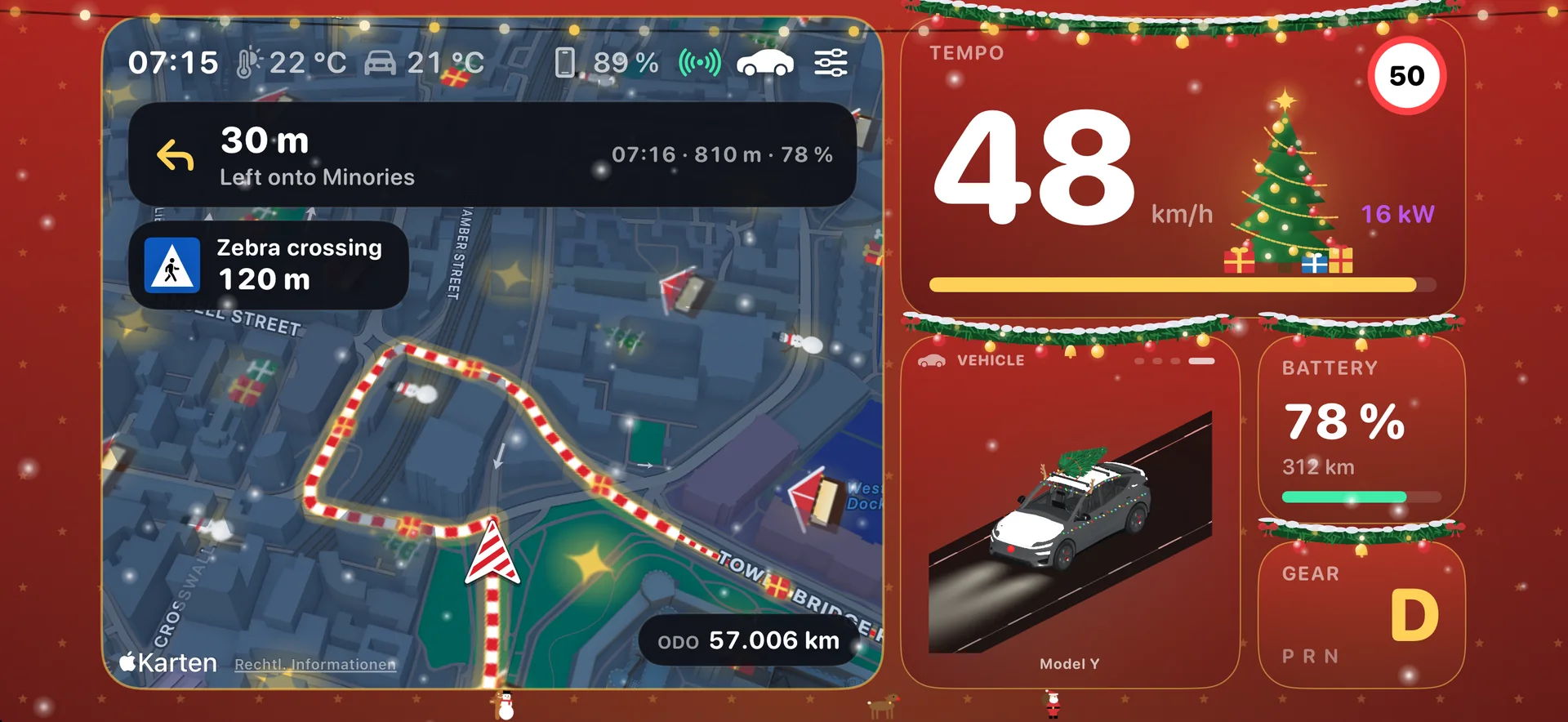
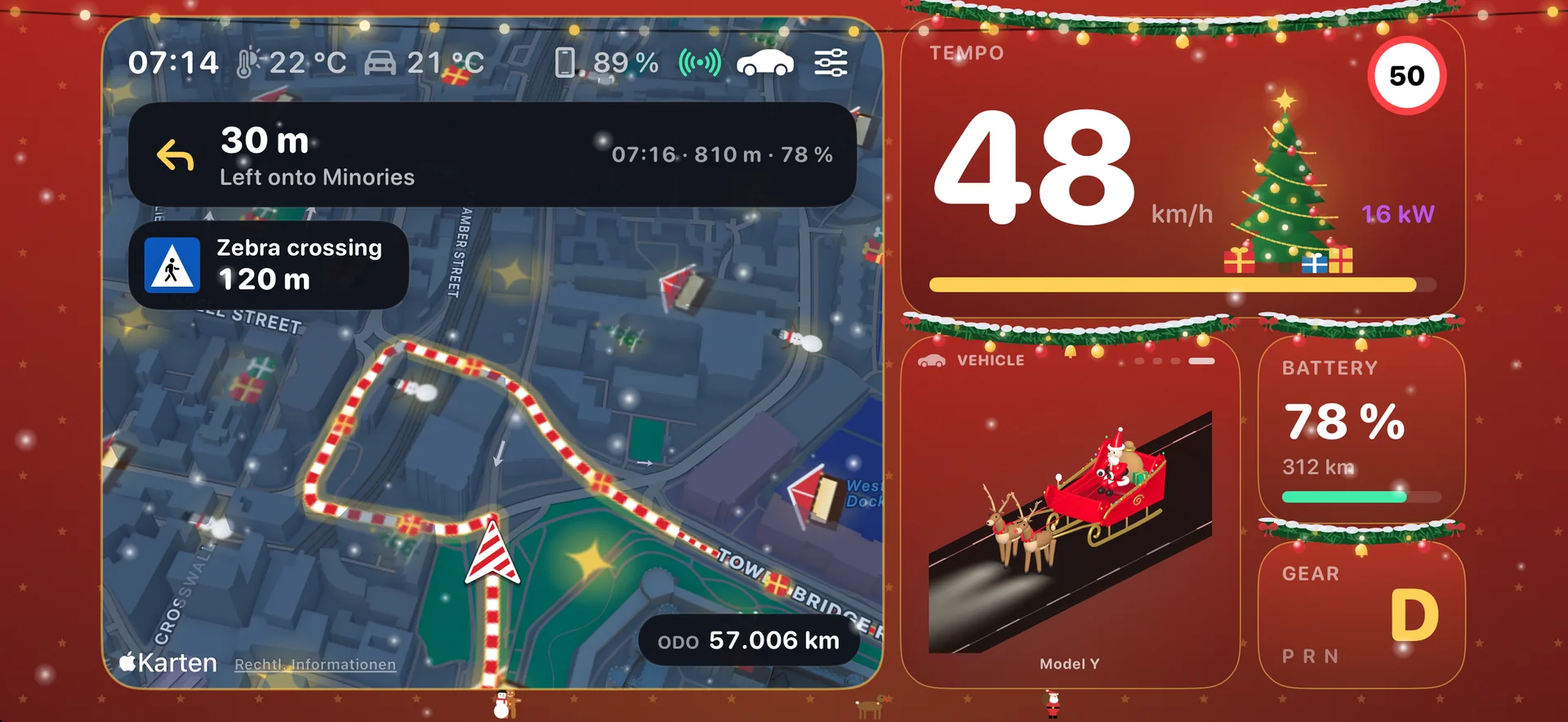
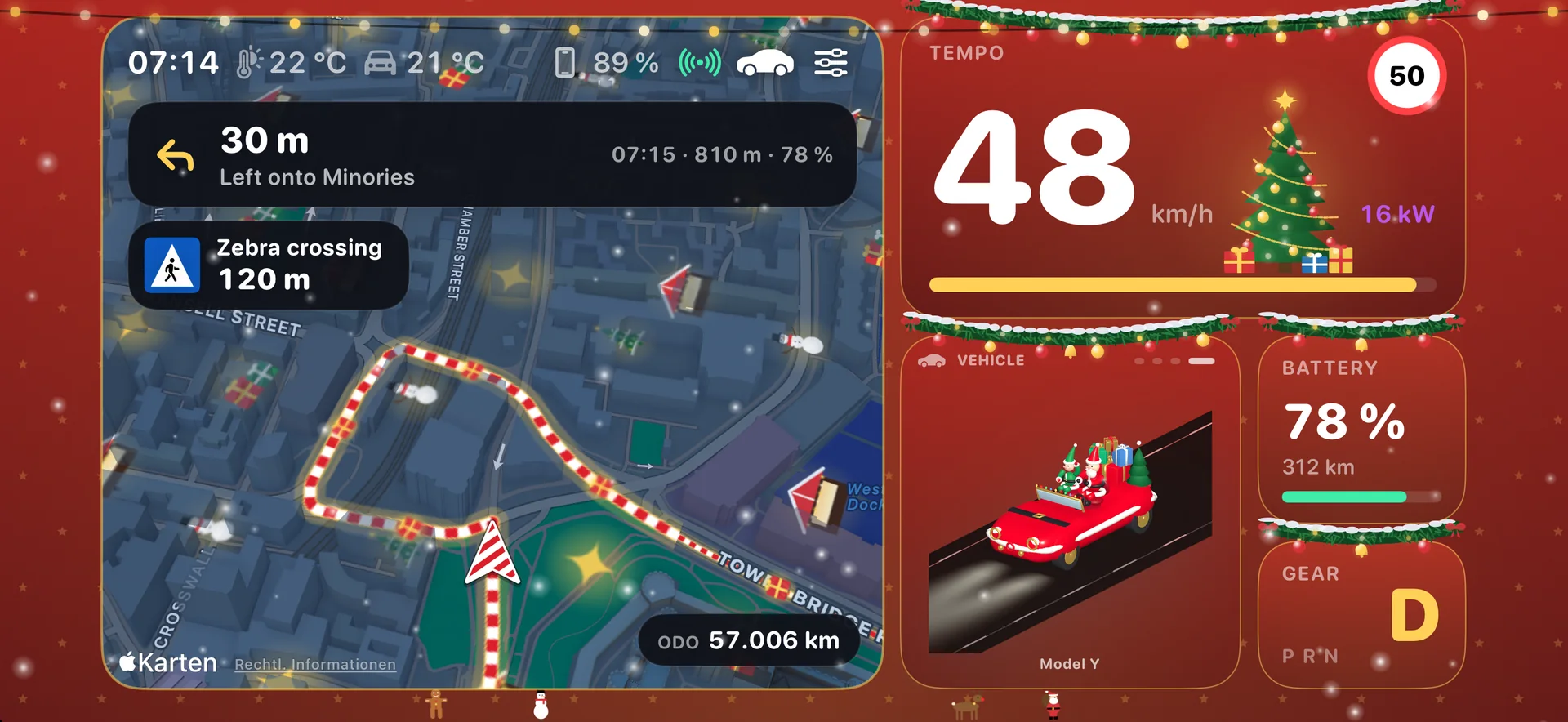
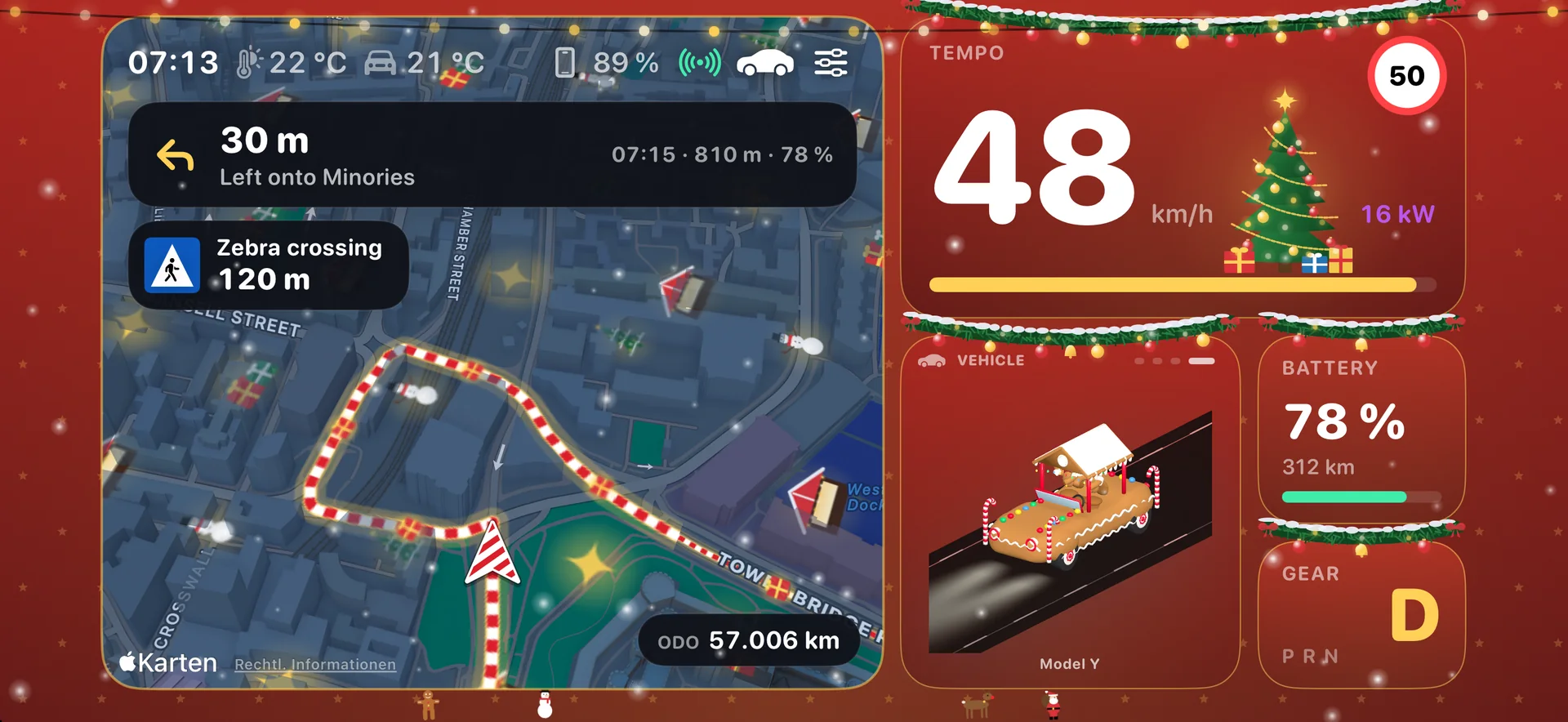
For Christmas, the 3D car in the cockpits is decorated: with a fir tree on the roof, fairy lights all around, snow on the roof and bonnet, and reindeer antlers with a red nose. You switch each decoration on or off separately.
Instead of your car, a sleigh with reindeer, Santa's car or a gingerbread car can drive too. All three brake and indicate like your car.
Festive map
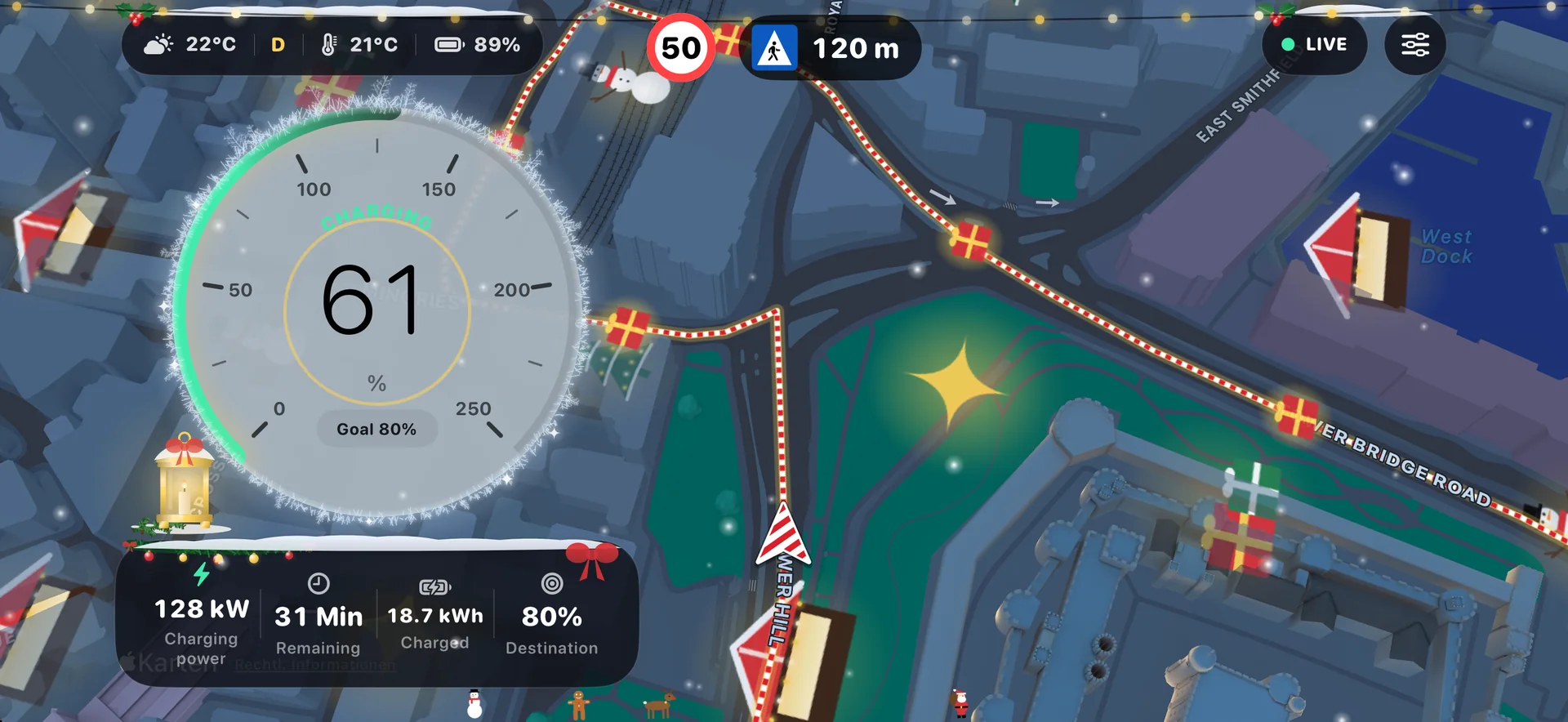
On the map, your route becomes a candy cane. Along the way there are presents that you collect as you drive past, plus little houses, fir trees and snowmen.
If you like, your arrow becomes a sleigh, star, fir tree, reindeer, Santa hat, candy cane or present. When the map zooms out as you drive fast, the decoration thins out so the road stays clear.
Advent and the holidays
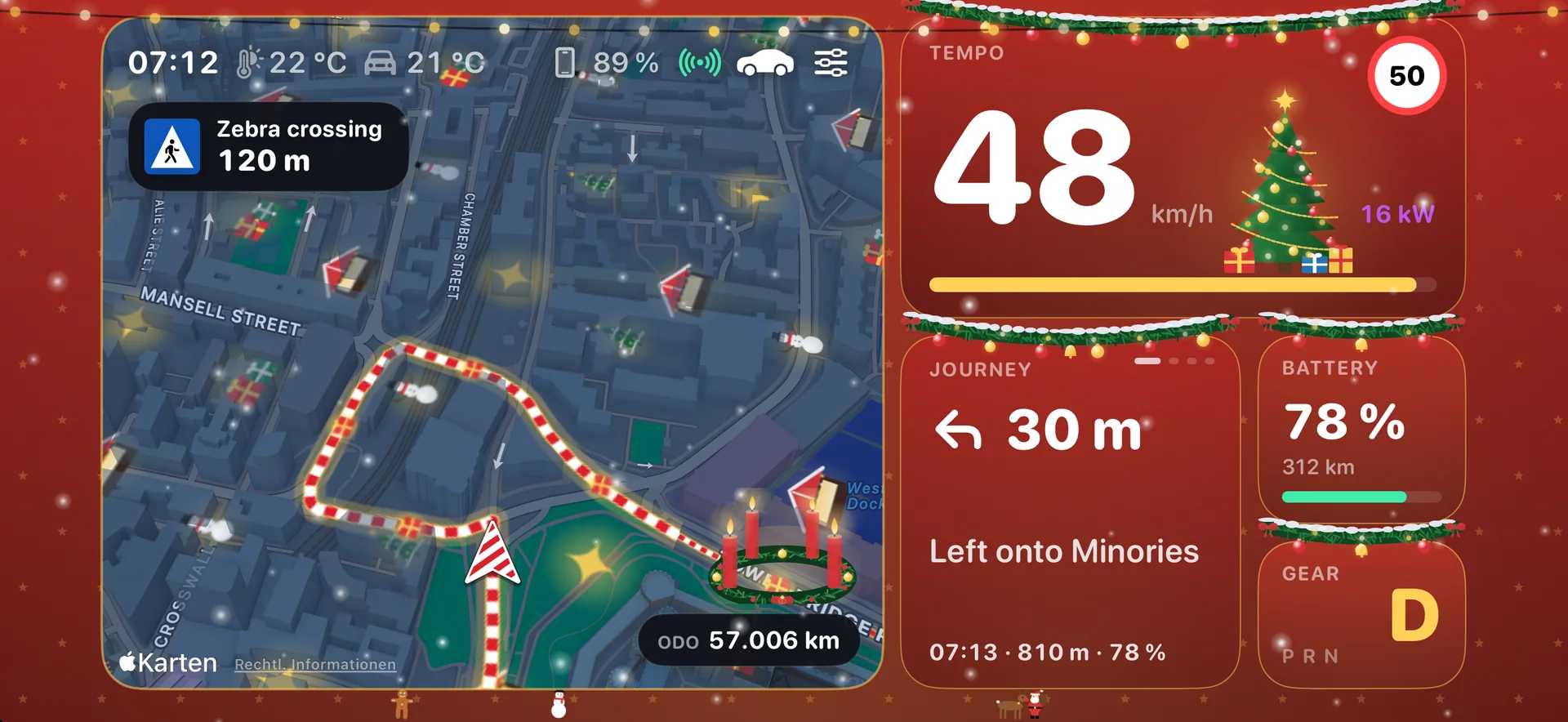
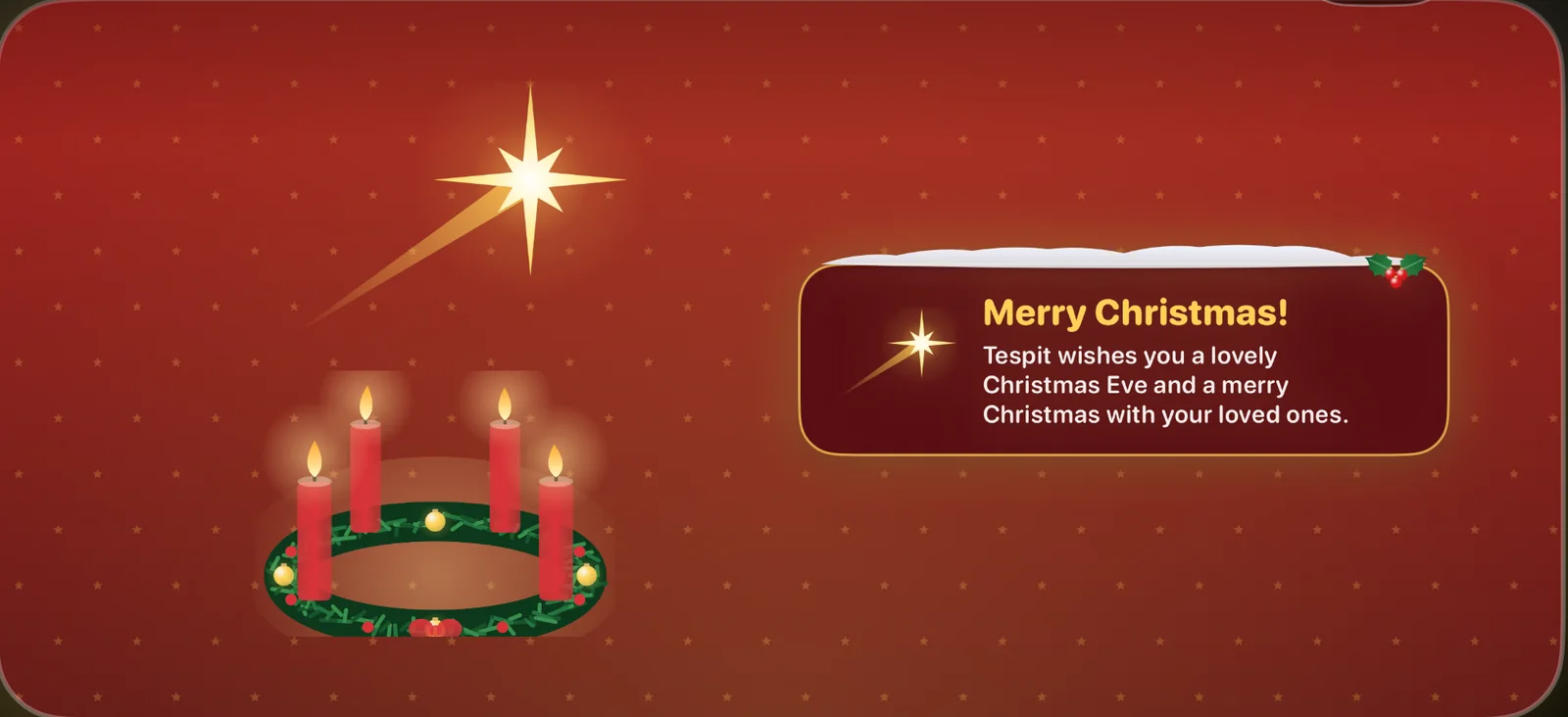
From the first Sunday of Advent, an Advent wreath stands in the cockpit, and one more candle burns every Advent Sunday. On Christmas Eve the star of Bethlehem shines.
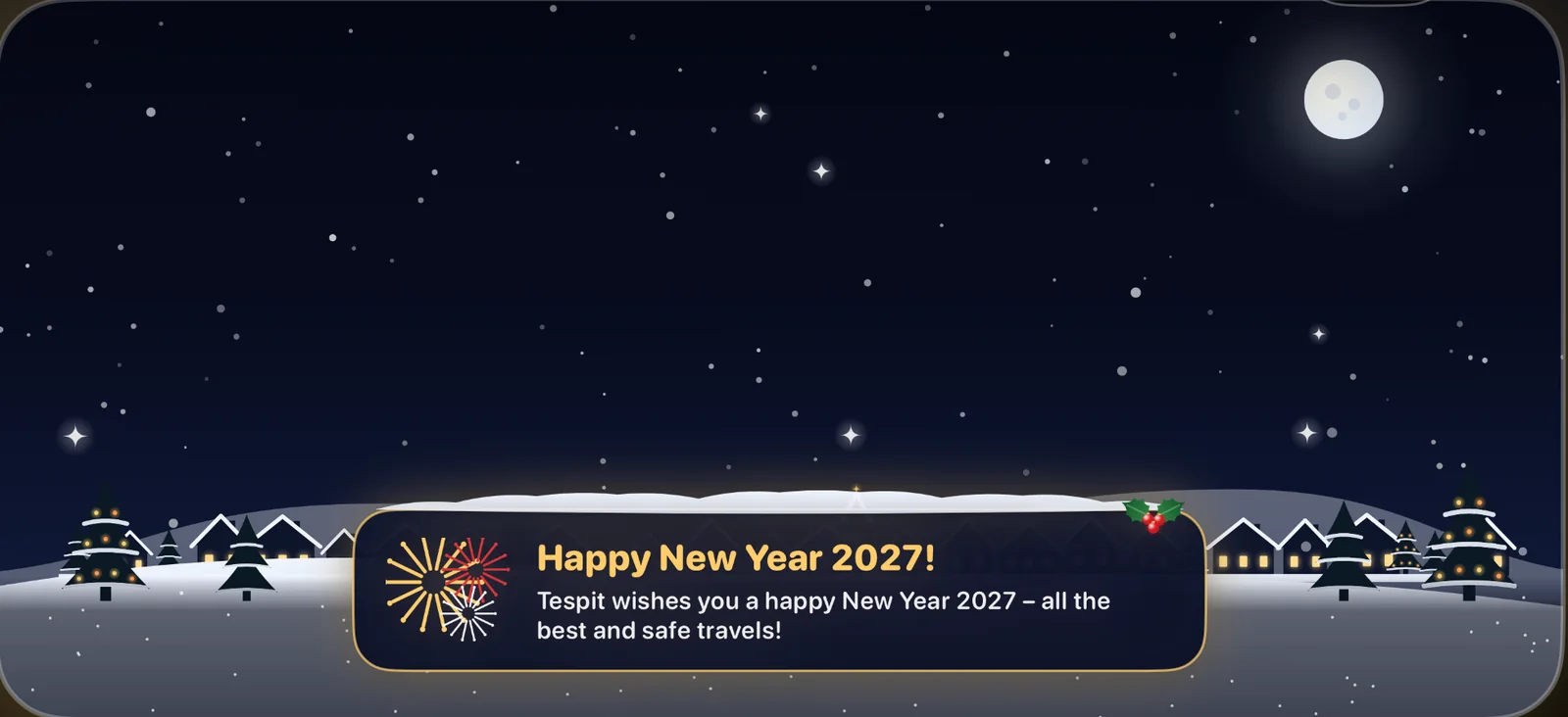
On the Advent Sundays, at Christmas, on New Year's Eve and for the new year, Tespit greets you with a card. When you are stopped it is large; while driving it is only a narrow strip.
New Year's Eve
On 31 December, rockets go up over the cockpits. The countdown starts at 23:59, and at midnight there are fireworks with a greeting for the new year.
When you start the app on 31 December, Tespit points out the fireworks that night.
Charging
When your Tesla is charging, all eleven cockpits show their charging view in the Christmas look. Charge level, power and remaining time stay easy to read.
The charging views now also fit the folded iPhone Duo.
Just the way you like it
There you choose the mood, the scene for each cockpit, the vehicle and the arrow on the map. You switch each element on or off separately, from the Advent wreath to the falling snow. The cards show real pictures of the scenes and vehicles.
Toolbox
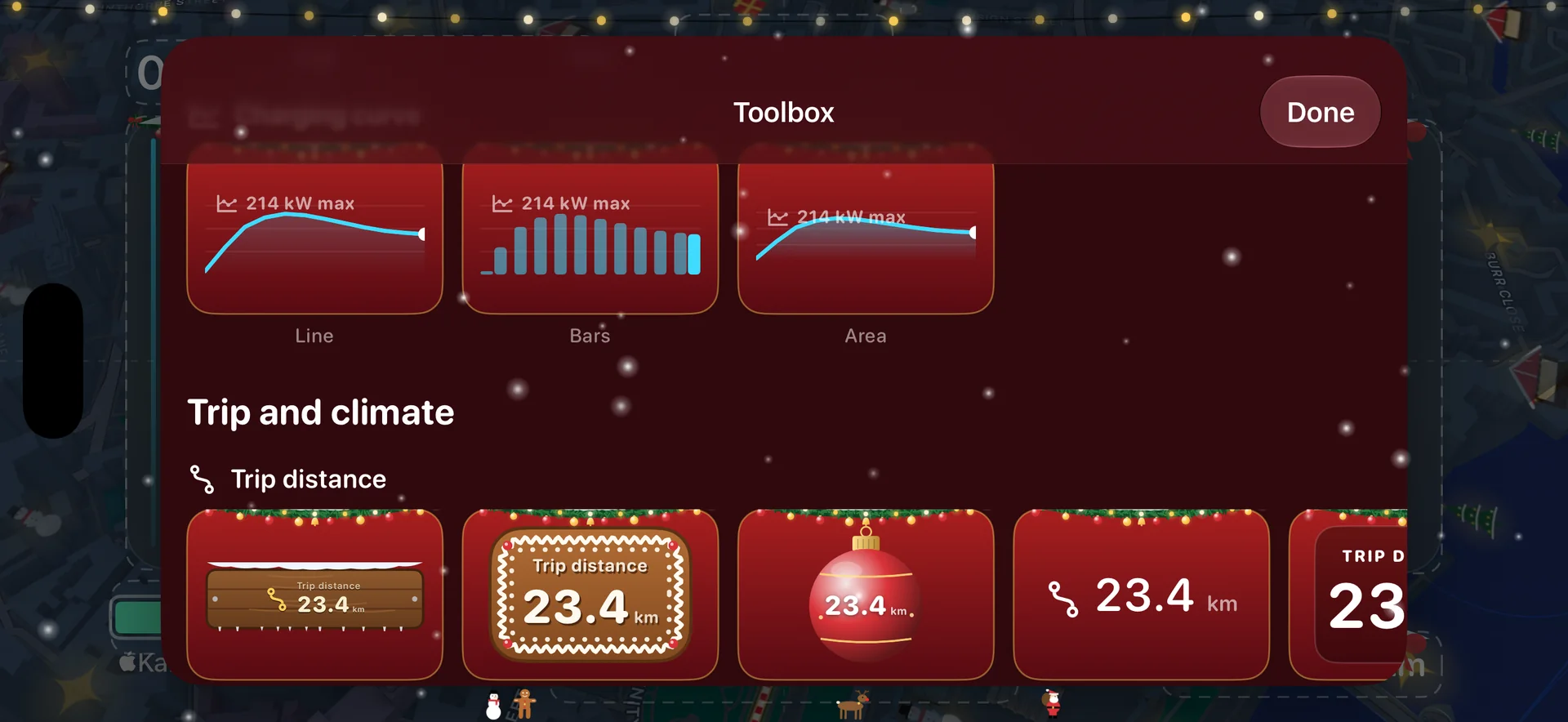
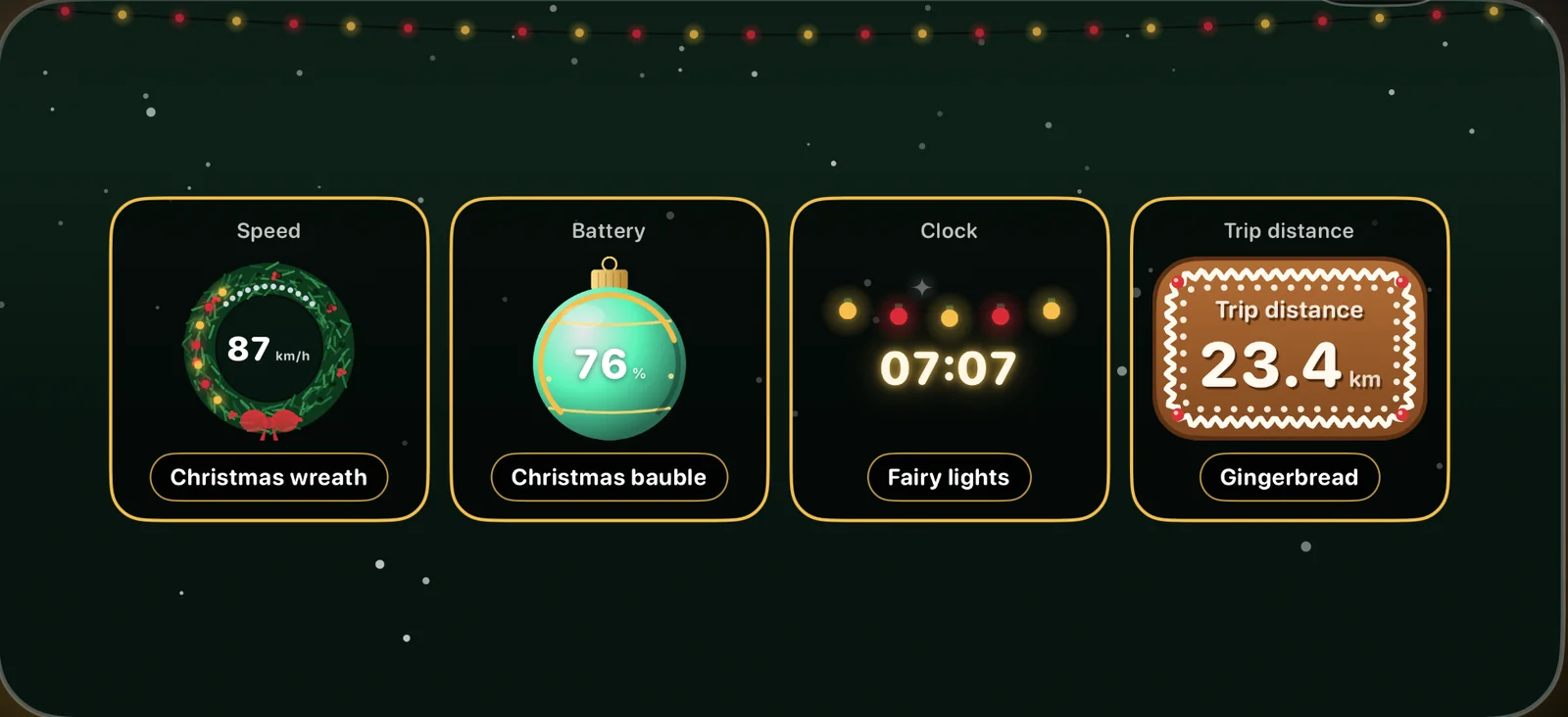
New in the toolbox are road signs, status with car and phone battery, connection, lock and clock, a connection indicator of its own, consumption, speed cameras and 29 stickers. There are also many new looks such as neon, pill and tile.
Every piece also comes in a festive version: as a bauble, wreath, fairy lights or gingerbread, always with its real values.
From your feedback
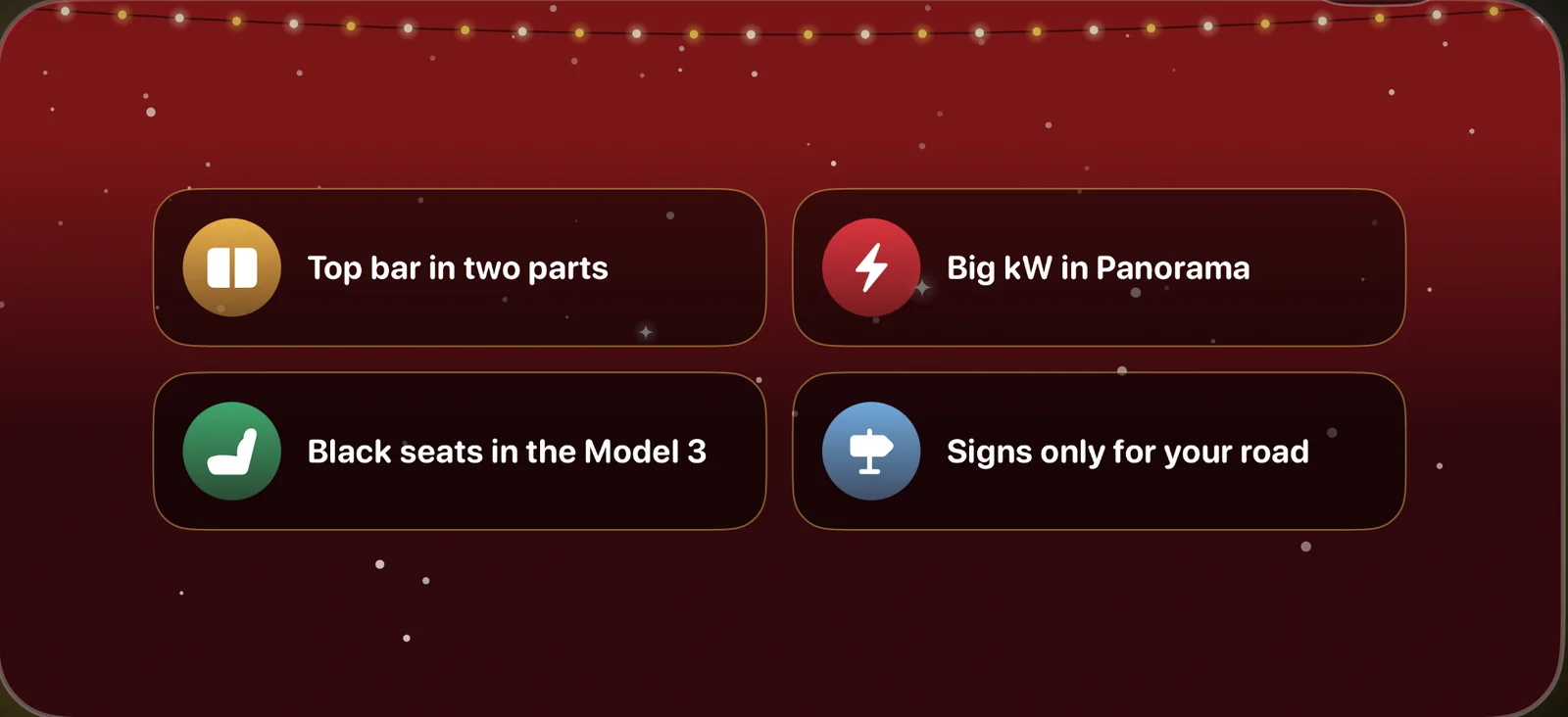
Many of the changes in 1.1.18 come from your messages and from the TFF Forum.
Standard cockpit
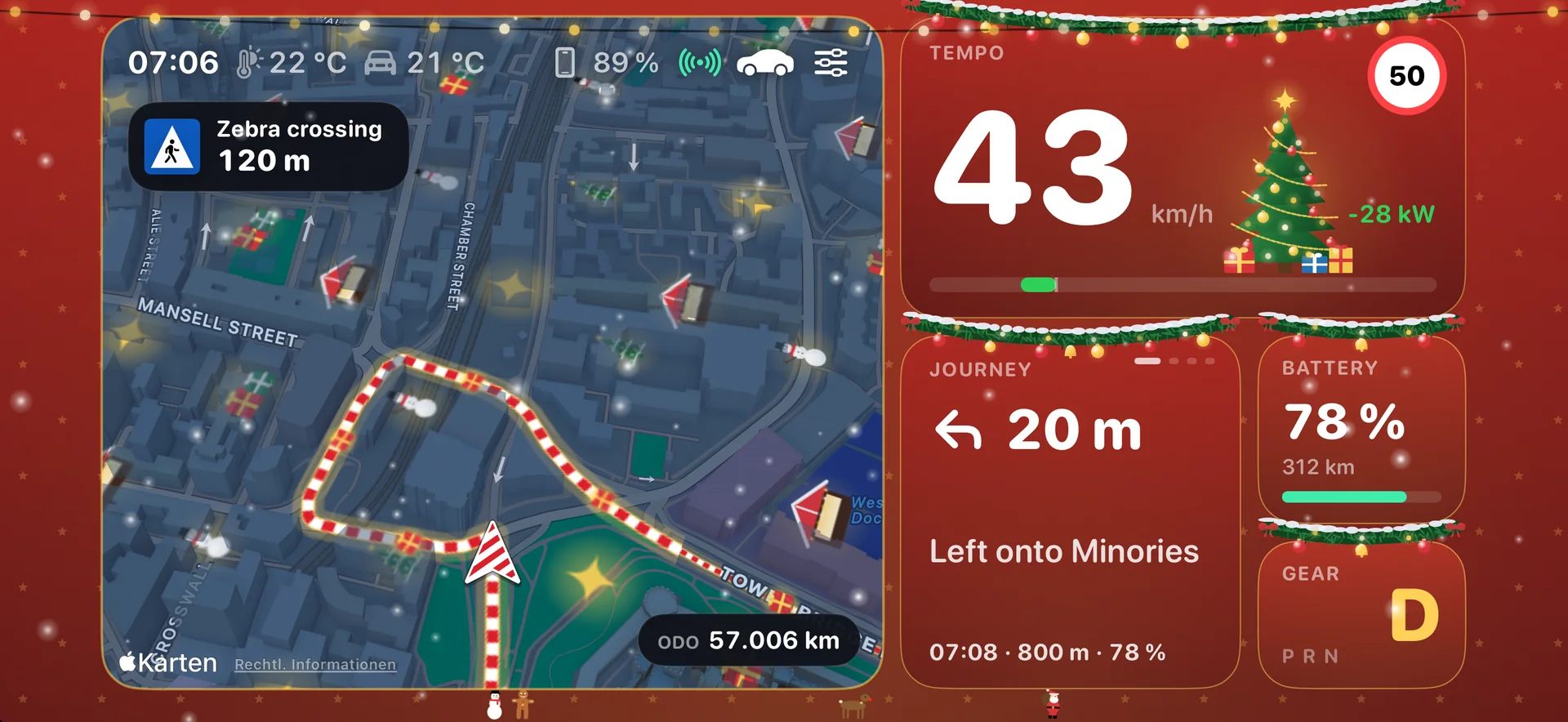
If you like, the bar below the speed shows the power instead of the speed: drive on the right, energy recovery on the left, matching your model. You set this under Settings › Cockpit › Standard › Bar.
The odometer is now at the bottom right of the map. At the top, outside and inside temperature are easy to tell apart with their own symbols.
Variable range
The variable range now learns only while you drive and the connection is running. A charge between two drives no longer counts as consumption, and implausible stretches are discarded.
For this, the old learned values are deleted once. After about 40 km of driving, the variable range appears again.
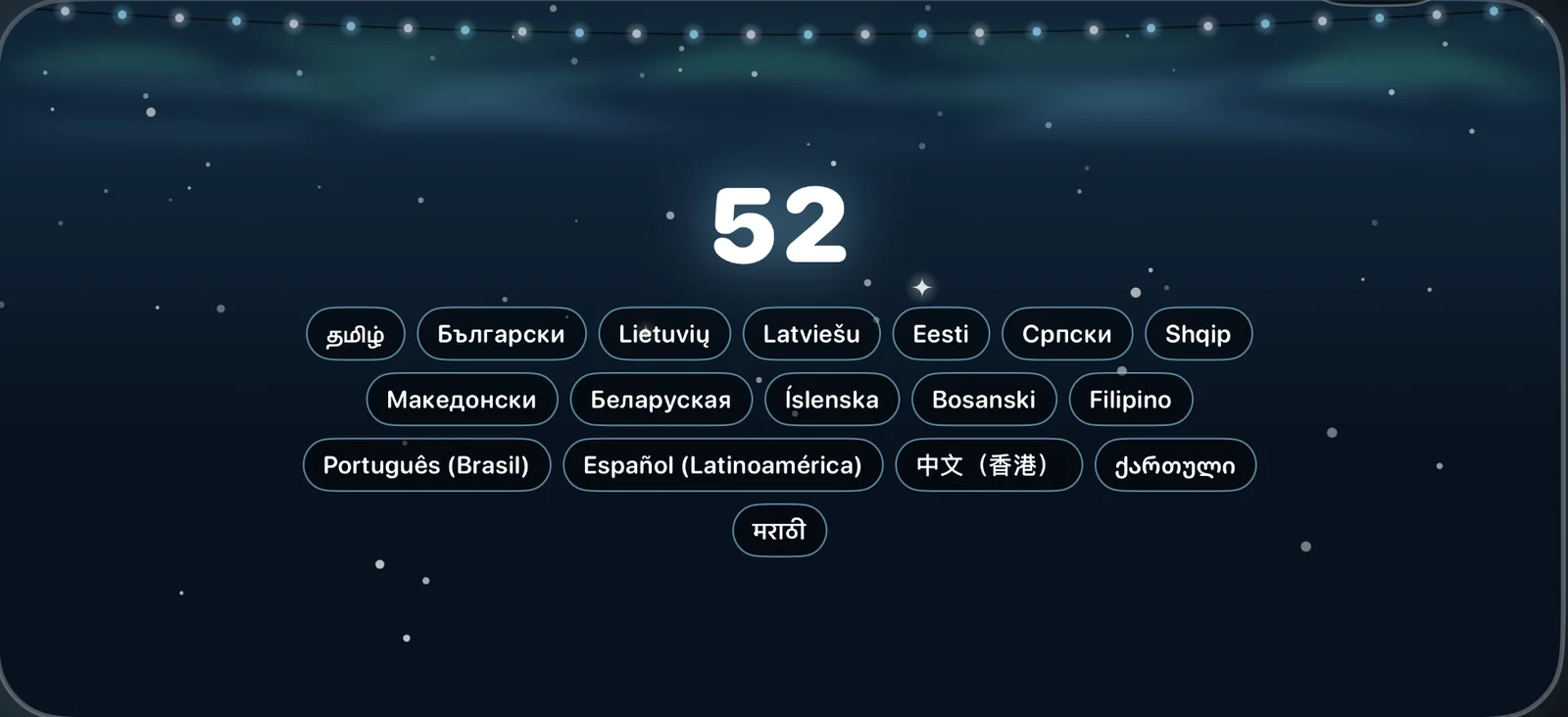
52 languages
Tespit now speaks 52 languages. New are Brazilian Portuguese, Latin American Spanish, Albanian, Serbian, Bosnian, Macedonian, Bulgarian, Belarusian, Lithuanian, Latvian, Estonian, Icelandic, Georgian, Marathi, Tamil, Filipino and Chinese (Hong Kong).
This website is available in the same 52 languages.
Also
Images: Tespit 1.1.18 in the iPhone Simulator with preview data. On Android the Christmas look appears the same; sizes and spacing may differ depending on the device.
Tespit 1.1.18 is available for iPhone and Android. The Christmas look is on right after the update.