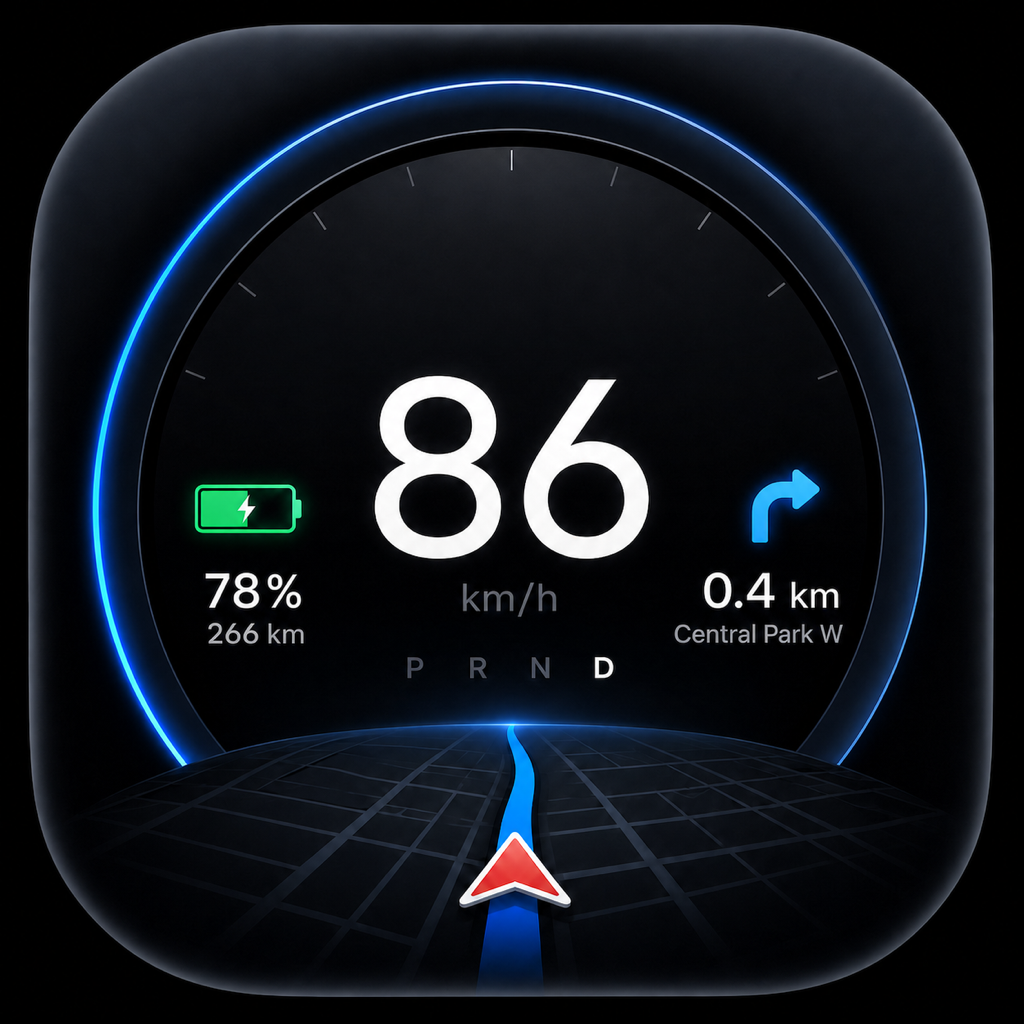
With 1.1.19 you control Tespit with shortcuts, Siri, Control Center or your Android automations. And from 1 to 24 December, a door with Premium inside opens every day.
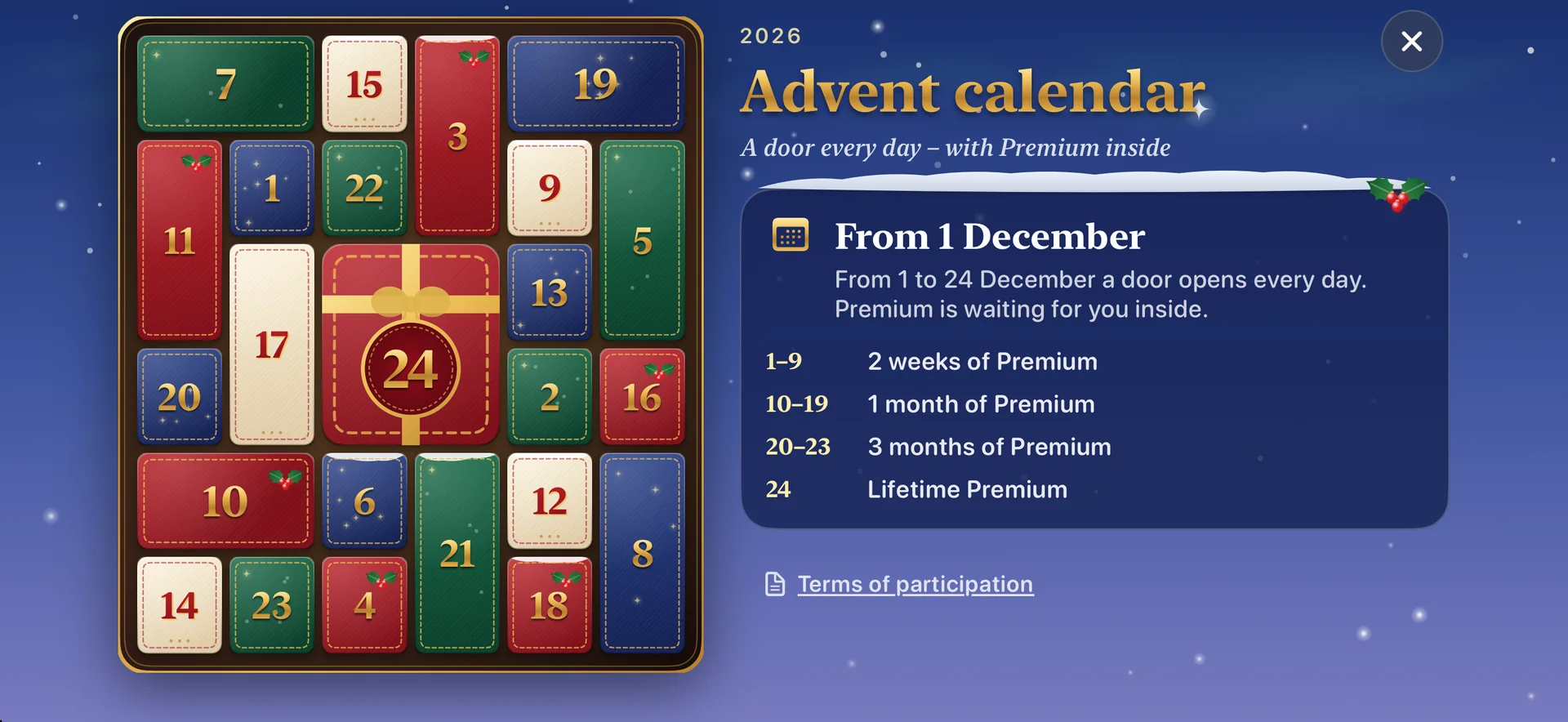
With 1.1.19 you control Tespit with shortcuts, Siri, Control Center or your Android automations. And from 1 to 24 December, a door with Premium inside opens every day.
Shortcuts come to iPhone and Android, free for everyone. You'll see the Advent calendar in the app as soon as you have 1.1.19. The doors open from 1 December.
Shortcuts
With 1.1.19 you can control Tespit from outside the app. A shortcut switches the cockpit, turns a setting on or off, asks for a value or starts an action. It works on iPhone and Android, with the same commands.
Values come in your app language and your units. If Tespit isn't connected right now, you get the last known value marked “(last known)”.
iPhone
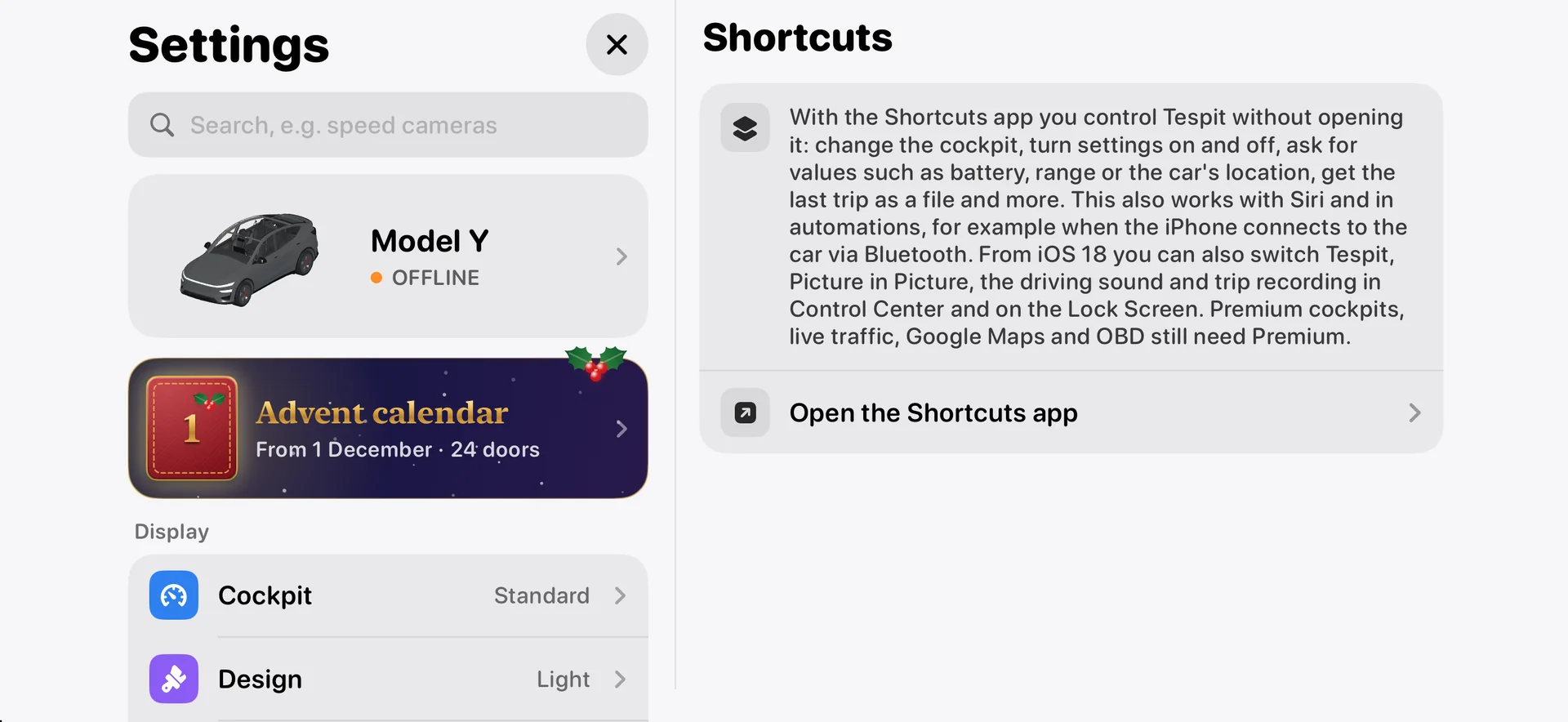
In Apple's Shortcuts app you'll find more than 70 actions under “Tespit”. Add them to your own shortcuts and automations, for example: as soon as your iPhone connects to the car via Bluetooth, Tespit starts and opens your favourite cockpit.
Some commands also work with Siri. In Settings under “Shortcuts”, Tespit explains what's possible and opens the Shortcuts app with one tap.
Control Center
From iOS 18 you can put Tespit controls in Control Center or on the Lock Screen. Ready to go are Tespit, Picture in Picture, driving sound and Record trips.
There are also five controls you set up yourself when you add them. You can add the same control several times with a different choice.
Android
In Settings under “Shortcuts” you build a shortcut and put it on your home screen with “Add to home screen”. Automation apps can find Tespit's shortcuts too.
Free and Premium
The shortcuts themselves cost nothing. What is Premium in the app stays Premium with a shortcut: Premium cockpits and your own cockpits, live traffic, the Google map and the OBD connection. Switching vehicles is free, just like in the vehicle list.
Advent calendar
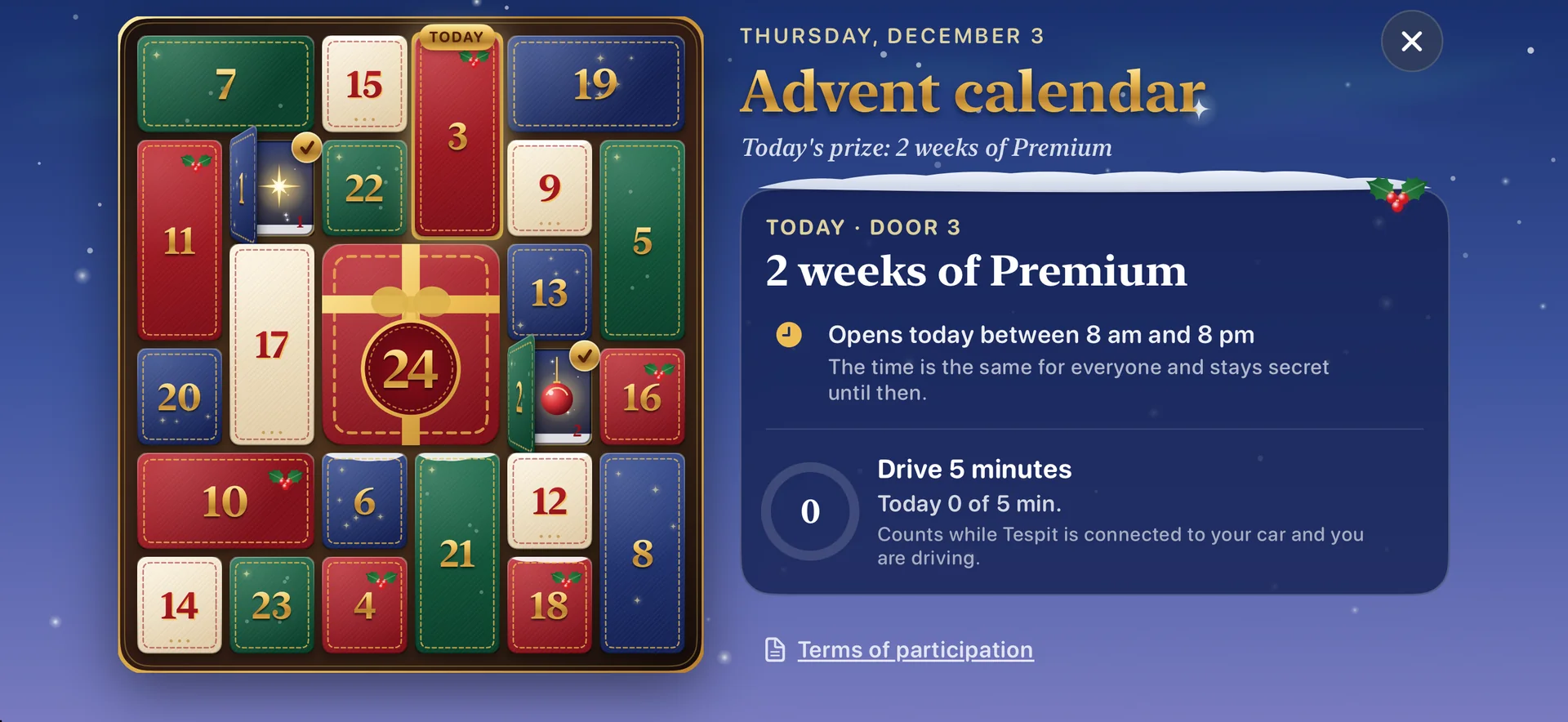
From 1 to 24 December, a door opens in Tespit every day. Behind it is a Premium code for your platform: an App Store code on iPhone, a Google Play code on Android.
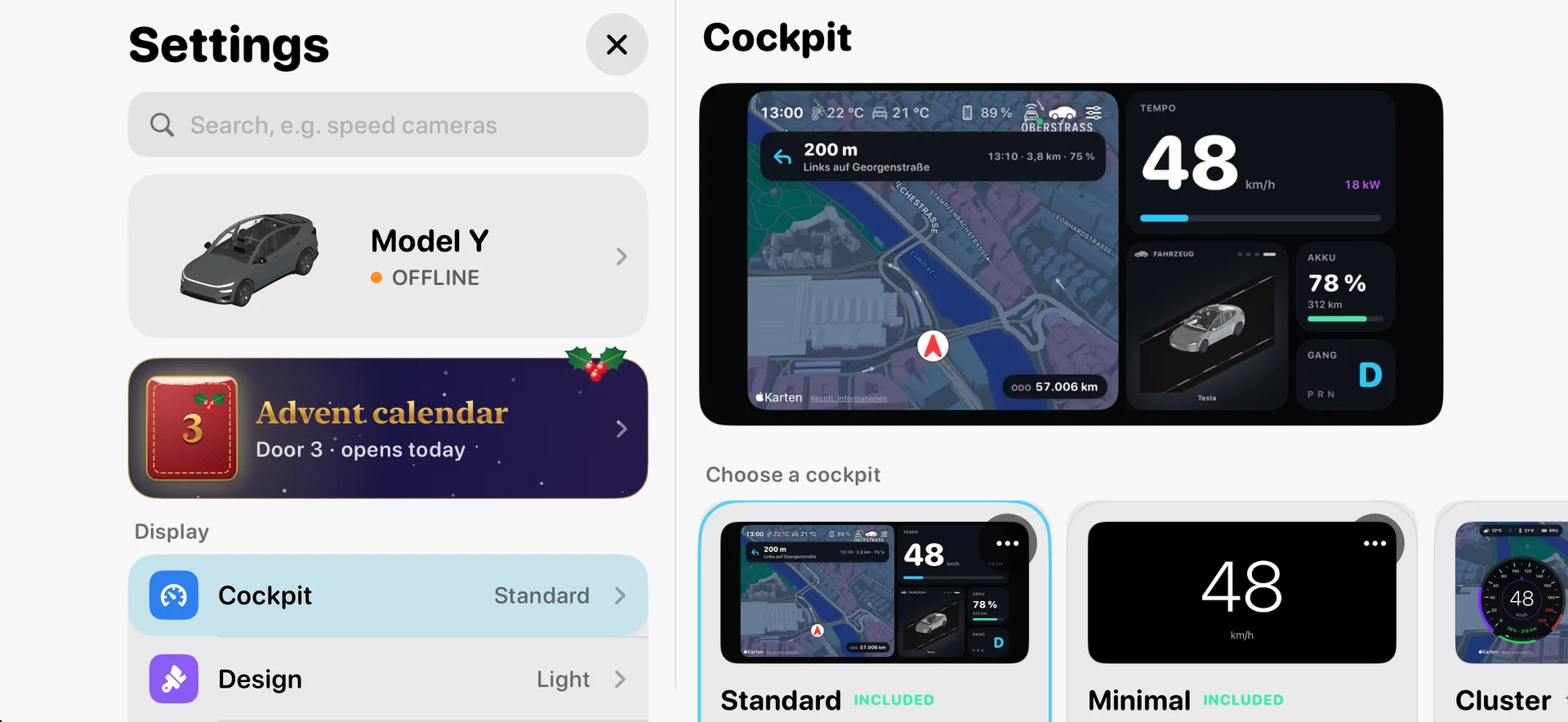
As soon as you have 1.1.19, you'll see the calendar: in Settings, right below your vehicle, there's the “Advent calendar” card. A tap opens its page with all 24 doors. You don't need to turn on the Christmas look for it.
How it works
Each door opens at a random time between 8 am and 8 pm, at the same minute for everyone, and stays open until midnight. Nobody knows the time in advance.
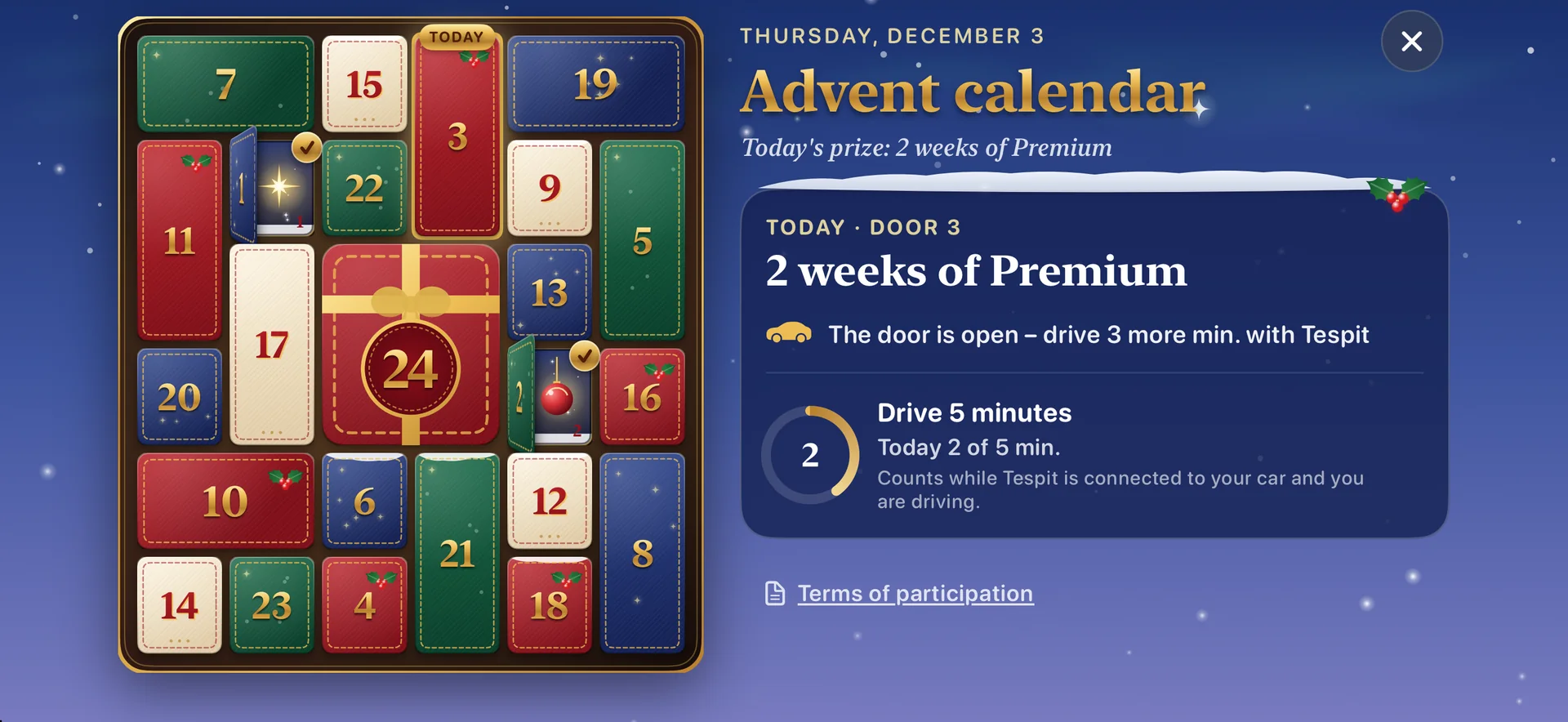
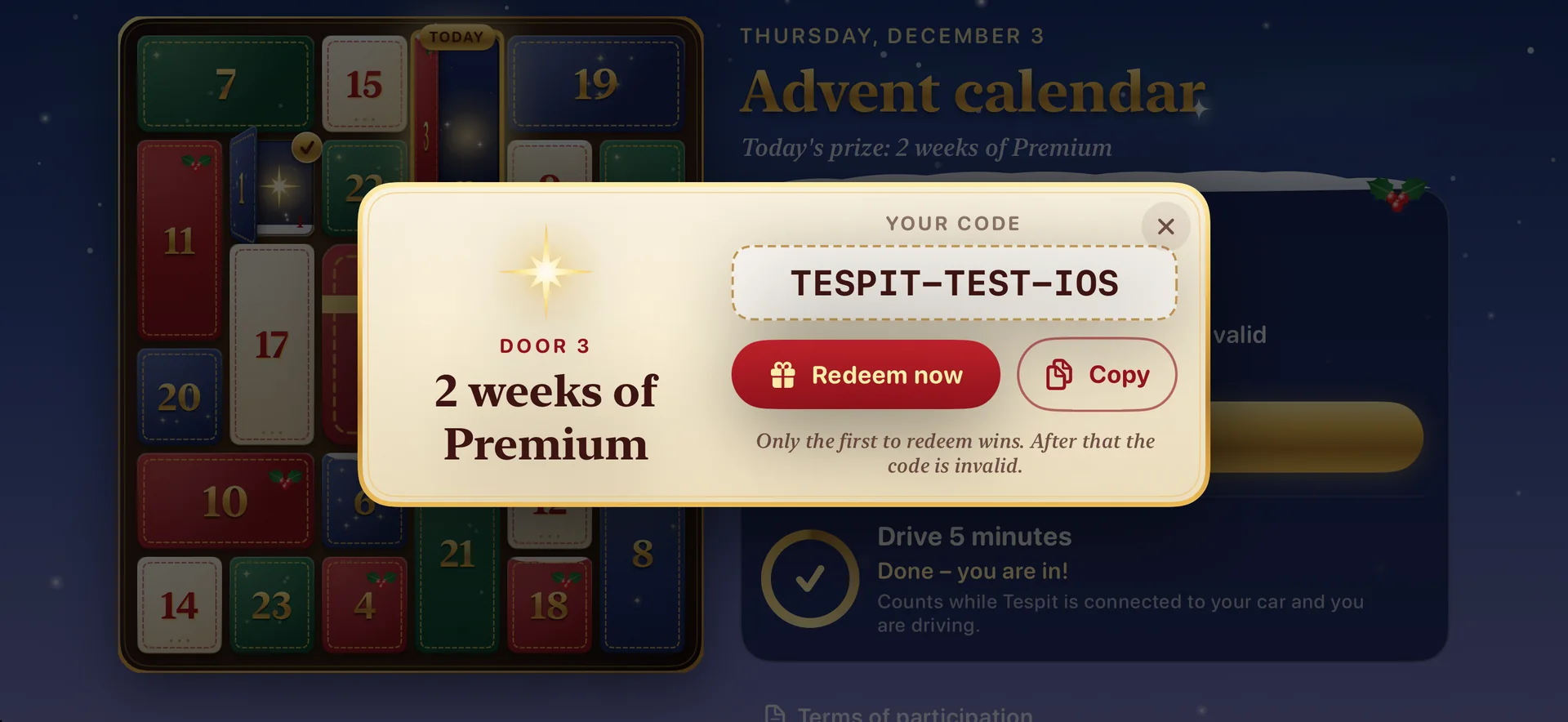
You can take part if you've driven with Tespit for at least 5 minutes on the same day. Then the door opens and shows the code with “Redeem now” and “Copy”. There is one code per day and platform: whoever redeems it first wins. After that it's no longer valid.
Fixes
1.1.19 also fixes bugs that were reported.
Pictures: iPhone simulator with Tespit 1.1.19 and sample values, in German and English. Other languages show the English pictures.
The update is now on the App Store and Google Play. Don't have Tespit yet? Download it here.